
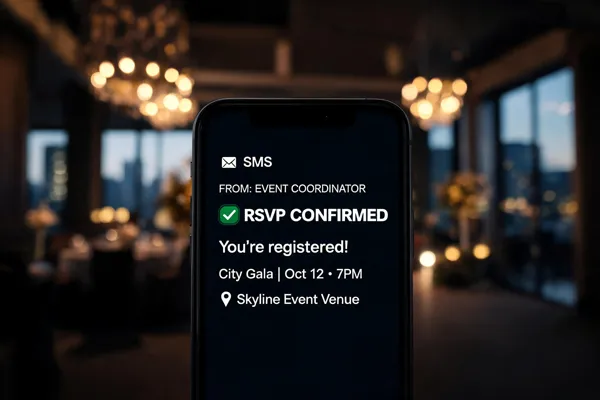
Why SMS Reminders Matter
Unmatched Open Rates and Speed
Most people see a text within minutes, often seconds. SMS open rates consistently top 98%, while email typically hovers around 20-30%. This is because a text message lands directly in the recipient's personal inbox, not a filtered spam folder. When you need to deliver an important event reminder, this near-instant visibility is critical.
Low Cost, High Impact
A single SMS reminder is incredibly cheap. The cost of automated text reminders is roughly $0.14 per message, making it significantly more economical than manual phone calls (which can cost over $0.90 per call). The return on investment is also substantial: research shows that simple text reminders can increase first-session attendance by 12% and reduce no-shows by up to 50%. For a nonprofit or school on a tight budget, this is a simple way to drive real results. | Channel | Open Rate | Cost per Contact | Time to Read |
|---|---|---|---| | SMS Text | 98% | ~$0.14 | Under 5 minutes | | Email | 20-30% | Variable | Hours to days | | Phone Call | N/A | ~$0.90 | Minutes (if answered) |
Evidence from Education: Personalized Attendance Messages
How much can personalized messages reduce student absenteeism?
Research from 47 rural districts (41,468 students) found that personalized text, email, robocall, or letter reminders reduced student absences by 1.7% to 4.4% over the school year.
Even this modest drop had real impact. For students with a history of chronic absence, the reduction reached 3.5 to 7.3 percentage points. Text reminders sent to parents lowered the overall chronic-absence rate from 20.5% to between 17.1% and 18.1%.
The effect wasn't just academic. In a separate adult literacy program, text reminders produced a 7 percentage point boost in attendance over the full year and increased exam pass rates by 8 percentage points.
What does it cost per student?
The intervention cost roughly $4.00 per student (about $4.07 in the study). That covers an automated messaging platform, staff time, and message delivery.
SMS costs are especially low compared to phone calls. Automated text reminders cost roughly €0.14 ($0.15) each versus €0.90 ($0.95) for manual phone calls. Even with multiple messages per student, the total remains affordable for schools and nonprofits.
What should each message include?
Core components defined in the research:
- Personalization: student name and caregiver name
- Attendance status: number of cumulative days absent
- Goal setting: a clear attendance target (e.g., "attend school every day this month")
- Importance: a short statement on why attendance matters
- Connection invitation: contact information for school staff
How does the implementation workflow work?
Messages are sent about one month after the school year starts and every 4–6 weeks after that (at least six per year). Two templates are recommended:
| Student Absence Level | Message Type | Key Content |
|---|---|---|
| 2+ days absent | Goal‑setting | Attendance status, target, and offer to connect with staff |
| 0‑1 days absent | Celebration | Positive reinforcement and encouragement to keep it up |
Implementation requires an automated platform integrated with the student information system for real‑time attendance data. A designated staff member manages the messaging system, responds to caregiver replies, and monitors delivery.
Do messages need opt‑in?
Yes. Under the Telephone Consumer Protection Act (TCPA) and similar regulations, explicit opt‑in is required for automated SMS. Best practice uses a double opt‑in process: initial consent via a web form, keyword (e.g., text "JOIN"), or in‑person sign‑up, followed by a verification message. Every message must include an easy opt‑out option (e.g., reply STOP).
Proven Strategies for Boosting Event Attendance
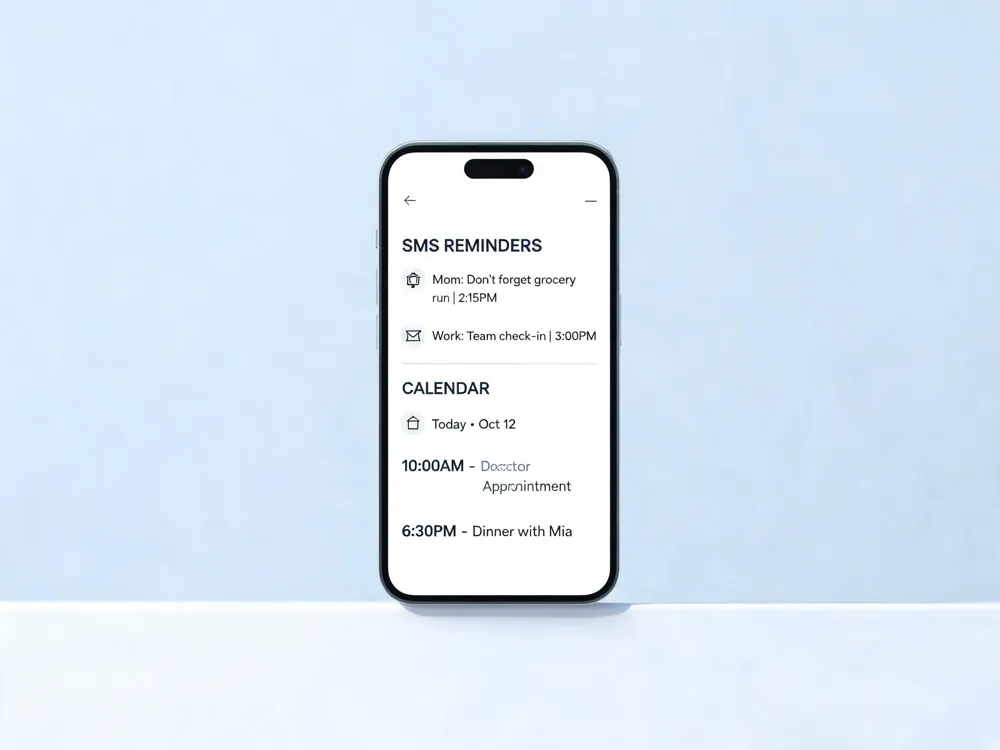
What are proven strategies for increasing event attendance?
Start by choosing events that genuinely align with your audience's interests. If you're a school, focus on events that tie back to student success or community building. For nonprofits, prioritize activities that directly support your mission. Inviting your current supporters—volunteers, donors, active members—is a powerful first step. These individuals already trust you and are more likely to attend and bring others.
Targeting your highest-capacity donors for exclusive events can also yield strong results. These gatherings require strategic planning but often lead to deeper engagement and larger gifts. To make this work, offer early-bird pricing or member-only discounts to create a sense of urgency and value. Ensure your registration process is seamless, preferably mobile-friendly, to remove friction.
How can I attract attendees to my event?
Personalization is your most effective tool. Segment your email list and tailor messaging to different groups—new members, past attendees, lapsed supporters. Go a step further by using video invites. A short, authentic video from your director or a key volunteer can create an emotional connection that text alone cannot.
Use ad retargeting to re-engage website visitors who didn't register. Pair this with a social media campaign that builds excitement through countdown posts, behind-the-scenes content, and attendee testimonials. Co-marketing with sponsors or partner organizations can also expand your reach. They promote your event to their audience, providing free, trusted exposure.
Pay attention to timing. Schedule popular events before major holidays to capitalize on seasonal enthusiasm. Sending your first reminder 2-3 weeks ahead, a follow-up 3-7 days prior, and a final prompt the day before or morning of, has been shown to boost on-time attendance by up to 18%. For voluntary programs, simple text reminders sent 24-48 hours before increased first-session attendance by 12% compared to no reminders.
Finally, analyze digital analytics from past events. Which channels drove registrations? What messaging worked best? Use this data to refine your next campaign. Continuous improvement, grounded in audience data, is the key to turning low turnout into packed houses. By blending audience alignment, targeted communication, strategic incentives, and data-driven timing, you can build a reliable framework for higher attendance at every event. You're not just filling seats; you're building a community that shows up.
| Strategy | Key Action | Expected Outcome |
|---|---|---|
| Audience Alignment | Choose events that match supporter interests | Higher engagement and repeat attendance |
| Segmentation & Targeting | Tailor messages for new vs. existing supporters | Up to 20% higher click-through rates |
| Strategic Timing | Send a 3-step reminder sequence (2-3 weeks, 3-7 days, 1 day before) | Up to 18% increase in on-time attendance |
| Co-Marketing | Partner with sponsors to share promotion duties | Expanded reach to new, trusted audiences |
Polite Reminder Templates that Convert
Warm Greeting: The First Step in Any Effective Reminder
Start by making the recipient feel personally valued. A simple, “Hi [Name], it’s [Organization Name] here!” instantly humanizes the message. This friendly opening sets a cooperative tone, signaling that the reminder is helpful rather than demanding. Personalization tokens, like the recipient’s first name, are crucial; industry data shows they can raise click-through rates by up to 20% compared to generic greetings.
Key Event Details: Keep It Clear and Concise
Busy families and donors don't have time to parse long messages. Immediately after the greeting, state the essential logistics: event name, date, time, and location. For virtual events, include the access link. Remember, SMS messages are often read in under 160 characters, so use clear language. For example: "Just a heads-up: [Event Name] is tomorrow, March 15th, at 6 PM in the Main Hall." Accuracy here prevents confusion and reduces last-minute calls to staff.
Tone and Appreciation: A Light Touch for Better Engagement
The tone should be warm and appreciative, not demanding. Phrases like “We’re so excited to see you!” or “Thank you for registering!” foster a positive connection. This is especially effective for school and church events where community feeling is key. Research from the STREAMS evaluation found that simple, friendly reminders were more effective at boosting first-session attendance than messages packed with motivational graphics or testimonials.
Clear Call-to-Action: Drive Immediate Responses
Every reminder needs a single, obvious next step. Common CTAs include “Reply YES to confirm,” “Show this text at the door,” or “Click here for parking details.” A clear CTA is not just polite; it’s practical. It allows you to track engagement and gives the recipient an easy way to respond. Two-way SMS, where someone can simply reply “YES,” has been shown to reduce no-shows by up to 25% by providing real-time confirmation.
Timing of Delivery: When to Send for Maximum Impact
Timing is about respect. Sending a reminder too early (weeks out) gets forgotten; sending it too late (hours before) may not be read. Multiple studies confirm that sending a reminder 24 to 48 hours before an event is the “sweet spot.” This window feels helpful without being intrusive. For high-stakes events, a sequence works best: one message a week prior and a final reminder the day before. This structured approach has been shown to increase on-time attendance by 18%. Always avoid sending texts late at night or very early in the morning. Keep the tone light and the timing precise, and your polite reminder will convert interest into attendance. | Component | Best Practice | Example | Why It Works |
| :--- | :--- | :--- | :--- | | Warm Greeting | Personalize with recipient's name | "Hi Maria!" | Increases open rates & builds rapport | | Key Details | Include date, time, location, & link | "Art Show is March 15th, 6 PM at Main Hall" | Prevents confusion & provides clarity | | Tone | Friendly, appreciative, & professional | "We can’t wait to see you there!" | Fosters positive community feeling | | Call-to-Action | Single, clear next step | "Reply YES to confirm your seat" | Drives immediate, trackable engagement | | Timing | Send 24-48 hours before event | "Reminder for tomorrow's event..." | Feels helpful, not intrusive, improves recall |
HIPAA and Compliance for Appointment Texts
Are text appointment reminders HIPAA compliant? Yes, they can be, but compliance requires more than a simple text. The Health Insurance Portability and Accountability Act (HIPAA) permits appointment reminders without prior patient authorization because they serve a treatment purpose. However, the message must be carefully crafted to limit the disclosure of Protected Health Information (PHI). Basic reminders that include only the patient's name, appointment date, time, and provider's name are generally acceptable. Information such as test results, diagnoses, or specific treatment plans must never be included in the text itself.
What are the required safeguards? To ensure HIPAA compliance and adhere to the Telephone Consumer Protection Act (TCPA), organizations must implement several key safeguards. First, you must obtain the patient’s express written consent to receive text messages. Second, every message must include a clear and easy way to opt out, such as replying "STOP." Third, you must inform patients of the potential privacy risks of texting. Finally, access to the platform sending the messages must be strictly controlled. This means using unique user IDs and passwords, and ideally, additional authentication steps to prevent unauthorized access to patient contact lists and messaging logs.
What about the TCPA consent requirements? The TCPA mandates that organizations have prior express consent before sending automated text messages to a mobile phone. For healthcare, this is often obtained during patient intake or through a specific online form. The consent must be documented and clearly state the types of messages the patient will receive. Without this documented consent, sending an appointment reminder could violate the TCPA, leading to significant fines. The opt-out mechanism provided in the message must also be honored immediately, and consent cannot be a condition for receiving medical treatment.
| Requirement | Action Needed | Key Detail
|-| | HIPAA Safeguard | Limit message to basic info (name, date, time, provider) | Never include diagnoses, test results, or treatment plans.| | TCPA Consent Requirement | Obtain express written consent before first message | Document consent and the types of messages allowed.| | Limited PHI Disclosure | Only share appointment details necessary for the reminder | Avoid discussing medical history or condition in the text.| | Opt-Out Mechanism | Provide a simple, clear way to stop messages (e.g., "Reply STOP") | Honor opt-outs immediately and include in every message.| | Access Controls | Use unique user IDs and extra authentication for the platform | Prevent unauthorized staff from viewing patient contact lists and message logs.|
Digital Notifications: What Research Shows
What Do Systematic Reviews Reveal About Digital Notifications?
A 2016 systematic review and meta-analysis of 26 studies provides a clear verdict. Electronic text notifications boost clinic attendance by 23% compared to no reminder, with a 67% attendance rate for those receiving texts versus 54% for those who did not. This robust evidence base spans multiple continents and study designs.
What Is the Impact on No‑Show Rates?
The same review found a 25% reduction in no‑show rates for patients who received text reminders (15% vs 21%). That is a substantial cut in missed appointments. For a nonprofit, a 25% drop in no‑shows can mean fuller programs and better resource use, turning outreach from a cost into a clear gain.
Does Sending Multiple Reminders Make a Difference?
Yes, and significantly so. Multiple text reminders boost attendance by up to 25%, whereas a single message only lifts attendance by about 6%. This finding aligns with practical advice from many sources: a staggered sequence—for example, one week, one day, and a few hours before an event—works best.
Voice or SMS: Which Is More Effective?
The meta‑analysis found that voice call reminders performed slightly better than text reminders, with an 8% risk difference favoring voice. SMS messages are far cheaper to send at scale—costing about 14 cents each versus 90 cents for manual calls—making them the practical choice for most organizations.
| Reminder Type | Relative Attendance Boost | Cost per Contact | Best For |
|---|---|---|---|
| Single SMS | 6% | Very low (approx. $0.14) | Low‑effort nudges |
| Multiple SMS | Up to 25% | Low (approx. $0.42 for 3 messages) | High‑priority events |
| Voice Call (automated) | Slight edge over SMS | Moderate (approx. $0.14 | Audiences with lower text literacy |
| Voice Call (manual) | Highest (≈39% no‑show reduction | High (approx. $0.90 | Critical one‑on‑one outreach |
Overall, the evidence is consistent: personalized, timely, and repeated SMS notifications significantly improve attendance across both healthcare and educational settings.
Cost‑Effectiveness & ROI of SMS Campaigns
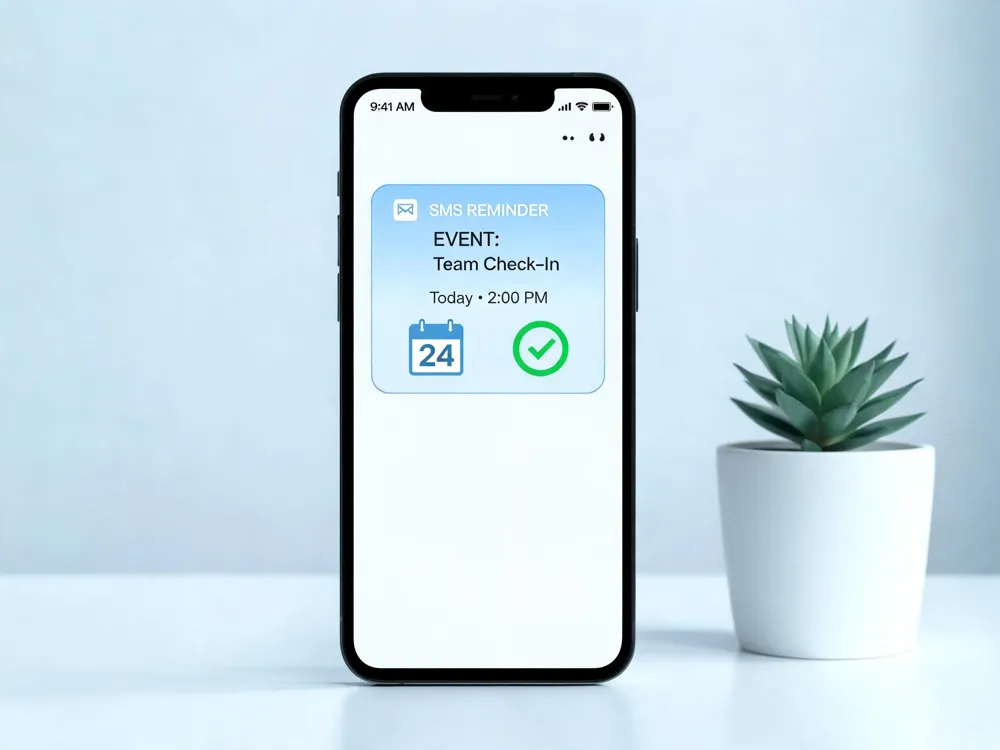
How much does an SMS reminder campaign actually cost?
Data from the nationwide study shows personalized messaging costs about $4 per student per academic year. That figure includes messaging for the entire year, not just a single reminder.
Compare that to the alternative: manual phone calls cost around €0.90 (roughly $0.98) each, and they require staff to dial, leave voicemails, or chase people down. SMS, by contrast, runs about €0.14 ($0.15) per reminder.
Where does the real savings come from?
SMS is significantly cheaper than phone calls or physical mail. One cost-effectiveness study found SMS reminders cost 55–65% less per attended appointment than telephone call reminders.
For a nonprofit or school with a tight budget, that difference matters. If an organization sends six reminders per year to 1,000 families:
| Method | Cost per contact | Annual cost (1,000 contacts) |
|---|---|---|
| Manual phone call | ~$0.98 | ~$5,880 |
| SMS reminder | ~$0.15 | ~$900 |
| Mailed letter | ~$0.55 (postage + paper) | ~$3,300 |
What does ROI look like when attendance goes up?
The real return comes from reducing no-shows. Studies show SMS reminders cut non-attendance by up to 29% compared to baseline. If a single missed event costs your organization $50 in lost donations or ticket revenue, then recovering even 10 of those no-shows saves $500—more than the entire cost of the SMS campaign for those 1,000 contacts.
How do you measure that ROI?
Track these metrics:
- Delivery and open rates: SMS typically hits 98% open rates within minutes.
- Attendance conversion: Compare RSVP confirmations to actual check-ins.
- Cost per attended participant: Divide total campaign cost by actual attendees.
Automated SMS platforms integrate with CRM systems to provide real-time dashboards. You can see exactly which reminders led to a confirmed seat versus a no-show.
| Metric | SMS | Phone | |
|---|---|---|---|
| Open rate | 98% | 25% | N/A |
| Cost per 1,000 contacts | ~$150 | $0-$50 | ~$980 |
| Attendance lift | 12–18% | 5–10% | 10–15% |
For most nonprofits, the initial $4-per-student investment pays for itself within one or two events.
Implementation Best Practices for Nonprofits & Schools
Automated Platform Integration
To launch an effective SMS attendance campaign, ditch the manual spreadsheets. You need an automated messaging platform that integrates directly with your student information system (SIS) or CRM.
Real‑Time Attendance Data Pull
This integration pulls real-time attendance data, so you're sending personalized, up‑to‑date information on days missed, not stale numbers.
When your system can calculate cumulative absences in real time, you can trigger the right message automatically. For example, a student with two or more absences gets a goal‑setting text, while one with perfect or near‑perfect attendance receives a celebration message.
This data integration ensures every message is relevant and timely, which is the core of personalization.
Contact List Hygiene
Your entire campaign fails if the phone numbers are wrong. Before you send a single text, ensure caregiver contact information is accurate and permission (opt-in) has been secured.
A clean contact list is non‑negotiable. Regularly update it through online forms, event sign‑ups, and text‑to‑join keywords. Accurate data means your message actually reaches the right person.
Two‑Way RSVP and Segmentation
Don't just broadcast; open a conversation. Two‑way SMS allows recipients to reply to confirm or cancel their attendance. This gives you real‑time headcounts and reduces no‑shows.
Segmentation takes this further. Instead of a generic blast, send different messages to different groups: a VIP reminder for regular donors, a
Take the Next Step with Evant
Key Takeaways from Personalized Reminders
The evidence is clear: personalized text reminders work. Across education and healthcare, they have reduced absenteeism by 1.7% to 4.4% and cut no-show rates by up to 50%. The core components—student names, attendance status, goal setting, and a clear invitation to connect—are simple to implement but powerful in their effect, especially when messages are sent every 4-6 weeks.
Your Action Plan
Start by gathering accurate caregiver contact information and integrating your SMS platform with your student information system (SIS). Dedicate a staff member to oversee the messaging, respond to inquiries, and schedule messages. Use the two proven templates: a celebration message for students with 0-1 absences and a goal-setting message for those with 2+ absences.
Get Started with Evant
Evant’s platform makes this process effortless. Our automated workflows, CRM integration, and real-time analytics handle the heavy lifting, allowing you to focus on what matters: reconnecting with families. Book a demo today to see how we can help you boost attendance and strengthen community ties.{
Related Blogs



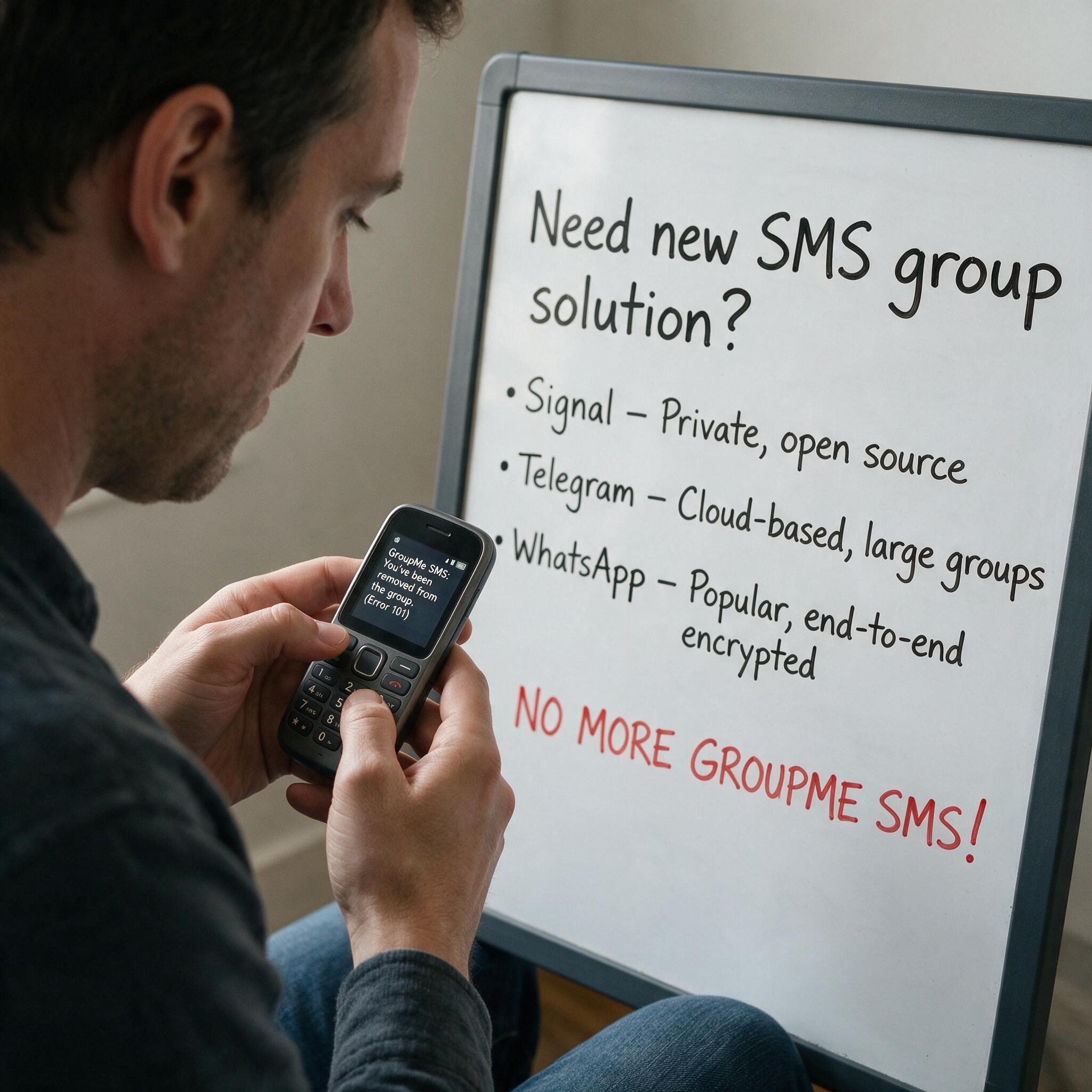
Got Kicked Out of GroupMe? Look to Evant.
Michael PedoeemGot Kicked Out of GroupMe? The Best GroupMe SMS Alternative for Jewish Communities