
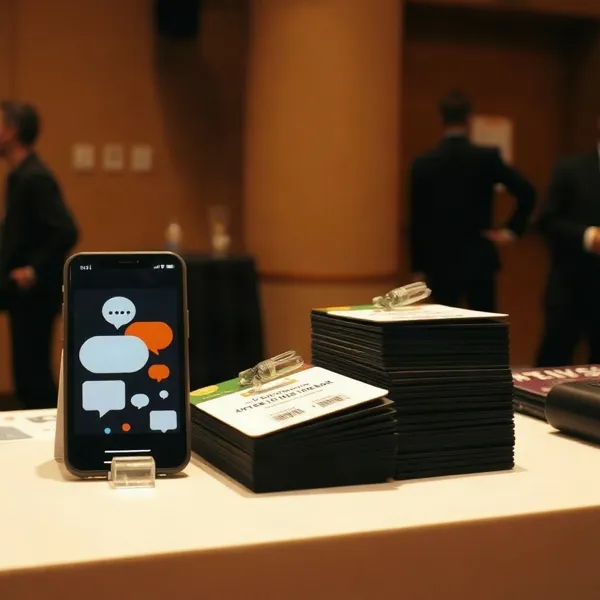
The RSVP Is a Moment of Friction
Invitations are sent. Then the waiting begins. An unanswered RSVP leaves an organizer guessing about attendance, food, staffing, and whether the venue can accommodate everyone. For a nonprofit or school event, that uncertainty can turn simple planning into a string of follow-up tasks.
Text messaging can make the next step easier to spot: a short invitation or reminder can ask someone to reply or tap an RSVP link without searching through an inbox. Evant brings SMS RSVPs together with event check-ins, targeted messaging, and analytics, so organizers can connect the invitation to the event-day process.
That does not mean texts always produce more completed RSVPs than email. General SMS marketing figures describe broad campaigns, not event responses. A NonProfit PRO overview of SMS for nonprofits describes texting as one option for event sign-ups, updates, and reminders, but does not establish that it beats email for RSVP completion.
Use SMS for concise, time-sensitive prompts and quick replies. Keep email for the full invitation, agenda, and details guests may need to revisit. Then compare delivered messages, replies, completed RSVPs, and attendance across your own events. Those results, not general marketing benchmarks, can show which approach fits your community.
Why Text Fits the RSVP Moment

A text can put a short RSVP request right on someone’s phone, where it is easy to notice and answer. That makes SMS a natural fit when a deadline is near or an event detail changes. Evant supports SMS RSVPs and targeted event messaging, so organizers can connect a brief prompt with the response workflow.
You may see claims that texts have higher open rates than email, but those figures vary by source and are not the same as completed RSVPs. A message being seen does not prove that someone replied, finished an RSVP, or attended. One nonprofit overview describes SMS for event management and follow-up, but does not establish that texts produce a higher RSVP rate than email; see SMS’s role in nonprofit event management.
Is SMS still a useful communication channel for nonprofits and schools?
Yes, when it serves a clear purpose. A short text can request a confirmation, share a timely reminder, or let attendees ask a question. Evant’s SMS tools also support event check-ins and targeted messages, which helps keep communication connected to event operations.
Email can carry the full invitation, agenda, and practical details. A text can prompt a quick response or flag an approaching deadline. Used together, they give people both the context and the convenient next step.
Keep texts concise, identify the organization, and make the requested action clear. Get appropriate consent before messaging and honor opt-outs. The goal is not to send more messages, but to make the next useful action easy to understand and complete.
Make the Invitation Easy to Answer
A useful invitation text answers the questions a guest needs to decide: who is inviting them, what the event is, and when and where it will happen. Add the cost and other practical details, then say why the event may matter to that person. A personal greeting or a specific reason to attend can make the invitation feel relevant rather than mass-produced.
Keep the message focused on one action. Ask guests to reply YES or NO, send a specific keyword, or tap a direct link. A link can carry the longer details, so the text itself stays brief. This approach also pairs well with email: as NonProfit PRO notes in its discussion of SMS event management, email can carry fuller instructions while a text prompts a quick response.
For a linked RSVP, send guests to a mobile-friendly page with only the fields the event requires. That might mean attendance, guest count, dietary needs, or accessibility requests. Unnecessary questions add effort and may leave people unsure whether they need to finish the form. A browser-based page also lets guests respond without downloading an app.
Once someone responds, send a confirmation that records their choice and shares useful event details, such as directions or a way to update their RSVP. Direct text replies and link submissions should feed into one live response record, giving organizers a current headcount and a clear view of who still needs a follow-up.
For nonprofits and schools managing invitations alongside event check-ins and targeted messages, Evant brings SMS RSVPs and event-management tools into the same workflow. Whatever tool is used, keep the invitation easy to act on, send it only to people who have agreed to receive texts, and make opting out clear.
Remind Without Creating Fatigue
An effective RSVP reminder makes the next step feel easy, not like another task. Name your organization and the event, include the date and RSVP deadline, then ask for one clear action: reply YES or tap a direct link.
For example: “Hi Maya, this is Northside Community Center. Join us for the neighborhood dinner on May 18. Please RSVP by May 10: reply YES or confirm here.” Keep the tone warm and the details useful. A reminder should help someone decide, not pressure them into responding.
Avoid sending every follow-up to the full guest list. Target invitees who have not responded, and personalize the message when you have a name or relevant detail. With Evant, organizers can track SMS replies alongside event communications, helping them distinguish confirmed guests from people who still need a prompt.
Timing depends on the event, audience, and deadline. Plan a reminder early enough to give people time to respond, and send it during reasonable local hours. A school meeting may need a different sequence from a fundraiser or church gathering, so treat suggested schedules as starting points, not fixed rules. Coordinate SMS with email, too, so recipients do not get duplicate nudges across channels.
Use delivery information, link clicks, and replies to spot failed messages and identify who still needs follow-up. If an important guest has not answered near the deadline, a personal phone call may be more considerate than another automated text. Watch opt-outs as well: they can signal that messages are too frequent or not relevant. Evant’s event messaging and analytics can help teams connect responses with planning, while keeping each reminder purposeful.
Connect RSVPs to Event-Day Logistics

An RSVP is more useful when it informs the work happening behind the scenes. A current headcount can guide seating, catering quantities, volunteer assignments, and decisions about whether a venue is nearing capacity. An SMS event workflow can also send updates based on each person’s RSVP status, keeping confirmed guests and nonresponders from receiving the same message.
For nonprofits and schools, Evant brings SMS RSVPs, event check-ins, targeted messaging, CRM integration, and analytics into an event-management platform. When assessing any platform, check whether RSVP records and attendance data can stay connected, and whether the tools support reporting and the integrations your team needs. SMS event-management workflows can also coordinate messages with RSVP status and updates across connected systems, as described by NonProfit PRO’s overview of SMS in nonprofit strategy.
A confirmation text can reassure a guest that their reply was recorded. Before the event, send practical arrival details such as parking, the entrance to use, or what to expect at check-in. If the venue or schedule changes, a short, timely message can help attendees and volunteers adjust without searching through an old email.
Two-way replies can answer common questions and flag issues for staff. A keyword response or automated prompt may help confirm attendance or route a request, while a shared inbox gives the team one place to review incoming messages. These are capabilities to look for in an event platform, not assumptions to make about every tool.
At check-in, staff can compare arrivals with the RSVP list and keep attendance records current. Afterward, separate follow-ups can thank attendees and share resources, while people who registered but did not attend can receive a considerate note or a later invitation. Linking RSVP and check-in information makes it easier to understand participation and plan the next event. Keep texts relevant, obtain the appropriate consent, and honor opt-outs.
For a practical next step, map the journey from invitation to arrival, then decide which details belong in a text and which need a longer email. See how RSVP information can support event-day logistics, including headcounts, seating, catering, and volunteer planning.
Choose Tools That Keep the Journey Together
An event platform should do more than send invitations. Check whether it connects registration or ticketing with SMS RSVPs, reminders, check-in, and follow-up, so staff are not rebuilding the guest list at every step. Evant brings SMS RSVPs, event check-ins, targeted messaging, CRM integration, and analytics into its nonprofit event workflow.
Look for scheduled or automated messages, audience segments, and personalization. These features help a church send volunteers their arrival details while members receive a different reminder. Two-way replies matter, too: guests may need to ask a question or update an RSVP without calling the office. Confirm that the platform supports clear consent records and opt-out handling before sending texts.
CRM integration can reduce duplicate data entry and keep attendee, volunteer, and supporter records aligned across connected systems. An event RSVP or check-in should not leave staff reconciling separate spreadsheets after the event. SMS workflows can also be coordinated with other communication: NonProfit PRO’s overview of SMS in nonprofit strategy describes using email for detailed volunteer instructions and text replies to confirm that they were received.
Reporting should cover registrations, RSVP status, attendance, message engagement, and fundraising results when relevant. Make sure the numbers answer practical questions: who has not replied, who checked in, and which messages led people to act? Evant’s analytics can help organizations review event engagement alongside its RSVP and check-in workflows.
Finally, compare ease of use, support, and pricing with the events you actually run. A small community gathering may not need the same features as a ticketed fundraiser or school-wide event. Test the workflow with a real event before expanding it, and judge the platform by whether staff can manage the work and attendees can respond easily, not by the length of its feature list.
Turn Community Messages Into Participation
An event message can do more than collect an RSVP. It can help someone take the next step, whether that means registering, volunteering, finding the right entrance, or sharing feedback afterward.
How can nonprofits use SMS to engage their communities? Send timely invitations and reminders, then keep communication useful as the event approaches. A text might share a schedule change, check-in instructions, or directions. Afterward, a thank-you and short survey can keep the conversation going. NonProfit PRO’s overview of SMS in nonprofit strategy describes event updates and staged messages tied to attendee responses.
Make each message fit its audience. Volunteers may need arrival times and task instructions, while attendees need parking details or a room change. Targeting by role, interests, or past participation helps avoid sending everyone information they do not need. Evant supports targeted messaging alongside event check-ins, so teams can connect communications with on-site logistics.
Give people a direct route to act. A registration link, donation form, or longer resource can sit behind a concise text, while an open invitation to reply makes the exchange more than a broadcast. Replies can answer questions or confirm details; quick polls and post-event surveys can give organizers useful feedback.
SMS works best as part of a coordinated communication plan, not as a replacement for email or social media. Email can carry fuller instructions, while a text can prompt a timely response. Evant’s CRM integrations and analytics help organizations connect messages with contact and engagement records, making it easier to review what supporters actually did.
Trust depends on sending messages people have agreed to receive, honoring opt-outs, and keeping each text relevant and appropriately timed. When communication respects those boundaries, it can make participation easier without treating attention as an entitlement.
Measure Completed Actions, Not Assumed Attention
A message being delivered is not the same as an RSVP, and an RSVP is not the same as attendance. Start by choosing the outcome that matters for the event: completed registrations, confirmed RSVPs, volunteer sign-ups, or check-ins.
Then track the steps between sending and showing up. Record delivered messages, replies, link clicks, completed RSVPs, event-day check-ins, and opt-outs. Opens and broad marketing benchmarks can offer context, but they do not tell you whether people took the action you needed.
Two simple calculations make campaign results easier to interpret: divide completed RSVPs by delivered messages to see how often a delivered text led to a response, then divide attendees by confirmed RSVPs to see how often a confirmation became attendance. If campaign costs are available, compare them with completed RSVPs or attendees, rather than judging value by message volume alone.
For nonprofits and schools, connecting SMS records with CRM or event data helps show whether a reply became a registration or check-in. NonProfit PRO’s overview of SMS event management describes workflows that link attendee responses, reminders, and constituent records. Evant combines SMS communication with CRM integration and event analytics, giving organizers a way to review participation alongside event activity.
Make comparisons fair by keeping the same definitions and measurement window across campaigns. Compare similar audience segments, and remember that people who opted in to texts may differ from an email audience. Your organization’s own past results are more useful than treating a general industry figure as a promise of RSVP performance.
Use what you learn to adjust message wording, timing, audience selection, or follow-up. If clicks are healthy but RSVPs are low, simplify the response step. If confirmed guests are not checking in, review reminders and event-day logistics. Watch opt-outs as well: a rise may signal that messages are too frequent or not relevant. For more on connecting response data to participation, see how to measure completed actions.
Consent Is Part of the Event Plan
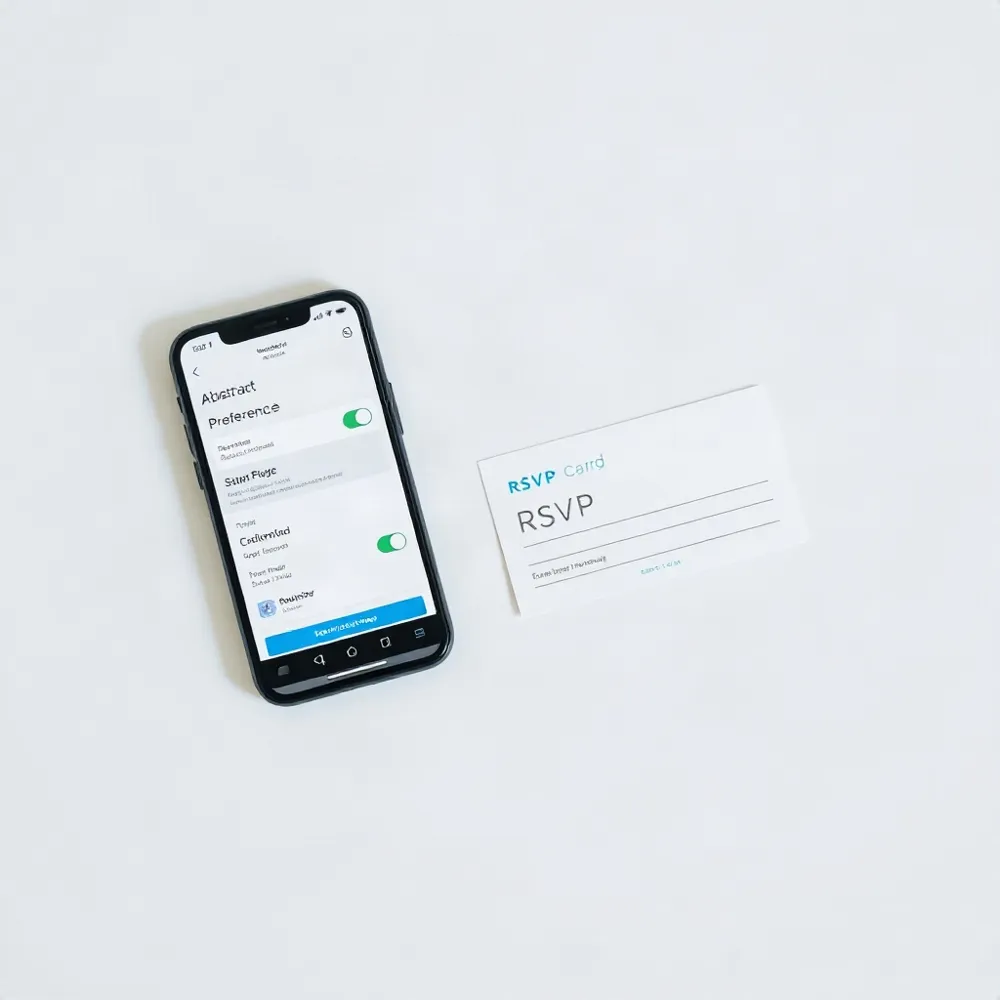
Consent belongs in the event plan from the start, not in a cleanup task after invitations are written. Decide how people will opt in, what kinds of texts they will receive, and how your team will record their preferences. Nonprofit PRO’s 2017 overview includes opted-in event updates among SMS uses, a reminder that permission is part of the channel, not an optional extra (NonProfit PRO’s SMS guidance).
For U.S. organizations, requirements can depend on the message and the circumstances. An event invitation with a promotional purpose may be treated differently from a practical update about a registered attendee’s schedule. TCPA rules may apply, but this is not legal advice: check current federal, state, carrier, and provider requirements before sending.
Make it easy to stop messages, honor opt-outs promptly, send at reasonable local hours, and identify your organization clearly. Keep each text relevant to the recipient’s event involvement, and coordinate texts with email so people do not receive the same prompt repeatedly. Evant’s event messaging tools support targeted communication, while organizations remain responsible for collecting and managing permission.
SMS will not suit every audience or every event. Start with a small, consented group, review replies and opt-outs, and keep email or another accessible way to receive event details. For practical consent planning, see consent and compliance essentials.
The Best RSVP Is the Easy One
A text can put an RSVP prompt or event change in front of people when timing matters. Email still has a place: use it for the full agenda, background, and details guests may need to revisit. NonProfit PRO describes SMS as one part of nonprofit event management, including reminders and updates after people sign up (SMS in nonprofit event management).
Keep the path simple: send a clear invitation, offer one direct way to respond, and follow up with people who have not replied. Connect those responses to attendance records so staff are not reconciling separate threads on event day. Evant combines SMS RSVPs, event check-ins, targeted messaging, and analytics in one event workflow.
For nonprofits and schools, the right channel mix depends on the audience and event. Test text and email with your own community, then compare completed RSVPs and actual attendance, not assumed attention from open-rate claims. Send only to people who have given the appropriate consent, and make opting out clear.
Related Blogs

Evant vs Tithe.ly Messaging: Church Texting Compared (2026)
Michael PedoeemTithe.ly bundles texting into its church management plans. Evant focuses on texting that gets a response. Here is how the two compare.
Evant vs Clearstream: Church Texting Compared (2026)
Michael PedoeemClearstream is built for high-volume church texting. Evant is built to get a response. Here is how they compare on price, calls, RSVPs, and giving.
Evant vs Text In Church: Which Is Better for Your Church? (2026)
Michael PedoeemText In Church is built for guest follow-up. Evant is built to get people to reply, RSVP, and give. Here is how the two compare in 2026.