Introduction
SMS is the most reliable way for nonprofits to reach their audiences—over 95% of U.S. adults own a mobile phone and text messages enjoy a 98% open rate, with most reads within minutes. This immediacy turns a simple invitation into a powerful RSVP tool: two‑way texting lets members confirm attendance, ask questions, and provide details like dietary needs in real time. Automated reminders sent 24‑48 hours before events boost show‑up rates by 15‑30% and cut no‑shows by up to 35%. Integrated with CRM dashboards, SMS RSVPs deliver live headcounts, streamline check‑ins, and free staff from manual tracking, making event logistics faster, cheaper, and more inclusive.
The Power of SMS for Nonprofit Communication
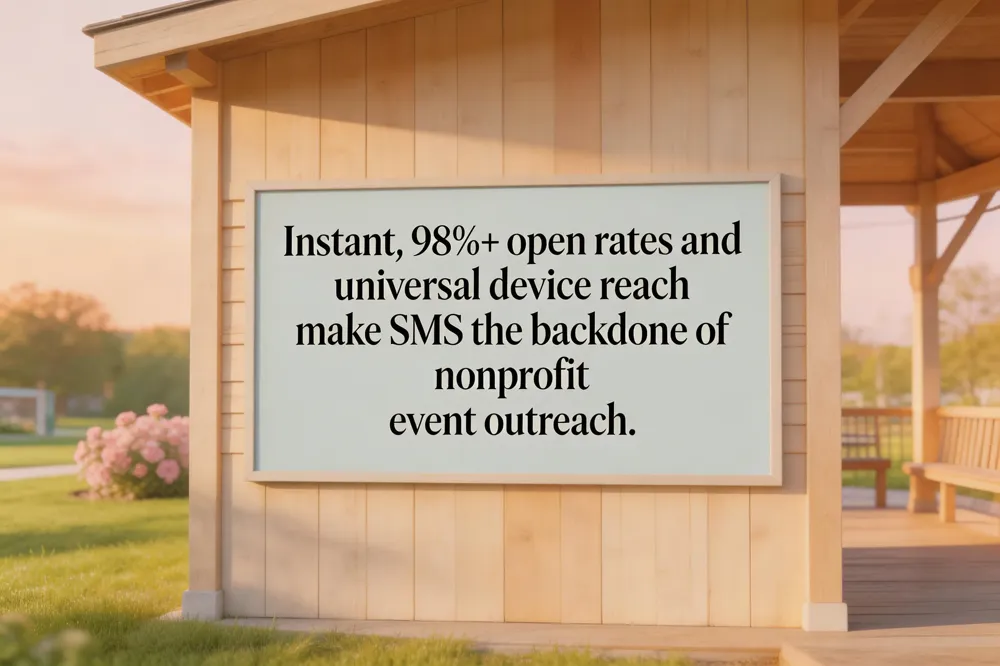
SMS messaging delivers instant, near‑instant updates because every mobile phone supports it, eliminating the need for app downloads or broadband access. Open rates consistently exceed 95 %—often 98 %—and most texts are read within three minutes, far outpacing email’s 20‑30 % rates. Low wholesale costs (often under $0.01 per message) and universal device compatibility make large‑scale outreach affordable for nonprofits of any size.
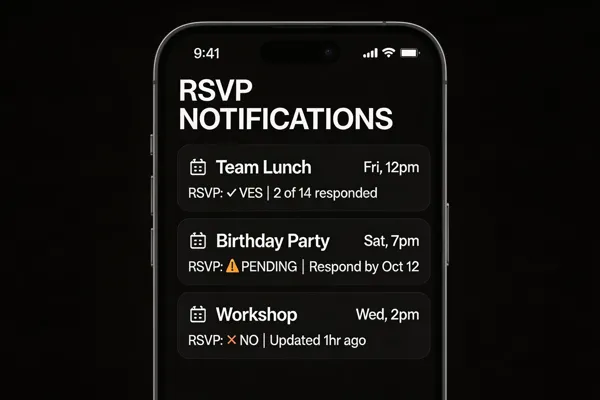
Two‑way SMS enables attendees to reply with simple keywords (YES, NO, MAYBE) for real‑time RSVP tracking, dietary notes, or last‑minute changes. Platforms such as Evant, Planning Center, and Thigmo automatically sync replies with CRMs, generating live headcounts, automated reminders, and personalized follow‑ups while remaining TCPA‑compliant.
What are the benefits of SMS for nonprofit event communication?
SMS reaches every participant instantly, boasts a 98 % open rate, and integrates with event‑management tools for automated RSVP collection, check‑ins, and targeted messaging. Its low cost and reliability allow nonprofits to run extensive campaigns without breaking budgets, while two‑way messaging and built‑in privacy controls secure personal data.
What are the advantages and disadvantages of using SMS for event communication?
Advantages: instant delivery, high open rates, no internet required, easy two‑way interaction, broad device compatibility. Disadvantages: character limits, limited formatting, reliance on mobile phones, occasional recipient‑side cost.
Collecting RSVPs via Text: Mechanics and Workflow
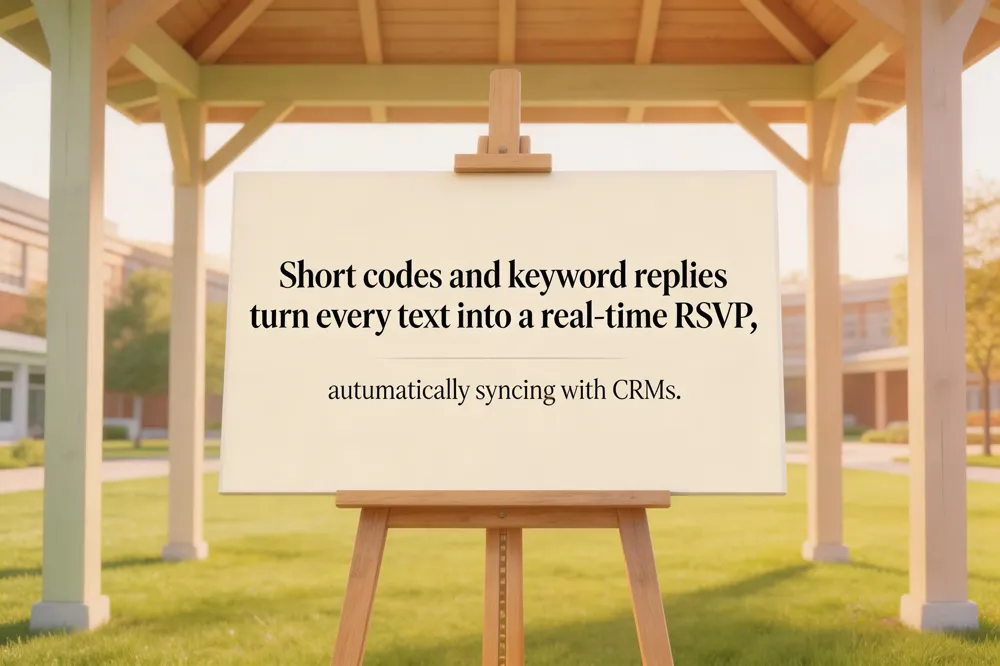
Short codes and keyword replies make SMS RSVPs effortless. Guests text a dedicated short code (e.g., 555‑1234) or a keyword such as “YES”, “NO”, or “MAYBE” and the platform instantly logs the response. Custom keywords can capture extra data—like “YES 2” for two attendees or “YES Vegan” for dietary restrictions—without manual entry.
Real‑time data capture updates the event’s headcount instantly, syncing with CRMs and dashboards so planners see accurate attendance numbers as they arrive. Automated reminders—scheduled 24‑48 hours before the event—boost response rates and lower no‑shows, while analytics display open rates, response totals, and peak reply windows.
How can organizations collect RSVP responses via SMS? Organizations use a short code or keyword that guests text; each reply is parsed, stored, and synced with the CRM. Automated reminders and analytics dashboards help adjust outreach and confirm attendance.
How can organizations create a link for RSVP via SMS? Generate a short, mobile‑friendly URL to a right RSVP form and embed it in an SMS, or use a keyword‑based flow that triggers a deep link. Track clicks and responses in real time to follow up with targeted reminders.
Crafting Effective RSVP Texts
Because SMS open rates exceed 98%, a short, clear RSVP text is the fastest way to lock in attendance for faith‑based events. What is an example of a text RSVP attendance message? “Hi [Host Name], this is [Your Name]. I’ll be attending on [Date] with [Number] guests. Yes, I’ll be there. Thanks!” This includes name, a direct “yes,” and headcount for instant tracking. What are best practices for wording an RSVP text? Keep it brief, start with a greeting and your name, state “yes,” “no,” or “maybe” clearly, add the exact guest count, and include essential details (dietary needs, plus‑one) only if allowed. Confirm the date/time to show awareness. What are some RSVP response examples for text messages? • “Hi Sarah, Alex—yes, two of us.” • “Hi Sarah, Alex—sorry, can’t make it.” • “Hi Sarah, Alex—maybe, I’ll confirm by Friday.” • “Hi Sarah, Alex—can you share parking info? I’ll reply soon.” Using these concise, personalized templates boosts response rates by 20‑30% and reduces no‑shows, while real‑time data feeds directly into CRM dashboards for seamless event planning.
Free Tools and Platforms for Event Management

When nonprofits look to streamline event planning without draining the budget, a handful of zero‑cost solutions stand out.
Zero‑cost registration tools
- Google Forms + Sheets – Create a custom RSVP form, auto‑populate a spreadsheet for real‑time headcounts, and send confirmation emails via built‑in scripts. No fees, unlimited responses, and it works on any device, even feature phones.
- Eventbrite Free Tier – Allows unlimited free‑ticket events; RSVP sign process and attendee list without paying processing fees. Integrated check‑in apps let volunteers scan QR codes on‑site.
- Evant Free Plan – Offers a mobile‑first experience with two‑way SMS RSVPs, automated reminders, QR‑code check‑in, and basic analytics. Because SMS open rates exceed 98 % and responses are captured in real time, organizers can adjust seating, food, and volunteer staffing on the fly. The free tier includes CRM sync (e.g., Salesforce, HubSpot) so data stays up‑to‑date.
- Project‑management suites (Trello, Asana, Airtable) – Their free tiers can be repurposed for task tracking, volunteer scheduling, and deadline reminders. Airtable’s grid view works well for maintaining contact lists that feed into SMS platforms.
Feature set comparison
| Feature | Google Forms | Eventbrite (Free) | Evant (Free) | Trello/Asana/Airtable (Free) |
|---|---|---|---|---|
| RSVP capture | ✔️ (form) | ✔️ (ticket) | ✔️ (SMS keyword) | ❌ (manual) |
| Real‑time headcount | ✔️ (Sheets) | ✔️ (dashboard) | ✔️ (live analytics) | ❌ |
| Automated SMS reminders | ❌ (needs add‑on) | ❌ (requires upgrade) | ✔️ (built‑in) | ❌ |
| QR‑code check‑in | ✔️ (via add‑on) | ✔️ (mobile app) | ✔️ (native) | ❌ |
| CRM integration | ❌ (manual export) | ✔️ (limited) | ✔️ (native) | ❌ |
| Cost | $0 | $0 (free tickets) | $0 | $0 |
Choosing the right platform for nonprofits
- Audience tech – If most members have basic phones, prioritize SMS‑based tools like Evant; SMS open rates exceed 98 % and replies are instant. 2. Event size & complexity – Small gatherings can be managed with Google Forms, while larger conferences benefit from Eventbrite’s ticketing and QR check‑in. 3. Data needs – For organizations that want analytics analytics and CRM syncing, Evant’s free tier provides live dashboards and seamless data flow. 4. Volunteer coordination – Pair a task manager (Trello or Airtable) with an SMS RSVP system to assign roles and send quick reminders, cutting staff hours by up to 10 % per event.
In practice, many faith‑based and community groups combine these tools: a Google Form collects initial interest, Evant handles SMS confirmations and reminders, and Trello tracks volunteer duties. This hybrid, zero‑cost stack delivers the high open‑rates and real‑time responsiveness of text messaging while keeping administrative overhead low—exactly the modern, mobile‑first approach that boosts attendance and streamlines logistics for nonprofits.
Evant’s Feature Set for SMS‑Based Event Management

Evant turns a simple text reply into an instant RSVP capture and on‑site check‑in: attendees reply with a keyword (e.g., YES, NO, HERE) and the platform records the response and logs arrival in real time. Organizers can send targeted broadcast messages—personalized reminders, updates, or follow‑ups—to specific groups or individual members, using multilingual templates and AI‑driven interactive flows that guide users through data collection and post‑event surveys. All SMS interactions sync automatically with major CRMs (Salesforce, HubSpot, Microsoft Dynamics) via native connectors, Zapier, or a secure REST API, keeping member profiles up‑to‑date and enabling analytics on response rates, attendance trends, and engagement metrics.
What features does the Evant platform offer for SMS‑based event management? Instant RSVP capture, keyword check‑in, targeted broadcast messaging, real‑time dashboards, AI‑driven flows, multilingual support, and CRM synchronization.
How does Evant integrate with CRM systems? Through out‑of‑the‑box integrations, Zapier, and REST API, supporting bidirectional sync, OAuth authentication, and encrypted HTTPS.
What is the purpose of an RSVP reminder text and provide an example? It prompts guests to confirm attendance, reduces no‑shows, and allows logistical adjustments. Example: “Hi Alex, this is Evant – friendly reminder to RSVP for the Community Picnic on June 10. Reply YES, NO, or MAYBE (include guest count). Thanks!”
How do I log in to the Evant app? Visit https://app.evant.app, click “Log In,” enter your email and password (or use Magic Link), or reset via “Forgot password?” if needed.
Practical Use Cases: Churches and Community Groups
Seasonal campaigns and outreach—especially during spring, Easter, or holiday holidays—benefit from SMS RSVP tools that reach 95%+ of adults instantly; a short “YES/NO” reply updates headcounts in real time, letting organizers adjust seating, food, and volunteers on the fly. For volunteer coordination, churches can broadcast shift alerts, collect confirmations, and capture dietary or accessibility needs via two‑way texting, cutting paperwork and lowering no‑show rates by up to 30%. Building trust with law‑enforcement partners follows the Faith & Blue model: SMS‑compatible contact numbers (e.g., 404‑605‑7000) provide a direct, opt‑in channel for joint safety briefings and community‑building events. Compared with other platforms, EVvnt focuses on public ticket sales and discovery, while Evant tailors its SaaS suite to nonprofits with SMS‑based RSVP, CRM sync, and compliance tools.
Conclusion
Key takeaways: SMS messages achieve 94‑98% open rates within minutes, delivering a 15‑30% attendance boost and cutting no‑show rates by up to 35% for faith‑based events. Two‑way RSVPs provide real‑time headcounts, automated reminders, and instant data capture, while CRM integration streamlines follow‑up and personalization. Next steps for organizations: 1) Secure opt‑in consent to stay TCPA‑compliant; 2) Choose an SMS‑RSVP platform (e.g., Evant, Thigmo) that offers two‑way texting, analytics, and QR check‑in; 3) Import and segment member lists; 4) Schedule an initial invitation and reminder sequence (24‑48 hours before); 5) Monitor response trends and adjust messaging in real time; 6) Use post‑event surveys to refine future outreach.
Related Blogs


How to Send Targeted Alerts During Live Events
Michael PedoeemMastering Targeted Event Alerts: Real-Time Communication Strategies for Nonprofits
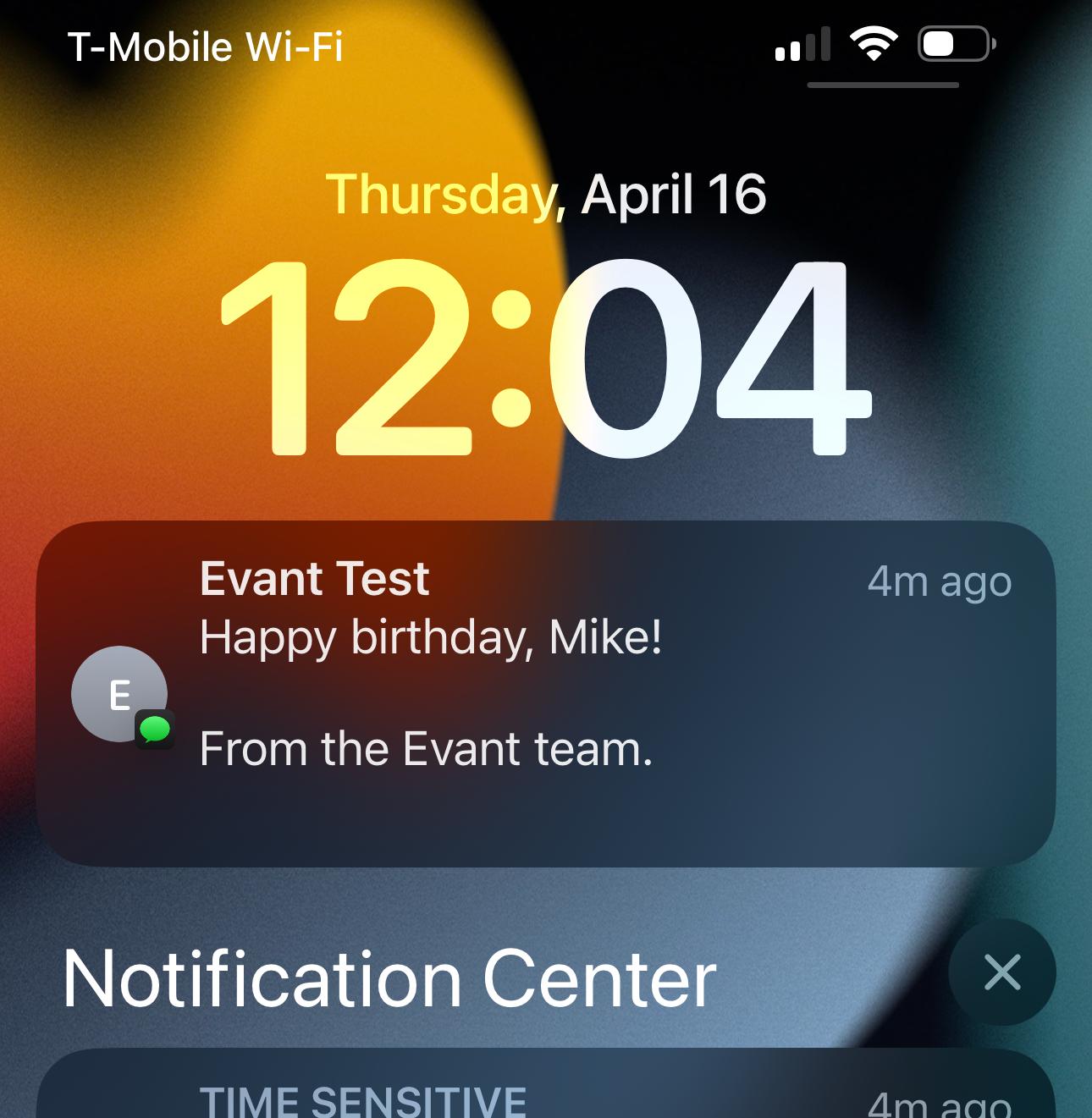
Top 7 SMS Trends for Communities in 2026
Michael PedoeemFrom AI-powered responses to text-to-donate and two-way texting — here are the 7 SMS trends every shul, school, and nonprofit needs to know about in 2026