

The Communication Challenge
A full registration list can look like a successful event. But a registration is not an arrival. People still need a clear reminder, parking or check-in details, and a quick way to hear about changes. If those details are buried in an email or arrive too late, attendees may be left guessing.
Automated SMS can help organizers coordinate those messages across the event timeline. Before the event, texts can confirm registration and share logistics. On the day, they can relay schedule changes or direct attendees to a new room. The same system can send shift instructions to staff and volunteers, then follow up afterward. Meeting Professionals International outlines ways to use texts for reminders, live participation, and post-event feedback in its event messaging strategies.
That makes texting an operational channel, not a promise of higher attendance. Messages still need to be relevant, timely, and sent to people who have agreed to receive them. For nonprofits and schools, Evant brings SMS RSVPs, check-ins, targeted messaging, and CRM integration into an event communication workflow, helping teams connect updates with attendee activity.
There is also a difference between practical guidance and proven outcomes. The sources describe common uses and platform features, but they do not document a named large-event case study with measured results attributable to automated texts. Organizers should treat SMS as a way to make communication easier to manage, then track whether their own messages reach people and prompt useful responses.
Build an Event Communication Sequence
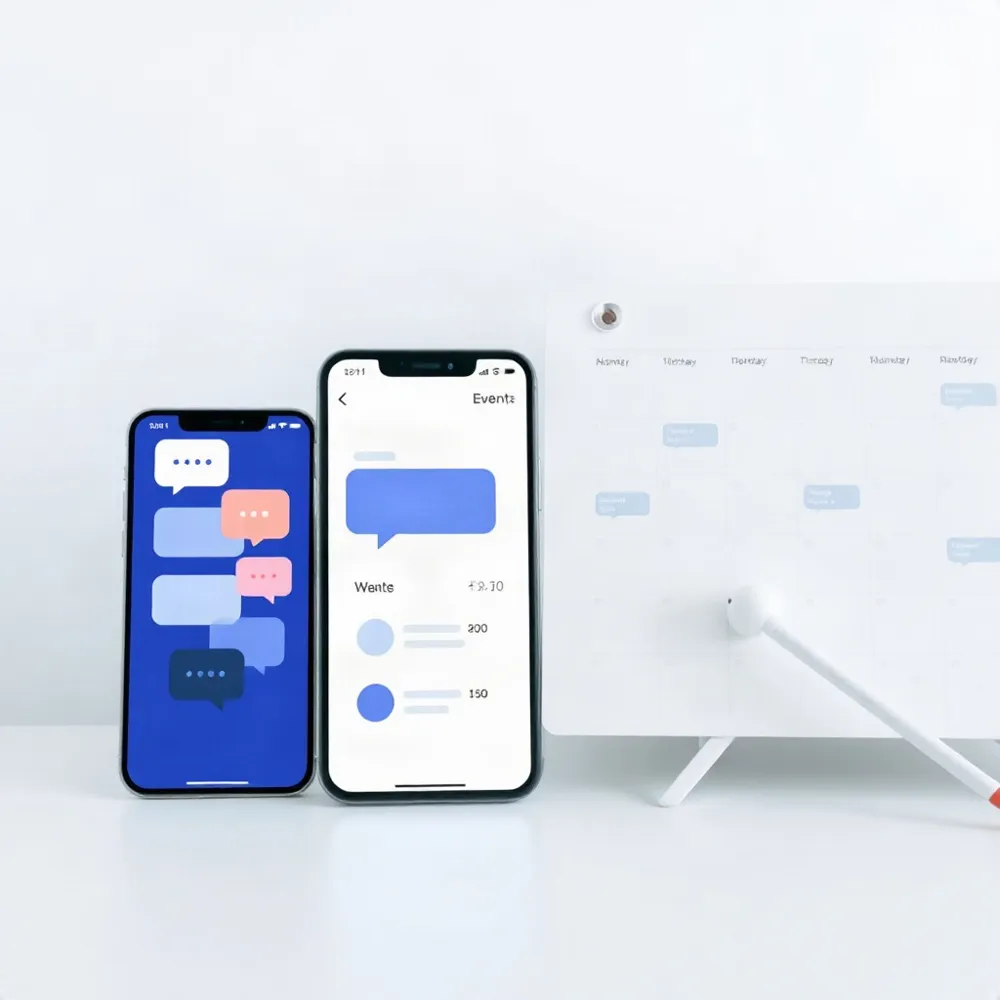
A useful event text is not just another reminder. It arrives when someone needs a detail or a clear next step. For nonprofits, a planned sequence can guide supporters from invitation to follow-up without asking staff to send every message by hand.
Start with a save-the-date or invitation, then confirm each registration. As the event approaches, send a reminder with the time, location, parking details, and anything attendees should bring. On the day, share check-in directions, access links, or urgent changes to the schedule or speakers. Afterward, thank people and offer a survey, photos, or information about what comes next. Meeting Professionals International’s event-texting guidance also recommends using texts before, during, and after an event to support attendee engagement.
Automation can take repetitive sending off a staff member’s to-do list. A registration can trigger a confirmation, an event date can trigger a reminder, and an attendee action, such as choosing a session, can determine which details they receive. Evant supports SMS RSVPs, targeted messaging, and CRM integration, giving nonprofits ways to connect attendee responses with event communications.
Keep each text short and focused on one action, such as confirming attendance or opening a map. Name the organization so recipients know who is contacting them. Coordinate SMS with email and other outreach, rather than sending every detail by text, and schedule messages with recipients’ time zones and routines in mind.
Before launch, test the full sequence with sample contacts. Check dates, links, personalized fields, and what happens when someone replies or opts out. For a practical example of arranging reminders and updates across an event timeline, see this event communication sequence. Keep consent records current, honor opt-outs, and review delivery and engagement data afterward to improve the next event.
Make RSVP and Check-In Easier
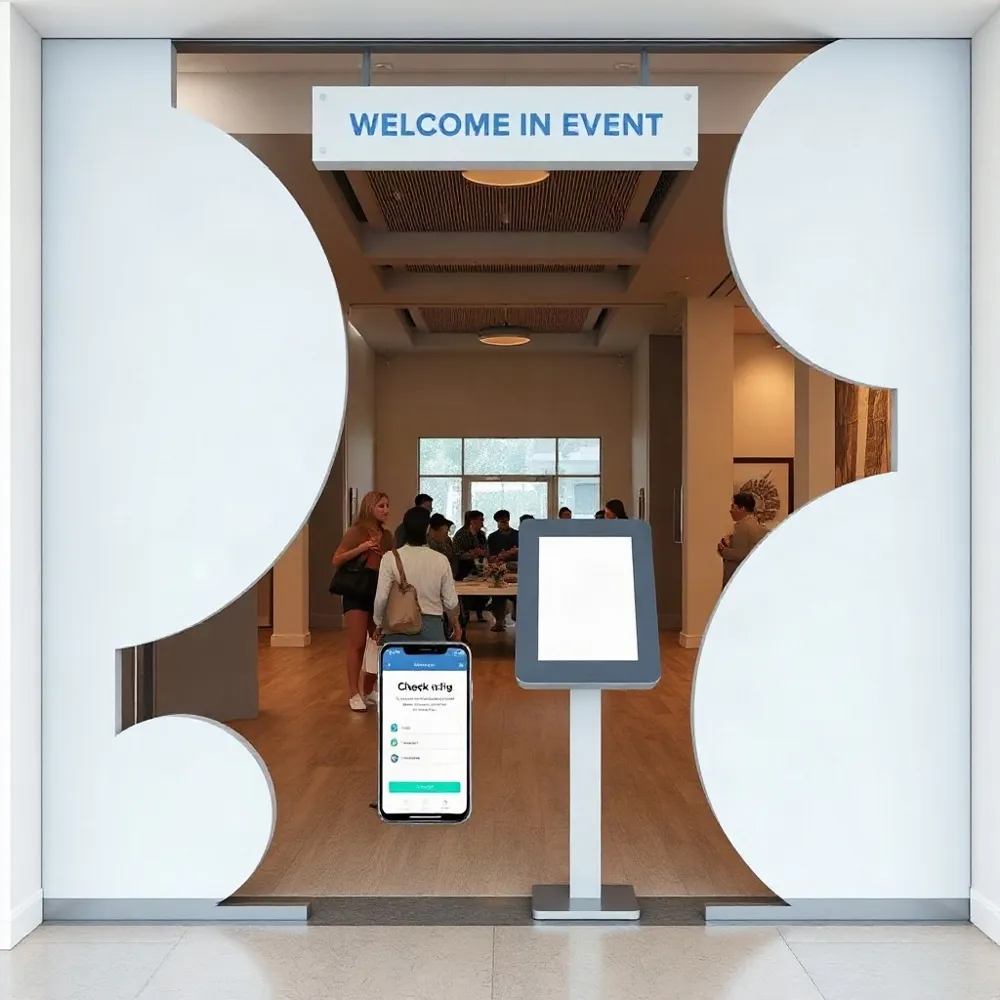
Give guests a simple choice: reply YES or NO, or tap a link to a mobile-friendly RSVP form. A text reply works well for a quick headcount. A form can also collect the number of guests and any details needed for planning.
Confirm each response right away. Repeat the event date, time, and location, and explain which replies count. For example, tell guests to text YES to attend or NO to decline, and how to change or cancel their RSVP later. Evant supports SMS RSVPs and check-ins, helping nonprofits and educational groups manage those responses through text.
Keep replies in one central list. Follow up with people who have not responded, then send confirmed attendees only the updates that apply to them, such as arrival instructions or a schedule change. Organizers can also link to a mobile-friendly RSVP form when they need to collect more than a simple yes or no.
Make check-in instructions practical: name the entrance, suggested arrival time, and where to find a ticket or QR code. Sending these details is different from recording who arrived. Actual attendance tracking depends on the event platform’s features, so confirm that check-ins will appear in the list or report your team uses.
For example, Text In Church’s Groups and Keywords workflow is described as a workaround for collecting attendance, not a dedicated attendance-tracking feature. Check what a tool records before relying on it for post-event attendance totals.
Handle Event-Day Changes Quickly
A room change or delayed speaker can disrupt an event if guests hear about it too late. A mass text can send the new location, entrance, or schedule to attendees’ phones, along with practical details such as shuttle instructions, queue directions, a weather alert, or a cancellation notice.
SMS can also support check-in. Send the entrance to use, an arrival window, or a link to a ticket or QR code before guests reach the door. Staff can pair those instructions with a check-in tool to record arrivals and keep attendance lists current, depending on the platform’s features.
One message to the right group can reduce repeated calls and staff scrambling. With Evant’s targeted messaging, organizers can sort updates by session, attendee type, or location, while separate groups can receive staff and volunteer shift changes, call times, meeting points, and room assignments.
An alert should not leave people with nowhere to turn. Two-way texting gives attendees a way to ask for help with directions, access, or a missed update. Evant’s two-way messaging supports that exchange, while a shared inbox and clear response procedures help teams assign questions, avoid duplicate replies, and flag urgent issues.
Texting does not replace on-site judgment. Staff still need to monitor replies, confirm that changes are accurate, and handle situations an automated message cannot resolve. For more on communicating urgent event changes, see how to notify attendees about last-minute changes.
Use Messages That Prompt Action
A useful event text makes the next step obvious. Identify your organization, include only the details recipients need, and give them one clear way to respond. These adaptable examples use placeholders, not documented campaign results.
- Confirmation: “You’re registered for [Event] with [Organization] on [Date] at [Time]. Reply here with any questions.”
- Reminder: “[Organization]: We look forward to seeing you tomorrow at [Time] at [Location]. Reply YES to confirm, or view directions: [Link].”
- RSVP follow-up: “We’d love to have you at [Event] on [Date]. Please RSVP by [Deadline]: [Link].”
- Day-of check-in: “[Organization]: [Event] check-in is open at [Location]. Show this text when you arrive.”
Keywords such as YES can make a reply quick, while a short link can take guests straight to directions or an RSVP form. Keep each message focused on one action rather than combining logistics, a donation request, and a survey. Evant supports SMS RSVPs, targeted messaging, and event check-ins, so organizations can connect a clear text prompt with the next step in the event workflow.
After the event, thank attendees and invite brief feedback: “[Organization]: Thanks for joining [Event]. What was one thing you enjoyed, or what could we improve? Reply here.” Meeting Professionals International describes text-based questions and SMS surveys as ways to gather input and offer another route for participation, not as proof of a particular attendance increase. See its event text engagement strategies. For more adaptable wording, review these polite reminder templates.
Choose Tools for the Whole Workflow
A platform should fit the work your team actually does, from inviting people to managing arrivals. For a nonprofit, that may mean two-way SMS, keyword RSVPs, scheduled reminders, audience groups, mobile access for staff, and check-in or attendance tracking. Evant brings SMS RSVPs, event check-ins, targeted messaging, CRM integration, and analytics into an event-focused workflow.
Check how the tool handles everyday interactions. Can guests reply with a question? Can a keyword capture an RSVP? Can staff send different information to volunteers, attendees, and speakers? A shared inbox can keep replies visible to the team, while mobile access helps staff respond from the venue instead of returning to a desk.
Integrations matter when registration details live in one system and contact records in another. Connections to a CRM, ticketing or registration platform, and calendar may reduce manual data entry and help keep records current. Availability varies by platform, so confirm which systems connect and what information syncs before choosing.
Use analytics to check whether messages were delivered, received replies, or generated link clicks, and review opt-outs and overall engagement. These measures can show how people responded to communications. They do not, on their own, prove that texting increased attendance. Compare them with RSVP and check-in records to understand what happened at the event. Meeting Professionals International’s event-texting guidance also highlights feedback and audience interaction as parts of the event communication process.
Before signing up, ask about contact and message-volume limits, setup effort, consent tools, data handling, support, and pricing. Estimate costs across your event calendar, not just for one send. A tool that suits a small gathering may become difficult to manage as your audience or communication needs grow.
For free or low-cost options, look beyond the advertised price. Check contact caps, message allowances, overage charges, and which features require an upgrade. Test the RSVP flow on a phone, confirm that data can be exported, and understand how it is stored and protected. Run a small event first, then assess whether the tool meets your team’s needs before scaling.
The right choice depends on your audience, event schedule, budget, and staff capacity. Compare platforms against the whole workflow, from the first RSVP to the final attendance record, rather than selecting on price or a single feature alone.
Treat Consent as an Operational Requirement
A phone number is not permission. Someone may share it to register for an event or receive a call, without agreeing to reminders, invitations, or fundraising texts. Ask clearly before adding people to an event messaging list, and explain what they are signing up to receive.
The consent standard can depend on the message and how it is sent. Automated promotional texts generally require prior express written consent, while informational messages typically require prior express consent for that purpose. That distinction is a general guide, not legal advice. The Telephone Consumer Protection Act and other rules may apply differently based on the message and circumstances.
Make permission easy to understand and verify. State the organization’s name, describe the types of messages people will receive, and record when and how each person opted in. In each message, identify the organization so recipients know who is contacting them. Include a clear opt-out instruction, such as replying STOP.
An opt-out should be honored promptly across the messaging program, not just one event list. For nonprofits and churches, this matters when event reminders, community announcements, and fundraising communications are handled by different teams. Permission-based texting practices can help teams make consent part of their routine process.
Before sending, check current federal and state laws, carrier rules, and authoritative guidance. Requirements can change and may depend on the audience, message, and technology used. Organizations with questions about a specific campaign should consult legal counsel rather than treating a general checklist as a compliance determination.
Measure What the Messages Accomplish
Before sending, decide what success should look like. A team might track successful delivery, completed RSVPs, attendee replies, check-in readiness, volunteer confirmations, or useful post-event feedback. A clear goal makes it easier to judge whether a message helped people take the intended next step.
Use platform reports to review delivery status, replies, link clicks, and opt-outs. Compare how different audiences respond to message timing and content, but treat these figures as signals, not a complete picture: a click does not prove attendance, and a delivered text does not mean it was read. Evant’s event tools combine SMS communication with check-in and analytics, giving teams a way to assess messaging alongside event activity.
A reported example from Goodwood offers a useful, limited comparison. A targeted SMS survey sent on each attendee’s visit day had a 25% completion rate, compared with 10% for a post-event email survey, according to dotdigital’s account of the campaign. That result concerns survey completion, not attendance growth, and it should not be treated as a forecast for every event.
Use what the reports show to adjust future send times, audience groups, and message wording. Keep event details current, and make sure someone on the team can answer replies that need a human response. For a practical measurement plan, see how to measure SMS event performance.
A Repeatable, Human-Centered System
Automation can make event communication more consistent. Scheduled, targeted texts help teams share timely details without sending every message by hand. But software cannot handle every exception, answer every nuanced question, or make on-site decisions. Staff still need to monitor replies and use their judgment.
For a practical start, choose one event. Confirm that each recipient has agreed to receive texts, map the attendee journey, then test a concise sequence for that event. Evant supports this work with SMS RSVPs, targeted messaging, check-ins, and CRM integration, so teams can connect outreach with event logistics.
Set a clear goal before sending, such as improving RSVP completion or reducing unanswered attendee questions. Review the results against that goal, adjust the messages, and expand only when the process works for your staff and community. Success comes from measured outcomes, not broad claims about texting.
Related Blogs

Evant vs Tithe.ly Messaging: Church Texting Compared (2026)
Michael PedoeemTithe.ly bundles texting into its church management plans. Evant focuses on texting that gets a response. Here is how the two compare.
Evant vs Clearstream: Church Texting Compared (2026)
Michael PedoeemClearstream is built for high-volume church texting. Evant is built to get a response. Here is how they compare on price, calls, RSVPs, and giving.
Evant vs Text In Church: Which Is Better for Your Church? (2026)
Michael PedoeemText In Church is built for guest follow-up. Evant is built to get people to reply, RSVP, and give. Here is how the two compare in 2026.