
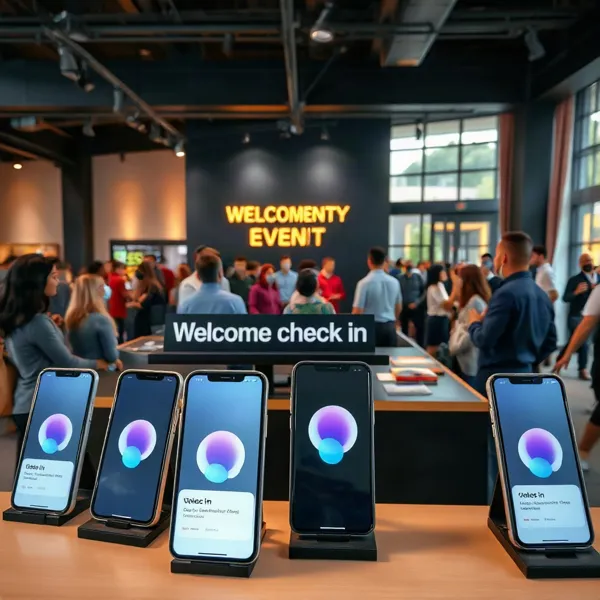
More Than a Planning Calendar
An event is more than a date on a calendar. Nonprofits and educational organizations need to manage registrations, attendee messages, logistics, and follow-up, often with small teams and limited time. When those tasks live in separate spreadsheets, inboxes, and forms, details can slip through the cracks.
Event management software can bring those activities into a more coordinated workflow, from the first RSVP through event-day check-in and post-event review. For a community gathering, that might mean collecting responses, sending timely updates, recording attendance, and seeing who may need a follow-up. Evant brings SMS RSVPs, event check-ins, targeted messaging, CRM integration, and analytics into a toolset designed for community engagement.
The right system depends on the events an organization runs, the tools it already uses, its budget, and how its audience prefers to communicate. A school managing family events may need a different setup from a nonprofit coordinating volunteers and donors. A long feature list matters less than whether the software supports the actual workflow and makes participation easier.
That is why it helps to start with the organization’s needs, then compare features against them. For teams whose event communication depends on reaching people by text, Evant’s SMS-based tools connect RSVP and follow-up activity with attendee engagement, rather than treating the calendar as the whole job.
Coordinate the Event Lifecycle
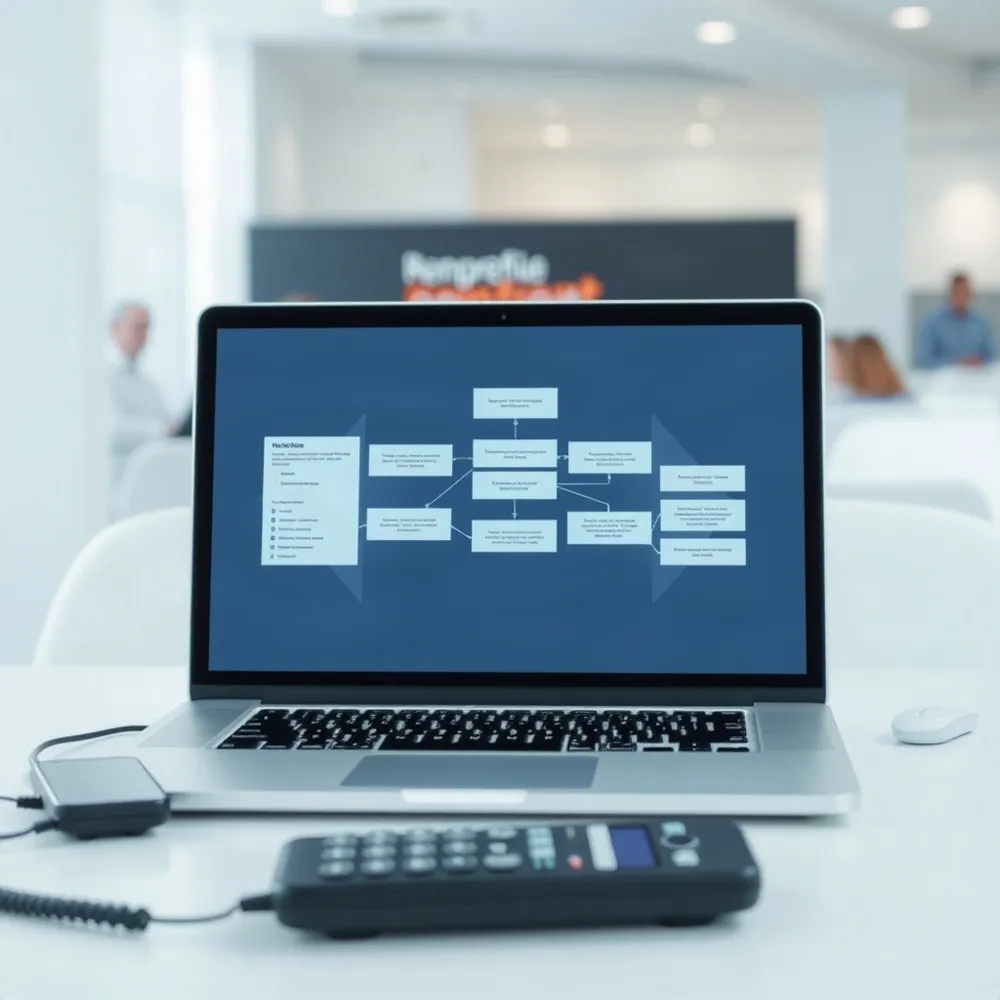
Event management software is a shared digital workspace for the moving parts of an event, from publishing details and collecting RSVPs to check-in and follow-up. Instead of keeping each task in a separate spreadsheet or email thread, a team can work from the same attendee and event information.
For a nonprofit, the workflow might start with a page that explains the event and collects registrations. The system can then send confirmations and reminders, help staff check people in, and record attendance for later review. An event platform should support the steps the organization actually needs, rather than add features that complicate the process.
Automation takes care of repetitive messages, such as registration confirmations and reminders, so staff do not have to send each one by hand. SMS is useful for timely updates and for answering practical questions close to event day. Evant.app focuses on SMS RSVPs, targeted messaging, and event check-ins, connecting attendee communication with on-the-ground logistics.
A centralized record also gives the team a clearer view of who registered, who attended, and who may need a follow-up. Connecting event activity with a CRM can help organizations understand how participation relates to ongoing supporter relationships. For a closer look at how digital tools coordinate tasks and communication across an event, see the event lifecycle.
These efficiencies matter because staff time is limited. When fewer hours go to copying details between tools or chasing responses, teams can give more attention to welcoming attendees, supporting volunteers, and making the event feel connected to the community. Better-organized communication can help people know what to expect and make it easier for them to take part.
Prioritize Features That Fit
What features should nonprofits look for in event management software? Start with the work your team needs to do, not the longest feature list. A neighborhood fundraiser, a recurring church gathering, and a virtual workshop may need very different tools.
For most organizations, registration and ticketing should collect essential attendee details without making sign-up a chore. Look for tools to manage volunteers, schedules, and event logistics, along with mobile access for staff working away from a desk. Evant supports SMS RSVPs and event check-ins, keeping those tasks close to the communication channels community organizations already use.
At the door, mobile check-in with QR codes or ticket scanning can help staff confirm arrivals and keep entry moving. Attendance records also give organizers a clearer view of who showed up. Alerts and targeted SMS updates can share schedule changes or practical reminders, while two-way messaging gives attendees a way to respond with questions or updated plans. Evant combines event check-ins with targeted messaging, so organizers can manage arrival and communication as parts of the same event workflow.
Connections to a CRM, calendar, or payment system can limit duplicate data entry and help keep supporter records consistent. Reporting and feedback tools add another useful layer: teams can review registrations, attendance, and engagement, then use responses to improve future events. When assessing integrations, consider whether the platform connects with the systems your organization already relies on.
Ease of use matters as much as feature depth, particularly when staff and volunteers have limited time to learn new tools. Check whether the software can adapt to recurring, in-person, and virtual events, and ask what support and training are available. For a practical feature-selection framework, see how to match event technology to your organization’s workflow.
Make Online RSVPs Easy

A long RSVP form can turn a willing guest into an unfinished response. Make the event page easy to use on a phone, then ask only for details that help your team plan. A short form can collect a guest’s name, contact information, attendance choice, and any accessibility or session preferences that affect the experience.
Add a capacity limit when space is restricted. If guests need to pay or receive approval before attending, make that step clear before they submit. The form should explain how their information will be used and protected, so people know why you are asking for it.
After submission, send a confirmation with the date, time, location, and any useful check-in details. A QR code or check-in link can help staff find the guest’s response at the door. For organizations that use text-based event communication, Evant supports SMS RSVPs and event check-ins, connecting registration with practical event-day workflows.
Keep responses in a shared system rather than copying names between separate spreadsheets. Connecting RSVP data with event tools or a CRM helps staff track attendance choices and follow up without maintaining disconnected lists. A mobile-friendly page and concise form are also central to making online RSVPs easy, particularly when guests are responding from their phones.
Share a Clear RSVP Link
An RSVP link works best when it leads to a complete event page, not a blank form. Add the date, start time, venue or online access details, and any questions guests need to answer. If space is limited, set an attendance cap so people know whether a place is available.
Publish the page and open its link on a phone before sending invitations. Check that the event details are easy to find, the response options work, and guests can submit without unnecessary steps. A quick test can catch a broken link or a form that is awkward to use on a small screen.
Share the link by email, SMS, on your website, or through social media. Make the next step plain, such as “RSVP by Friday,” and include a deadline. In a text invitation, keep the message brief but include the event’s date, time, location or online details, and the RSVP link.
A shared system helps organizers keep responses and follow-up in the same workflow. Evant’s SMS RSVP tools connect text-based invitations with event responses, while its targeted messaging supports reminders to people who have not replied. For a closer look at setting up event pages and RSVP questions, see this guide to creating a clear RSVP link.
Use SMS for Timely Updates

A registration confirmation is useful, but it can get buried long before event day. A brief reminder after sign-up and another as the date approaches can bring the details back to mind. Evant.app combines SMS RSVPs with targeted messaging, so organizers can keep event communication close to the way guests are responding.
Make each message practical. Include the date, time, and location, then add directions, parking details, what to bring, or a link to the event page when relevant. If the schedule changes, send a clear update promptly rather than expecting attendees to find it in an older email or social post.
SMS can also make it easier for guests to confirm or revise their plans. A simple reply or RSVP link gives organizers a fresher headcount and a chance to follow up with people who are still undecided. For nonprofits managing several events, Evant.app’s SMS RSVP and check-in tools connect attendee responses with event-day participation.
Send texts only to people who have agreed to receive them, and keep messages relevant to the event and audience. Afterward, compare RSVP responses with check-in data to see whether reminders reached people at a useful time. For more ideas on timing messages to help manage attendance, see how SMS reminders can reduce no-shows.
Connect Event Activity to Relationships
A person’s event history is more useful when it lives alongside their other interactions with your organization. Event management software can connect to a CRM through a built-in integration, an API, or data syncing, linking registrations, SMS RSVPs, check-ins, and attendance to contact records.
That shared view helps staff see how supporters participate without searching separate spreadsheets or re-entering the same details. Evant combines SMS-based event tools with CRM integration, so event responses and attendance can contribute to a fuller picture of community engagement.
Use analytics to guide follow-up
Useful reports go beyond a final headcount. Compare registrations with attendance, monitor no-shows and message responses, and review participation by event or audience segment. These measures can reveal where reminders need adjustment, which formats draw interest, and which groups may benefit from a more personal invitation.
For nonprofits and schools, this information can shape future outreach without treating every contact the same. A person who regularly attends community events may welcome an invitation to a related program, while someone who registered but did not attend may need a simple check-in rather than another broad campaign. Evant’s targeted messaging and analytics support this kind of event follow-up.
Numbers do not explain every outcome. Pair attendance and response data with post-event surveys and feedback from staff, volunteers, or other stakeholders. Choose measures that fit the event’s purpose: a fundraiser may focus on donor participation, while a school gathering may prioritize family attendance and satisfaction. Together, these perspectives help teams improve both event logistics and the relationships built around them.
Evaluate Free and Low-Cost Options
Are there free event management tools for nonprofits and educational organizations? Yes, but “free” can mean different things: a limited plan, a trial, an offer for eligible organizations, or a tool with no charge up to an attendee cap.
For example, Agorify is described as offering registration, QR-code check-in, agenda building, and badge design at no cost for events with up to 200 attendees. Treat that as a starting point, not a guarantee of current terms. Check its latest plan details directly before relying on the limit or included features.
Nonprofits and schools should verify whether a discount or free plan requires proof of organization type, and whether the offer applies to every event. Then compare the included tools with the work your team actually does: collecting RSVPs, checking guests in, reporting attendance, and reaching participants after registration.
A free plan may cover registration but leave out SMS reminders, CRM connections, or other features that support ongoing community engagement. Evant combines SMS RSVPs, targeted messaging, event check-ins, CRM integration, and analytics, so organizations weighing costs should consider how those tasks fit into their current workflow, not just the initial price.
Make a short list of must-haves and check attendee limits, message allowances, integrations, and support before switching. A low-cost plan can be a sensible fit for occasional events, while a more complete option may reduce the manual work of keeping people informed and connected.
Compare Costs and Daily Workflows
How can organizations choose event management software that fits their needs and budget? Start with the work your team actually does, not a long feature list. Consider event volume and complexity, how staff and volunteers coordinate, registration and check-in needs, attendee messaging, reporting, and connections to your CRM or other tools.
Separate must-haves from optional features. A nonprofit running small community gatherings may need simple RSVPs, reminders, and attendance records, while a larger program may require more advanced reporting or integrations. For organizations that rely on text communication, Evant brings SMS RSVPs, targeted messaging, event check-ins, CRM integration, and analytics together, so those needs can be part of the comparison rather than separate add-ons.
Compare total cost, not just the subscription price. Ask about setup, training, support, integration charges, and per-event or usage fees. A low monthly price can become less attractive if routine tasks require extra services or manual work. For a broader framework on matching software to registration, messaging, reporting, and integrations, see how to choose event tools that fit the workflow.
Directories and user reviews can help build a shortlist, but treat them as a starting point. Check which pricing models are offered, whether the integrations fit your current systems, and whether the directory discloses sponsored placements. Then ask staff and volunteers to test common tasks, such as creating an event, responding to an RSVP, sending an update, and checking someone in. Pay particular attention to whether the process works smoothly on mobile.
Reusable templates and checklists can make repeated events more consistent, while still leaving room to adjust details for different audiences and formats. Test that balance before committing: a system should save time without forcing every gathering into the same workflow. Include the people who will use it day to day, since their experience often reveals friction that a feature checklist misses.
Plan for Event Day and Follow-Up
Event-day operations depend on details being easy to find. Keep schedules, venue information, attendee lists, and vendor responsibilities in a shared workspace so staff can check the latest plan without searching through scattered messages. For organizations using Evant for event management, SMS RSVPs and check-ins connect attendee responses with arrival workflows.
The right setup also depends on the event format. In-person events may need mobile check-in and clear directions, while virtual or hybrid gatherings may call for reliable streaming, polls, or Q&A tools. Choose features around how people will take part, rather than paying for functions an event does not need.
Plan for disruption before doors open. Decide who will contact attendees if technology fails, a vendor cancels, weather changes travel plans, attendance is lower than expected, or costs shift. A current contact list and ready-to-send SMS updates can help staff share changes quickly; Evant’s targeted messaging supports communication with specific attendee groups.
The work continues after the event. Review attendance and registration data, gather participant feedback, and record what should change next time. Post-event follow-up and event-day operations are part of the full event lifecycle, so assess whether a platform supports reporting and learning, not just sign-ups.
Choose for Participation and Fit
The right event software is the one your staff and volunteers can use consistently. It should fit your audience, budget, and event routines, and work with the systems your organization already relies on. A long feature list matters less than whether the tools solve real problems.
A connected workflow can make it easier for guests to RSVP, receive timely SMS updates, and check in on event day. It can also help staff keep attendance records alongside other supporter interactions and review what worked afterward. Evant brings SMS RSVPs and event check-ins together with CRM integration and analytics, connecting communication with event activity.
Before choosing a platform, walk through a real event with the people who will manage it, including volunteers. Look for features that remove friction for attendees and reduce avoidable work for the team. The best fit is not necessarily the most elaborate system. It is the one that helps more people take part and gives your organization useful information to follow up.
Related Blogs

Evant vs Tithe.ly Messaging: Church Texting Compared (2026)
Michael PedoeemTithe.ly bundles texting into its church management plans. Evant focuses on texting that gets a response. Here is how the two compare.
Evant vs Clearstream: Church Texting Compared (2026)
Michael PedoeemClearstream is built for high-volume church texting. Evant is built to get a response. Here is how they compare on price, calls, RSVPs, and giving.
Evant vs Text In Church: Which Is Better for Your Church? (2026)
Michael PedoeemText In Church is built for guest follow-up. Evant is built to get people to reply, RSVP, and give. Here is how the two compare in 2026.