
SMS as a Community Channel
A text message can do more than announce a date. It can invite a reply, answer a question, confirm an RSVP, or share a last-minute change with the people who need it. Used this way, SMS becomes part of an ongoing relationship, not just another broadcast channel.
For nonprofits and schools, the practical value lies in connecting audience management with event workflows. Teams need to reach the right people, record responses, send timely reminders, and follow up after an event. Evant brings SMS RSVPs, event check-ins, targeted messaging, CRM integration, and analytics into an event-focused workflow, helping teams connect texts with participation.
The right platform depends on what an organization is trying to achieve, what its audience prefers, and how much time staff can give to managing messages and replies. Existing systems matter too: when contact records or event details live in a CRM, a platform should fit that workflow rather than create another disconnected list. Evant’s CRM integration supports that connection, while its event tools link communication to attendance tasks.
Engagement Beyond Event Announcements

A text list can support more than event promotion. Nonprofits can use SMS for timely program updates, fundraising or advocacy appeals, volunteer shift coordination, and practical notices when plans change. For event communications, SMS invitations and reminders can lead into RSVP requests and useful follow-up.
Two-way messaging gives people a place to ask questions, confirm attendance, or share feedback instead of leaving the organization to guess what they need. Replies can also guide future outreach. Evant connects SMS with event RSVPs and check-ins, so participation can be managed alongside attendee communication.
A donor may want campaign progress, while a volunteer needs a shift reminder and a program participant may need information about services. Sending each group relevant messages avoids treating the whole community as one audience. Evant supports targeted messaging, helping organizations tailor outreach to different contacts and event needs.
Grow the list through clear, voluntary invitations on registration or donation forms, at events, and through email, websites, or social channels. Explain what people are signing up to receive, keep a record of consent, and provide an easy way to opt out. These practices support trust and help teams handle contact preferences responsibly.
Frequency matters as much as relevance. Send texts when there is useful information or a clear next step, identify the organization plainly, and avoid messaging so often that it feels intrusive. After an event, a brief thank-you or link to a relevant program update can keep the conversation open without turning every interaction into another appeal.
Event Workflows From Invite to Follow-Up

An event needs more than a single announcement. SMS can carry a participant from the invitation to the follow-up, with each message tied to a useful next step.
Start with the essentials: what the event is, when and where it happens, and a direct RSVP link. A reply-based RSVP can also give staff a quick way to record who plans to attend. For teams managing invitations, confirmations, reminders, and post-event messages together, event workflows from invite to follow-up offers a related lifecycle view.
Then tailor reminders to what each person needs. Someone who has not responded may need a brief RSVP prompt, while a confirmed attendee may need parking details, arrival instructions, or a schedule. Evant supports SMS RSVPs and targeted messaging, helping organizations connect event communication with participation rather than sending every update to the whole list.
On event day, a text can share a weather notice, a venue change, or an updated start time while the information is still useful. Check-in is a separate operational step: tools for event check-ins help staff track arrivals, but a general texting feature alone does not confirm who has entered. Evant combines event check-ins with SMS communication, so teams can account for arrivals as well as send timely updates.
Afterward, thank participants, share slides or other resources, or ask for feedback. Replies can surface what attendees valued and what might improve the next gathering. Before choosing a platform, check that its RSVP, reminder, and check-in steps fit the team’s existing process, and that messages go only to people who have agreed to receive them.
Planning Events With Clear Measures
Effective event management starts with goals you can measure. Decide what the event should achieve, then use those goals to guide the budget, timeline, venue, and staffing. A clear event plan gives the team a shared basis for decisions and makes it easier to judge results later.
The plan should cover the work behind the invitation: vendor responsibilities, room setup and other logistics, registration, accessibility needs, safety risks, and backup arrangements if something changes. Assign an owner to each task and set deadlines. That reduces last-minute uncertainty and helps staff see where a problem needs attention.
Promotion and attendee communication should support practical next steps. Explain who the event is for, how to register, and what participants need to know. Use targeted messages to invite relevant groups, collect RSVPs, and share updates if the venue, schedule, or other arrangements change. Evant supports SMS RSVPs and targeted messaging, connecting outreach with event participation.
On event day, staff should know who is handling check-in, guest questions, vendors, and urgent changes. SMS check-in can help record arrivals, while targeted updates can deliver useful instructions to the right attendees without sending every message to everyone. Evant also provides event check-in tools, supporting a more organized arrival process.
Afterward, compare attendance and engagement with the original goals, review costs, and gather feedback from attendees and staff. Note what worked and where delays or confusion arose. Use those findings to adjust the next event’s budget, schedule, staffing, and communication plan, rather than treating each event as a one-off.
The Platform Features That Matter
The best platform is not the one with the longest feature list. Start with the work your team needs to do, who it needs to reach, and how much staff time is available to manage messages. A small nonprofit sending occasional event updates may need a different setup from a school coordinating recurring programs.
For event-focused teams, Evant brings SMS RSVPs, event check-ins, targeted messaging, CRM integration, and analytics into an event communication workflow. Those event tools matter because a general texting service may handle broadcasts and replies without supporting the RSVP and check-in steps that staff need.
Look for contact management that lets staff group people by relevant details, such as interests, location, or event participation. Personalized two-way messaging helps members ask questions and confirm plans, while a shared inbox gives the team a place to manage replies. Scheduling, automation, and bulk messaging can reduce repeated manual work, but should still make it easy to send the right update to the right group.
Check whether the platform supports the full event workflow: SMS RSVPs, automated confirmations and reminders, and check-in tools. Evant's event-focused features connect those communications with attendance tasks. A general-purpose texting platform may offer scheduled messages and audience lists but not event-specific workflows, so test the process your staff will actually use.
Analytics should show more than whether a campaign was sent. Review delivery, replies, link clicks, opt-outs, and event participation where available. Evant includes analytics to help teams assess outreach and learn from event activity. Use those results to refine timing, targeting, and follow-up, rather than relying on a single headline metric.
Usability, reliability, and delivery capacity matter as much as features. Check that staff can learn the system without unnecessary complexity, that it can handle expected message volume, and that support is available when workflows break. Ask how contact data is protected, how consent and opt-outs are managed, and whether the platform can connect with the CRM and event systems already in use.
Compare the full cost, not just the starting price. Confirm message allowances, setup and registration costs, phone-number fees, support charges, and the rules for caps or overages. Ask whether a trial is available and what happens when usage grows. A clear fit for your goals, audience, staff capacity, and existing workflows is more useful than paying for a broad set of tools your team will not use.
Connecting Texting With Constituent Records
A useful CRM connection does more than copy phone numbers into a texting tool. It helps staff see who received a message, how they responded, and what follow-up makes sense. Evant supports CRM integration alongside SMS RSVPs, event check-ins, targeted messaging, and analytics, so event communications can sit within a broader engagement workflow.
Nonprofits can connect SMS and a CRM through a native integration, a third-party automation tool, or a custom API. The right route depends on the systems already in use and the team’s capacity to maintain the connection. This guide to CRM integration in event management outlines common integration routes and how they connect event activity with constituent records.
Before connecting platforms, decide which system is the source of truth for contact records. Then confirm which information can sync, and in which direction. Useful data may include contact details, tags or groups, consent and opt-out status, message replies, event RSVPs, check-ins, and donations. Keeping permission status current is especially important: a contact who opted out in one system should not remain eligible for a message sent from another.
Shared records make more relevant targeting possible. Staff can distinguish volunteers from donors, reach people based on interests or giving history, or send event logistics only to those who RSVP’d. Replies should be attached to the correct constituent profile too, so a question about transportation or accessibility does not get lost in a separate inbox. Evant’s event-focused workflows can connect SMS participation with RSVP and check-in activity.
Start with a small test group before syncing an entire database. Check field mappings, user permissions, data-handling practices, and whether opt-outs carry across systems. Review sync errors and reporting regularly, since a connection that silently fails can leave staff working from incomplete records.
Once maintained, an integration can reduce repetitive data entry and help teams coordinate follow-ups across events and community campaigns. Staff spend less time reconciling lists and more time responding to constituents with context.
Consent Compliance and Message Trust
Before sending a text, make sure the person agreed to receive it. Nonprofit status does not automatically exempt an organization from rules that apply to commercial messages, and fundraising appeals may require express written consent. The right standard can depend on the message and the recipient’s location, so avoid treating one checklist as legal advice for every campaign.
Make the opt-in clear about who is texting, what kinds of messages subscribers can expect, and how they can stop them. Keep records of consent and communication preferences, and identify your organization in each message. If someone asks to stop receiving texts, honor the request promptly, even when they do not use the word “STOP,” and suppress that number across the campaigns covered by the request.
A text platform should make these practices workable for the whole team. Evant supports targeted messaging for community and event communications, so staff can direct updates to relevant audiences rather than treating every contact as an eligible recipient for every campaign. Consent and opt-out records still need to guide who receives each send.
Scheduling also calls for care. Check applicable federal and state laws, carrier requirements, and platform rules, as well as local time zones and state-specific sending restrictions. A message scheduled at a reasonable hour for one group may arrive at an inappropriate time for subscribers elsewhere.
For practical guidance, review consent compliance for SMS and consult current FCC guidance and qualified legal counsel. Requirements vary by message type and location, and rules can change. Clear permission, prompt opt-out handling, and respectful timing help protect trust, making subscribers more willing to keep receiving useful community updates.
Choosing a Sustainable Budget
Yes, nonprofits may find free trials, limited free plans, or discounted pricing. The catch is that eligibility, message limits, and terms vary by provider, so the advertised starting price rarely tells the whole story.
Compare the subscription with message allowances, contact caps, carrier registration costs, and overage fees. A plan that fits a small volunteer list may cost more as the audience grows or event reminders become routine. For a closer look at the trade-offs, see this guide to sustainable SMS budgeting.
Check what the price includes, not just how many texts you can send. A low-cost tool may cover basic broadcasts but leave two-way replies, event RSVPs, reminders, check-in, CRM connections, or reporting to separate systems. Evant brings SMS RSVPs, event check-ins, targeted messaging, CRM integration, and analytics into an event-focused workflow. Confirm that any option also supports consent records and opt-outs.
For a small organization, a capped plan or trial can test volunteer coordination and event updates without committing to regular campaigns. Track the messages sent and replies handled, then estimate the full cost at your expected volume. That gives you a more useful comparison than a free label, and helps ensure the platform can support your events as participation grows.
SMS Alongside Other Channels
SMS is not being replaced by one universal alternative. It remains a practical way to reach people without asking them to install a specific app, connect to Wi-Fi, or use mobile data. That direct access is useful when an event detail changes and attendees need the update promptly.
Other channels have different strengths. Email can carry longer explanations, while social platforms and messaging apps may support richer media or ongoing group discussion. RCS can add features such as richer visuals where devices and networks support it, with SMS remaining a useful fallback when they do not. The best fit depends on what community members use and can access.
For nonprofits and schools, SMS suits time-sensitive logistics, RSVP reminders, and last-minute event updates. Longer program details or visual storytelling may work better in email or another channel. Evant supports this event-centered role with SMS RSVPs, targeted messaging, and event check-ins, so teams can use texts for practical participation steps rather than treating every message as a broadcast.
Coordinate channels instead of assuming everyone checks the same app or platform. An event invitation might introduce the opportunity by email or social media, then use SMS for a concise reminder and a link to details. This approach keeps each channel focused on what it does well and gives community members more than one way to stay informed.
A well-planned communication mix also depends on the audience’s preferences and the urgency of the message. SMS can carry the immediate update, while other channels provide context before or after it. For more on SMS’s role in a broader communication mix, see why SMS remains a practical direct channel.
Build Around Participation and Trust
A community SMS platform should connect the whole experience: useful conversations, targeted updates, event reminders and follow-ups, constituent records, and measures that show whether people took part. For nonprofits and schools, that means less juggling between tools and a clearer view of how each message supports an event or relationship. Evant brings SMS RSVPs, event check-ins, targeted messaging, CRM integration, and analytics into its community engagement and event-management platform.
Choose from your audience’s needs and your team’s actual workflow. Check that the platform handles consent and opt-outs, feels manageable for staff, connects with the records you rely on, delivers messages reliably, and makes the full cost understandable. Evant’s event-focused tools are designed around practical steps such as collecting RSVPs and checking attendees in, rather than treating event communication as a standalone broadcast.
The goal is not to send more texts. It is to send relevant, permission-based messages that help people know what is happening, respond when they need to, and stay connected after an event. A platform should make that kind of participation easier to support and measure.
Related Blogs
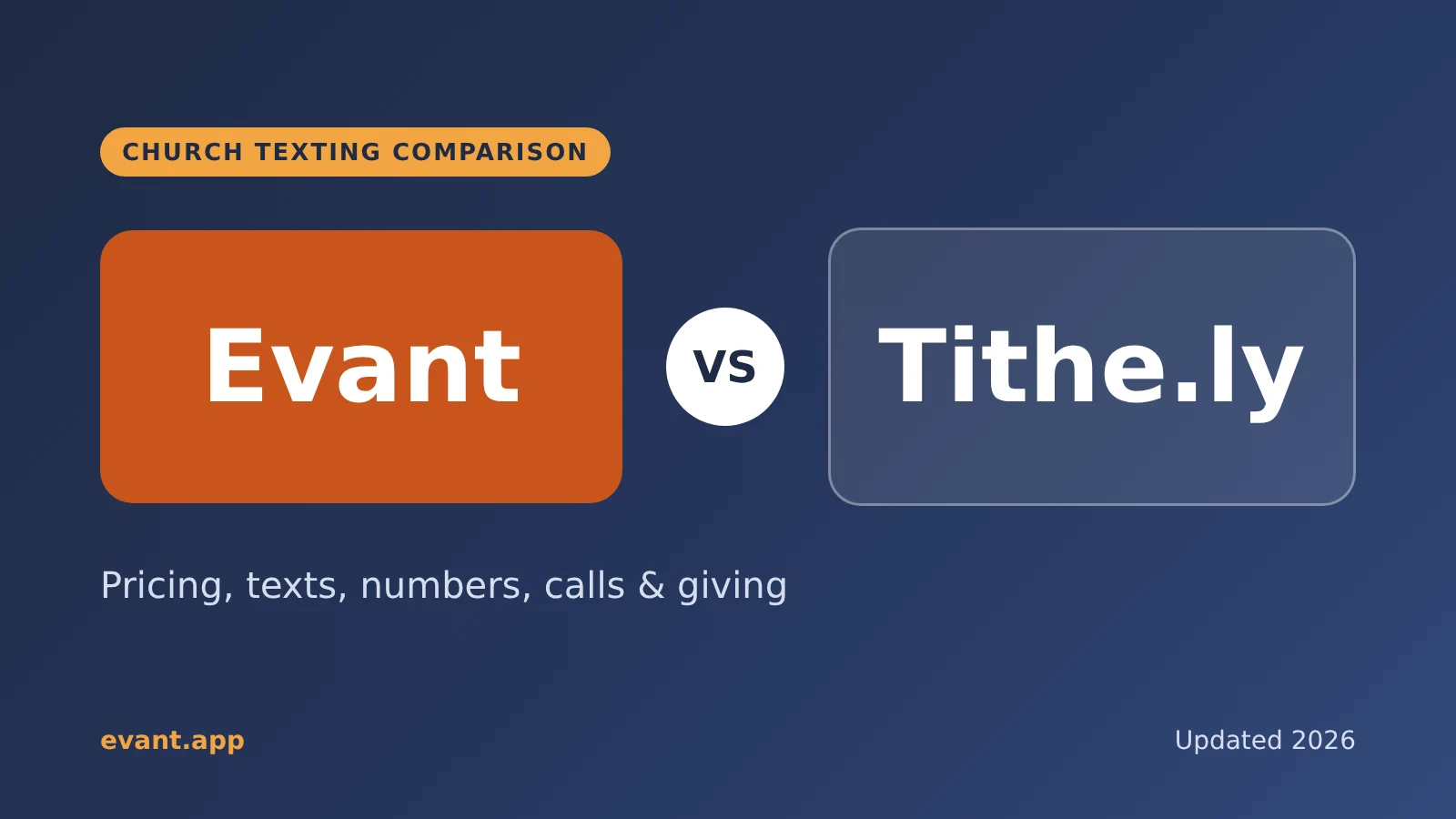

Evant vs Tithe.ly Messaging: Church Texting Compared (2026)
Michael PedoeemTithe.ly bundles texting into its church management plans. Evant focuses on texting that gets a response. Here is how the two compare.
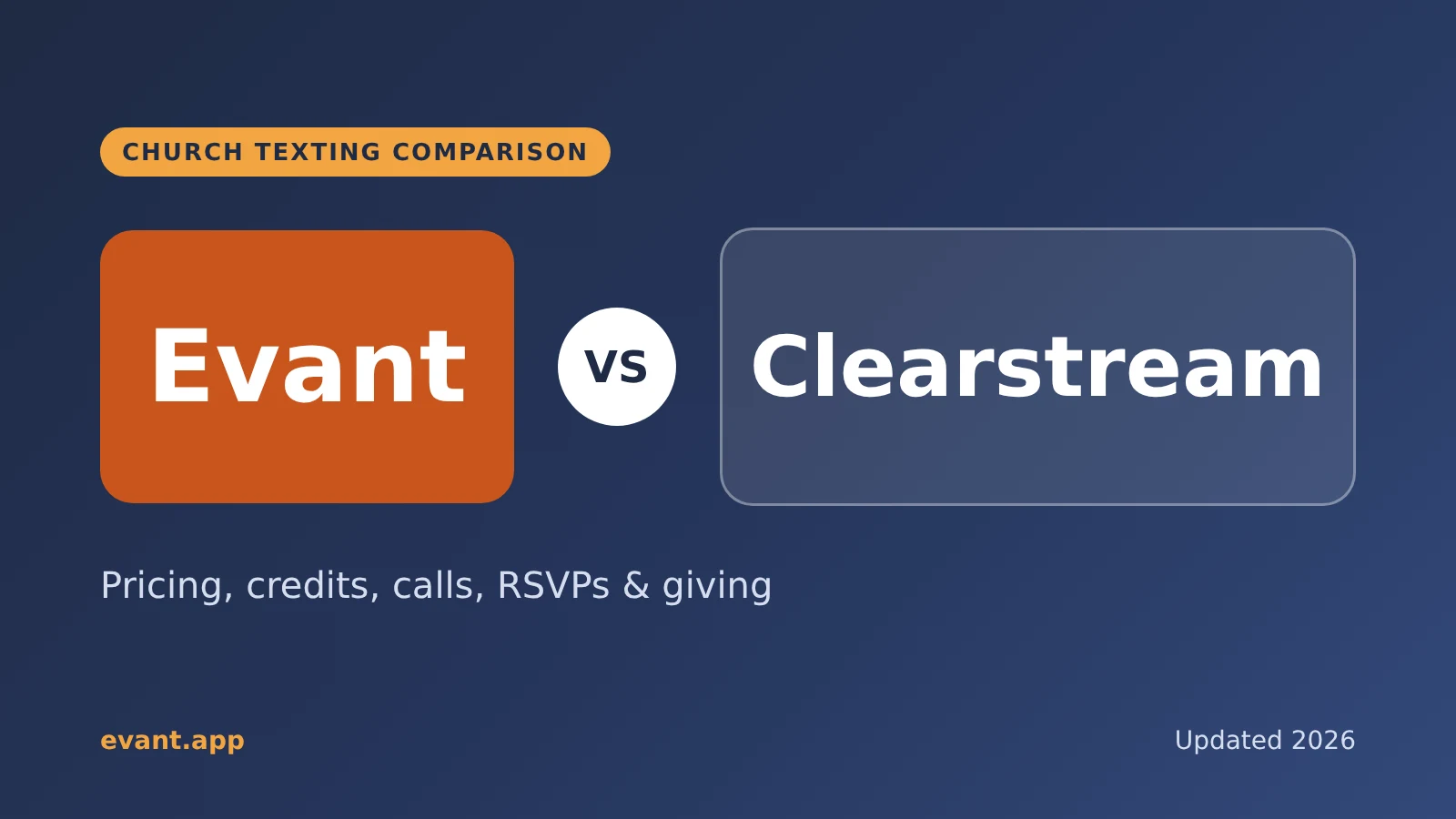
Evant vs Clearstream: Church Texting Compared (2026)
Michael PedoeemClearstream is built for high-volume church texting. Evant is built to get a response. Here is how they compare on price, calls, RSVPs, and giving.
Evant vs Text In Church: Which Is Better for Your Church? (2026)
Michael PedoeemText In Church is built for guest follow-up. Evant is built to get people to reply, RSVP, and give. Here is how the two compare in 2026.