
Make the Invitation the First Welcome
An event invitation is more than a date, time, and address. It is often the first moment someone decides whether the gathering feels relevant, welcoming, and worth attending. For a church, school, or nonprofit, that first message can begin a relationship before anyone arrives.
Personalized SMS makes it practical to connect that welcome with the next steps: an RSVP, a timely reminder, event-day check-in, and follow-up. Evant brings SMS RSVPs, targeted messaging, check-ins, and analytics into an event workflow, helping organizations keep communication and participation information connected.
The approach is simple: make each invitation relevant to its recipient, put essential details where they are easy to find, and offer one clear way to respond. Then use RSVP and check-in information to see who plans to attend and who actually arrives. Those signals can guide future outreach, so the next invitation feels less like a broadcast and more like a message meant for that community member.
Build Relevance Through Personalization
A single invitation sent to everyone can miss what makes an event meaningful to each person. Segment your opted-in audience by interests, location, past attendance, or whether someone is new or returning. Evant supports targeted messaging and SMS RSVPs, helping nonprofits send relevant invitations and collect responses in the same outreach flow. See how audience segmentation can personalize event invitations.
How can nonprofits use SMS invitations to increase event attendance?
For first-time recipients, briefly introduce your organization, explain the event’s purpose, and show how attending connects to its mission or serves the community. Returning participants already know the organization, so recognize that connection and focus on what is distinct or useful about this gathering. A personal detail, such as a recipient’s name, can make a text feel addressed to them, but only use information that is accurate and appropriate. Don’t suggest a message was individually written if it was sent to a whole segment.
Make the next step simple: include the event date, time, location, and a clear RSVP link or reply instruction. A follow-up reminder can share directions or what to bring, and attendees should have a way to update their response if plans change. Afterward, thank participants and invite feedback or further involvement. Tracking RSVPs alongside event attendance helps your team assess which audience groups and messages are reaching people.
Relevance also means sending invitations to people the event is designed for, while keeping the guest list aligned with venue capacity, budget, and event goals. If places are limited or an RSVP deadline matters, say so plainly. Avoid manufactured urgency. A truthful deadline helps recipients decide without putting trust in your organization at risk.
Put Essential Details Within Easy Reach
A text invitation has little room for confusion. Guests should be able to tell who is inviting them, what the event supports, and when and where to show up without chasing details across several messages.
Include the event name, host or organization, purpose, date, start and end times, and full venue address. For online gatherings, give the time zone and clear joining instructions. Add practical details that help people plan, such as parking, transit, accessibility, dress code, dietary options, or what is included, when relevant.
A brief reason to attend can make the invitation feel personal and worthwhile. Mention a useful agenda highlight, speaker, activity, or the cause the event supports. For a community fundraiser, for example, explain what the gathering will fund rather than relying on a generic invitation.
Make the response simple and specific. Ask recipients to reply YES or NO, send a reply keyword, or tap a mobile-friendly RSVP link. State the deadline, identify the organization in the message, and include a contact for questions. Keep the text scannable and test links on a phone before sending.
When details are spread across multiple texts, people can miss the information they need. A clear invitation structure helps keep the essentials together; this SMS RSVP invitation guide covers how to organize them. For nonprofits and schools, Evant connects SMS RSVPs with event check-ins, targeted messaging, CRM integration, and analytics, keeping the invitation tied to the wider event workflow.
Coordinate Large-Scale SMS Outreach

Sending invitations to a large audience takes more than copying numbers into a text. Organizers need a reliable way to manage contacts, schedule messages, collect replies, and keep follow-up tied to each person. Evant brings SMS RSVPs, targeted messaging, CRM integration, and event analytics into an event communication workflow, helping nonprofits and schools avoid scattered spreadsheets and records.
How can organizations send event invitations by SMS to a large audience?
Start with permission. Text only people who have agreed to receive messages, identify your organization in the invitation, and include clear opt-out instructions. Follow the messaging rules that apply to your audience, and schedule texts for reasonable local hours, taking recipients’ time zones into account.
Before sending, divide the contact list into relevant groups, such as people near the venue, attendees with a particular interest, or past participants. A targeted message is more useful than sending every event announcement to everyone. Evant’s targeted messaging and CRM integration can help organizers connect outreach with audience records.
Keep each invitation short and specific. Name the organization and event, provide the date and location or online access details, then offer one clear way to RSVP, such as a direct link or reply option. Add a recipient’s name or other relevant detail when available, but check that personalization stays accurate for the whole segment.
After the invitation goes out, use the same system to collect responses, confirm registrations, and send reminders to the right groups. People who have already confirmed need useful event updates, not another request to RSVP. Tracking delivery and responses helps teams spot who may need follow-up and plan their next message. For more on coordinating outreach and responses, see SMS platform features for community engagement and event management.
Connect RSVPs to Event-Day Logistics
An RSVP should do more than tell you who plans to come. When a digital invitation opens a short mobile form or lets someone reply by text, it gives guests a simple way to respond and gives organizers a starting point for event planning.
Keep responses together in a shared attendee list, rather than scattered across texts, forms, and spreadsheets. Organizers can see who accepted, who declined, and who has not responded, then send each group the message that fits. Confirmed guests can receive directions or check-in details instead of another request to register.
For nonprofits, schools, and faith communities, this connected process can reduce administrative switching. Evant brings SMS RSVPs, targeted messaging, and event check-ins into its event-management tools, helping teams carry attendee information from invitation through arrival.
On event day, check-in records can be compared with the RSVP list to show who arrived and who did not. That information gives organizers a clearer basis for attendance planning and relevant follow-up, such as thanking participants, requesting feedback, or sharing a future event. Evant’s check-in and messaging tools support this connection between attendance and continued community communication.
The practical value is continuity: guests have a direct response path, organizers work from a current list, and follow-up can reflect what actually happened. To see how SMS responses can connect with event logistics, read about streamlining logistics with digital SMS RSVPs.
Turn Confirmed RSVPs Into Attendance
An RSVP tells you someone intends to come. It does not ensure they will remember the event, know how to get there, or still be able to attend. A useful follow-up sequence keeps the commitment clear without turning each text into another invitation.
Send a confirmation as soon as someone responds. Restate the event date and start time, and include a calendar link when available. This confirms that the RSVP was received and gives guests a simple way to keep the event on their schedule.
As the event approaches, send concise reminders at intervals that suit the event and audience. A reminder can repeat the start time and add practical details such as directions, parking or transit options, what to bring, and check-in instructions. Evant connects SMS RSVPs with event check-ins, so organizers can coordinate guest responses with arrival information rather than treating them as separate tasks.
Give guests an easy way to update or cancel their RSVP, either by replying to the text or using a link. Current responses help organizers adjust headcounts and, when appropriate, offer an open place to someone else. Make the process clear in the message, so a guest who can no longer attend does not have to search for a contact or form.
Useful pre-event information can also help guests feel prepared. Share a clear agenda, ask a brief question about attendees’ interests, or let them choose a session when that choice matters. Keep the request proportionate: one relevant question is more likely to feel helpful than a long survey.
After the event, compare RSVP records with check-in information. Evant’s event tools include check-ins and analytics, which can help nonprofits and schools review attendance alongside their messaging. Follow up with a thank-you, a short feedback request, or an invitation to a suitable next event. For a closer look at connecting responses with what happens on event day, see Connect registration to check-in.
Measure, Learn, and Keep the Connection
An invitation is not just a request to show up. It is the start of a conversation with a member, family, volunteer, or supporter. After the event, a brief thank-you or a useful follow-up can keep that connection active, whether someone attended or could not make it.
Review more than the RSVP count. Compare confirmed responses with check-ins, and look at available message replies and link activity. If many people said yes but attendance was low, revisit the reminders and practical details. If few responded, test a clearer invitation, a different audience segment, or another send time. Evant’s SMS RSVPs, event check-ins, targeted messaging, and analytics can bring these steps into one event workflow.
Treat each event as a chance to learn, not as a verdict on the community. Keep what helped people act, adjust what caused confusion, and make the next message relevant to its recipient. Evant’s targeted messaging can support follow-up suited to different groups, while its SMS tools can connect an invitation and RSVP with event-day check-in.
Start with permission, give recipients useful event information, and make the next action clear. That might be an RSVP, a check-in, or a reply to a follow-up question. When messages respect people’s attention and help them take part, the invitation can lead to a more meaningful relationship beyond a single event.
Related Blogs
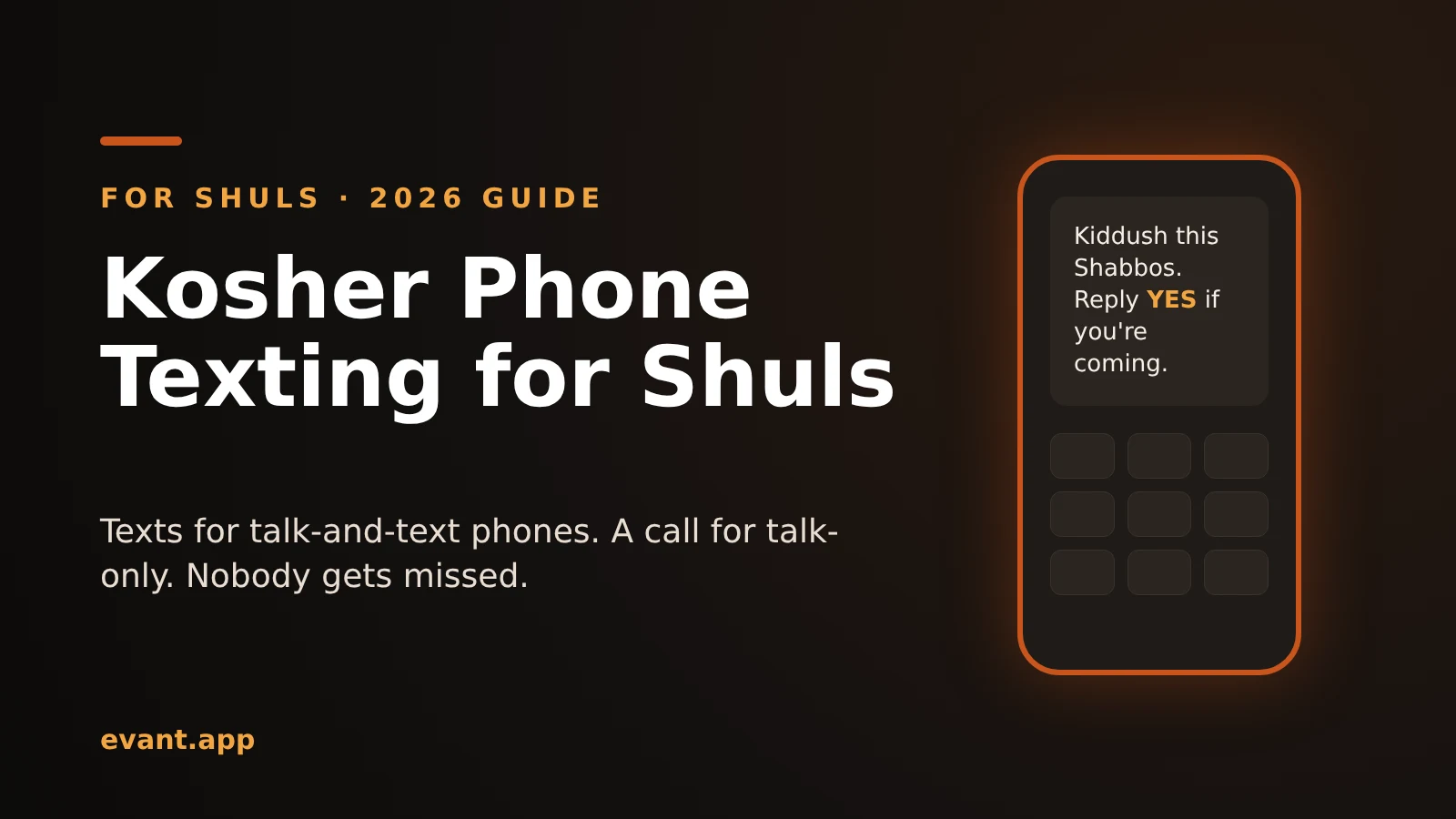

Kosher Phone Texting for Shuls: How to Reach Every Member (2026)
Michael PedoeemPlain texts reach talk-and-text kosher phones. Talk-only phones need a call. Here's how to reach every shul member, plus how the tools compare.
Evant vs Tithe.ly Messaging: Church Texting Compared (2026)
Michael PedoeemTithe.ly bundles texting into its church management plans. Evant focuses on texting that gets a response. Here is how the two compare.
Evant vs Clearstream: Church Texting Compared (2026)
Michael PedoeemClearstream is built for high-volume church texting. Evant is built to get a response. Here is how they compare on price, calls, RSVPs, and giving.