
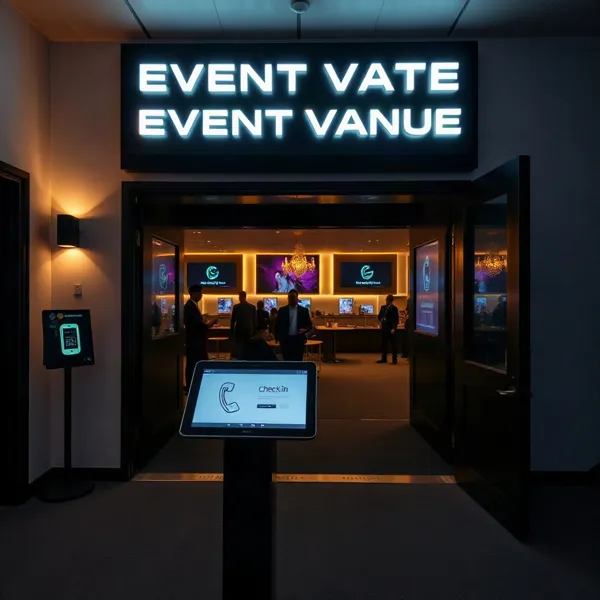
Make Arrival Part of the Guest Experience
A guest’s experience starts before the first speaker or activity. It starts at the entrance. A long, uncertain line can make people feel overlooked; clear directions and a friendly welcome help them settle in.
Text messages can prepare attendees with arrival details and help staff coordinate when plans change. They do not, on their own, record who has arrived. That still calls for a check-in method, such as scanning a QR code or searching a registration list.
For nonprofits and community events, a practical flow connects registration details to consent-based reminders, a reliable on-site check-in process, and thoughtful follow-up. Evant supports this approach with SMS RSVPs, check-in tools, targeted messaging, and CRM integration, helping organizers connect communication with event logistics.
Connect Registration to Check-In
Registration and check-in do different jobs. Registration records who plans to attend; check-in confirms who arrives. Keeping those records distinct helps an organization compare sign-ups with actual attendance and plan useful follow-up. For more on that distinction, see how registration connects to check-in.
Start with an event page that explains the purpose, date, time, and location, then make the registration options clear. Ask only for details the event team will use, such as a name, email address, ticket type, or relevant accessibility and dietary needs. Where possible, connect those records to the organization’s CRM or contact database rather than re-entering them by hand.
Send an immediate confirmation with the event details and a clear invitation to opt in to SMS updates. Explain what messages attendees may receive, such as arrival instructions or schedule changes, and how to opt out. A platform such as Evant supports SMS RSVPs and event check-ins, helping organizations connect communication with event participation.
Before the event, a text can share directions and ask guests to reply with a keyword or open a check-in link. But SMS alone does not verify someone’s identity or record a confirmed arrival. That response must connect to a check-in tool and attendee record; otherwise, staff should use the text to direct guests to a staffed check-in process and verify them against the live guest list.
At the door, staff can record verified arrivals and track walk-ins in the check-in system. Afterward, use attendance data to guide relevant follow-up, such as thanking attendees or inviting them to the next gathering.
Choose Tools That Keep Lines Moving
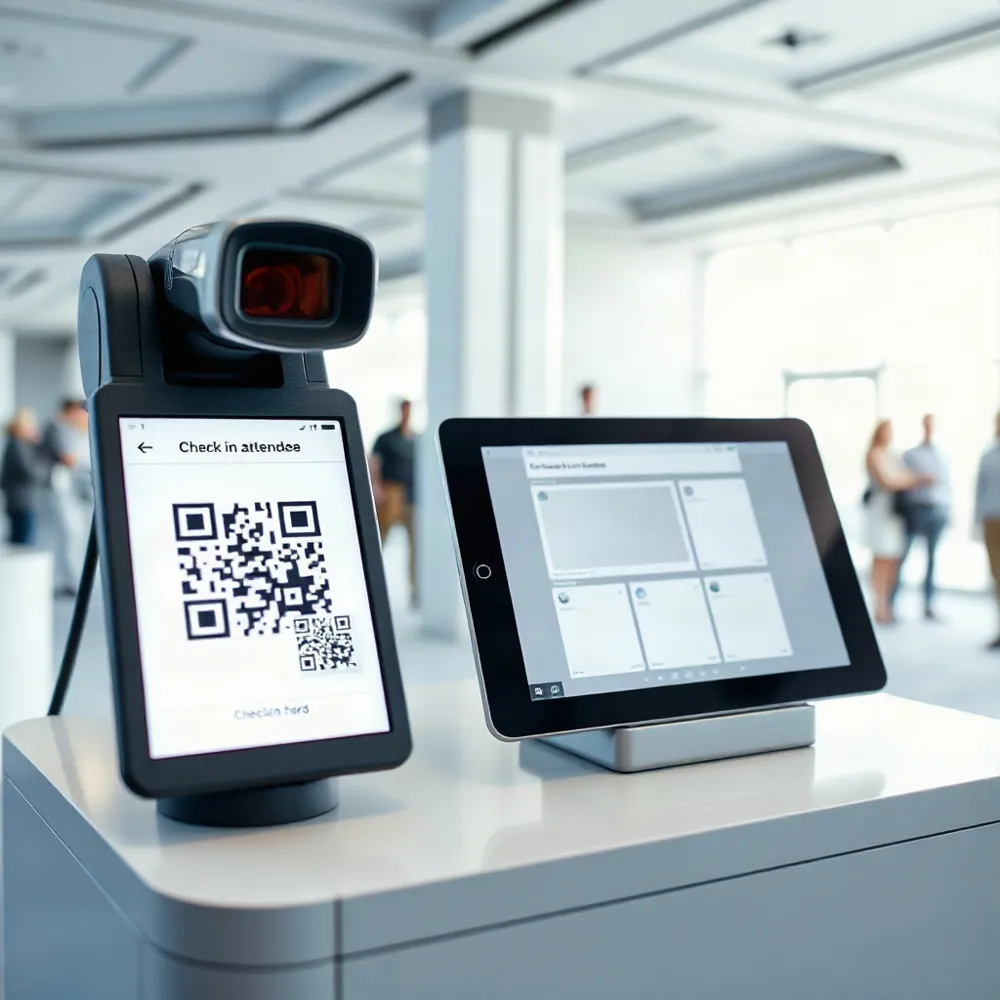
A useful check-in app should fit the way your event runs, not force staff into a complicated new routine. Look for quick QR-code scanning, attendee search when someone has no code, and attendance updates that appear across staff devices.
A mobile interface that works on phones or tablets your team already has can reduce setup friction. For community events, the same system may help track volunteers, guests, or session attendance, while SMS can carry relevant updates such as a room change or a revised volunteer meeting point. Evant combines SMS RSVPs, event check-ins, targeted messaging, and CRM integration for nonprofit and education workflows.
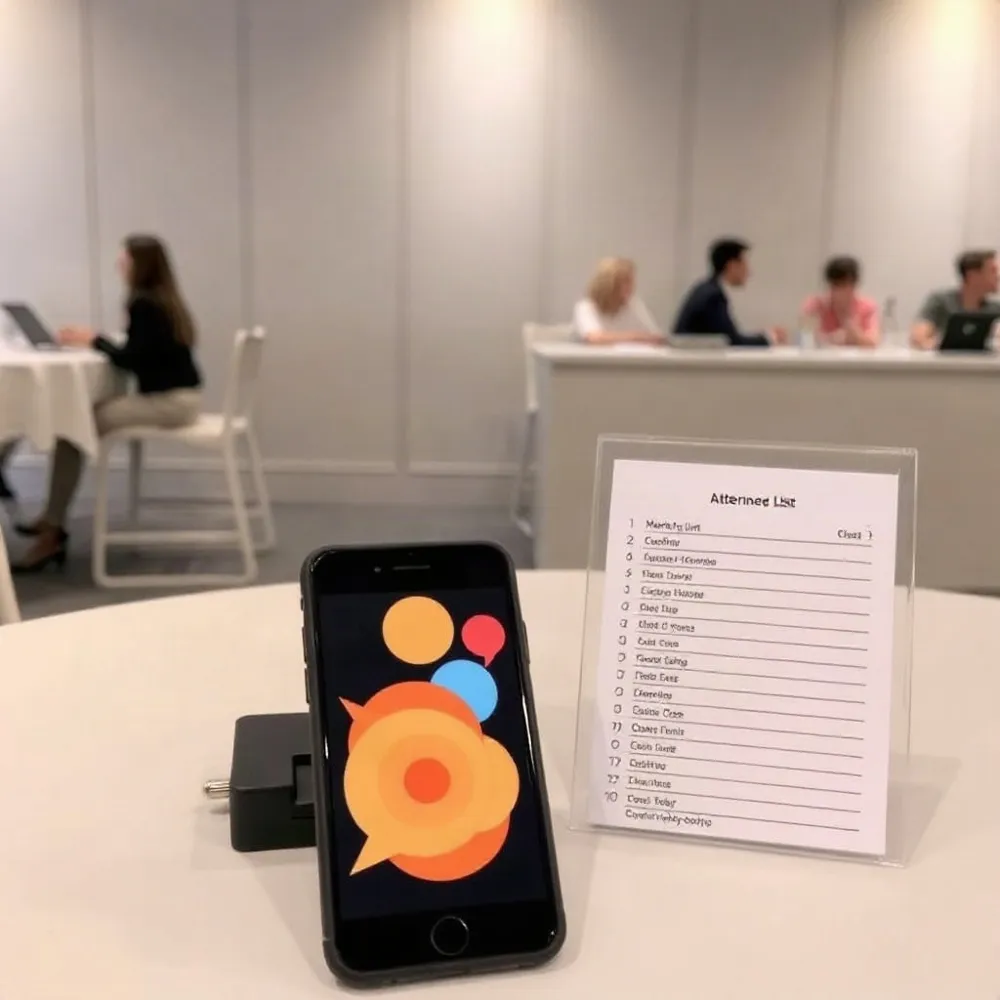
Plan for exceptions, too. Staff should be able to search a name or record a walk-in if a registration or code is missing. If venue connectivity is unreliable, check whether the app supports offline operation; a printed attendee list can provide a fallback.
Before event day, rehearse the full process on the devices staff will use, train the team, and charge devices. Set up visible signs, enough room for queues, accessible routes, and a separate help point so registration problems do not hold up the main line.
Compare how well each option fits your existing registration records and CRM, along with reporting, data security, accessibility, support, ease of use, and total cost. Test the actual workflow, including its backup steps, before choosing.
For more on practical check-in features, see QR-code scanning, attendee search, and real-time attendance updates.
Schedule Useful Texts at the Right Time
A text sent too early can be forgotten. One sent at the last minute may arrive too late to help. Plan a modest cadence, then make each message answer a practical question.
For a community event, send a confirmation when someone registers, followed by a short reminder about a day before and another about an hour before doors open. Virtual events may need a final message shortly before start time with the access link. For more guidance on reminder timing, see useful text reminders.
Put the event name, date and time, and location or join link in the message. Give each text one clear purpose, such as confirming an RSVP or showing where to enter. Send parking and entrance directions early enough to guide travel; reserve day-of alerts for changes that need attention.
With Evant, organizers can use SMS RSVPs and targeted messaging to keep event communication connected to participation. Segment messages by audience, role, ticket type, or registration status where those details are available, and include an easy way to update an RSVP. A calendar link can help recipients save the date, while email or on-site signage can reinforce essential instructions.
Schedule texts in advance so they do not depend on someone remembering to send them during a busy event. Review delivery and replies to spot messages that failed to reach people or confirmations that still need follow-up. SMS open-rate figures often appear in vendor marketing, but they do not establish that reminders will increase attendance at a particular event. Consent and opt-out handling still matter, and no reminder schedule can guarantee a guest will show up.
Define What a Check-In Text Can Do
A check-in text is a message that asks an attendee to confirm arrival, open a link, view a QR code, or follow directions to a check-in station. It can make the next step clear, but a text message by itself does not verify who has arrived.
The difference comes down to whether the messaging workflow connects to the event’s guest list or check-in software. If a reply or link tap updates that system, staff may see an attendance record. Without that connection, the response is self-reported, and someone still needs to verify the attendee and record the check-in.
For example, a community center could text a guest a map and a link to confirm arrival. Staff can use the linked workflow to update the guest list, or scan the guest’s QR code at the entrance. A text sent after check-in has already been recorded is a notification, not the check-in itself.
With Evant’s SMS check-in workflows, organizations can connect SMS RSVPs and arrival communications with event logistics. A clear entrance message may prevent repeated questions, while an integrated record can help staff see who has arrived. The goal is prepared guests and accurate records, not an unsupported promise that texting alone will shorten every line.
For a practical overview of what a check-in text can ask attendees to do, see this guide to SMS invitations for nonprofits.
Use SMS for Broad, Timely Reach
An organization may choose SMS when attendees use a mix of phones. SMS works across many phone types and carriers, while iMessage is limited to Apple devices and depends on an internet connection. That practical difference matters for a church gathering, school event, or nonprofit fundraiser where organizers may not know which messaging service each person uses. For a closer look at SMS’s broad reach, see why text messaging is a reliable RSVP method.
Texts can carry concise reminders, RSVP prompts, schedule changes, or directions to the right entrance. Recipients generally do not need to install an event app to receive them. Evant supports SMS RSVPs and targeted messaging, connecting event communication with RSVP and check-in workflows.
Some SMS platforms also support replies, audience segments, and links to event or CRM workflows, but those features vary by tool. Published open-rate comparisons are source-reported figures, not a promise that every text will arrive or be read. SMS should complement other channels, not replace them. Use consent-based contact lists, explain how to opt out, and keep messages relevant.
Protect Trust and Respect Message Limits
SMS works best for short reminders and quick updates, not full event details. A text may not reach someone if their number is invalid or they lack mobile coverage, and delivery does not guarantee that they will see or act on it. Include a link to a webpage or email with complete information.
Treat phone numbers as sensitive information. Get appropriate permission, keep contact lists accurate, honor opt-outs, and check which rules apply to your messages. Requirements can differ for informational and promotional texts, so confirm what applies to your program rather than assuming one permission covers both.
Too many irrelevant messages can feel intrusive and weaken trust in a nonprofit or community group. Evant supports targeted SMS messaging, which can help organizations send relevant event updates rather than treating every contact as the same audience.
Use SMS alongside email, a webpage, and in-person communication so attendees have another way to find important details. Evant’s SMS RSVP and event check-in tools can support arrival communication, while a linked page can hold information that does not fit in a text.
Make the Welcome Faster and More Human
A text can help guests arrive ready, but check-in software and prepared staff still verify attendance and resolve problems. Treat SMS as part of the welcome, not a substitute for the people and systems at the door.
Start with one consent-based message that gives a clear arrival instruction. Evant supports SMS RSVPs, event check-ins, and targeted messaging, so organizers can connect attendee communication with event logistics.
After the event, compare attendance with message delivery and replies, then ask staff where guests got stuck. Refine the next workflow around those needs. A clear text and a helpful person at the entrance can make arrival both faster and more human.
Related Blogs

Evant vs Tithe.ly Messaging: Church Texting Compared (2026)
Michael PedoeemTithe.ly bundles texting into its church management plans. Evant focuses on texting that gets a response. Here is how the two compare.
Evant vs Clearstream: Church Texting Compared (2026)
Michael PedoeemClearstream is built for high-volume church texting. Evant is built to get a response. Here is how they compare on price, calls, RSVPs, and giving.
Evant vs Text In Church: Which Is Better for Your Church? (2026)
Michael PedoeemText In Church is built for guest follow-up. Evant is built to get people to reply, RSVP, and give. Here is how the two compare in 2026.