
Make Interest Easy to Act On
Someone sees a school fundraiser, church gathering, or community event and thinks, “I should go.” Then the details get buried. The RSVP takes too long. The date slips their mind.
Interest is only the first step. People need a simple way to confirm, remember the event, and find practical details when they need them.
SMS can make that path more direct. Nonprofits and schools can invite opted-in audiences, collect replies, confirm registrations, and send useful updates before and during an event. A text can ask for a clear response, then share directions or check-in information without making people search through email.
Evant supports SMS RSVPs, targeted messaging, event check-ins, and CRM integration, connecting communication with the logistics teams need to manage attendance.
But a text alone does not guarantee attendance. Messages work best when they are relevant, well timed, permission-based, and built around one straightforward action. Make the next step easy, and it becomes easier for interested people to follow through.
Build a Clear Path to Attendance

A useful event text gives someone one clear next step. Start with a targeted invitation that names the event’s purpose, date, and time, then offer a direct registration link or ask for a simple reply. For ideas on what to include in event messages, see event correspondence guidance.
Reply-based RSVPs make the first step quick: ask people to text YES or NO. That gives organizers a clearer attendance count without requiring every recipient to complete a form. A link is still useful when people need to choose a session, provide guest details, or read more before deciding.
Once someone registers, send a confirmation with the event details and a brief welcome. Evant supports SMS RSVPs and event check-ins, so a nonprofit team can connect a text response with practical attendance tracking instead of managing replies across personal phones.
Reminders should have a purpose beyond repeating the invitation. Send one when it helps attendees prepare, such as sharing directions, parking information, what to bring, or a calendar link. The event correspondence guidance recommends tailoring follow-ups to the event timeline and giving each message a clear reason.
On event day, use texts for useful changes and check-in instructions, not extra promotion. Afterward, thank participants, share relevant resources, or ask for feedback through a short survey. Evant’s targeted messaging and analytics can help teams connect these follow-ups to future community outreach and learn which messages prompted action.
Design Messages Around Attendee Needs
A text invitation should answer the attendee’s first questions quickly: who is hosting, what the event is, when it happens, and why it may be worth attending. Then give one RSVP route, such as a short link or a reply prompt. For a practical checklist of invitation details, see event correspondence best practices.
After someone registers, send an immediate confirmation that feels like a welcome, not just a receipt. Include the date and time, location, directions or parking information, and a calendar link. If there is more to explain, link to an FAQ page rather than squeezing every detail into a text. Evant’s SMS RSVPs and targeted messaging let organizations keep confirmations and attendee details connected in one communication workflow.
Use the details your organization already has to make messages relevant. A volunteer may need a check-in location, while a ticket holder may need entry instructions or session information. Segmenting by role, ticket type, or session choice helps avoid sending everyone updates they do not need.
Short templates for common event messages
- Invitation: “{Organization}: Join us for {Event} on {Date} at {Time}. Come for {Brief reason}. RSVP: {Link}. Reply STOP to opt out.”
- Reply RSVP: “Can you attend {Event} on {Date}? Reply YES or NO.”
- Reminder: “Reminder: {Event} is {Date} at {Time}, at {Location}. Directions and details: {Link}.”
- Event update: “Update for {Event}: check in at {Location}. The schedule has changed; see the latest details: {Link}.”
- Thank-you: “Thanks for joining {Event}, {First name}. Share quick feedback here: {Survey link}.”
Keep each text focused on one action and easy to scan. When details require explanation, link to a page with directions, accessibility information, or FAQs. That keeps the message readable while giving attendees a clear place to find what they need.
Time Outreach Without Creating Noise
The right reminder schedule depends on the event and how far ahead people registered. A neighborhood meeting announced a few days out needs a different cadence from a fundraiser booked weeks in advance. Scheduling messages early also means staff are not writing every reminder at the last minute.
A restrained sequence might start with an immediate RSVP confirmation, then add a reminder several days or about a week before the event when the gap calls for it. Send a closer reminder as the date approaches, and reserve a day-of text for useful details such as directions or a room change. This is a planning example, not a fixed formula.
BizBash’s event correspondence guidance recommends considering an extra reminder when more than about 20 days pass between an RSVP or purchase and the event. That advice concerns correspondence generally, not evidence that a particular SMS schedule improves attendance.
Send reminders to people who have confirmed, not to the entire contact list. If someone replies that they cannot attend, stop their reminders. Evant’s SMS RSVP and targeted messaging tools support communication around attendee responses, helping teams keep event messages relevant.
Every text should give recipients a reason to read it: prepare for the event, find the venue, or update their plans. Repeating the date without a purpose can feel like noise. For more on planning message timing around registration and event dates, see how to time attendee messages.
Keep Event-Day Logistics Moving
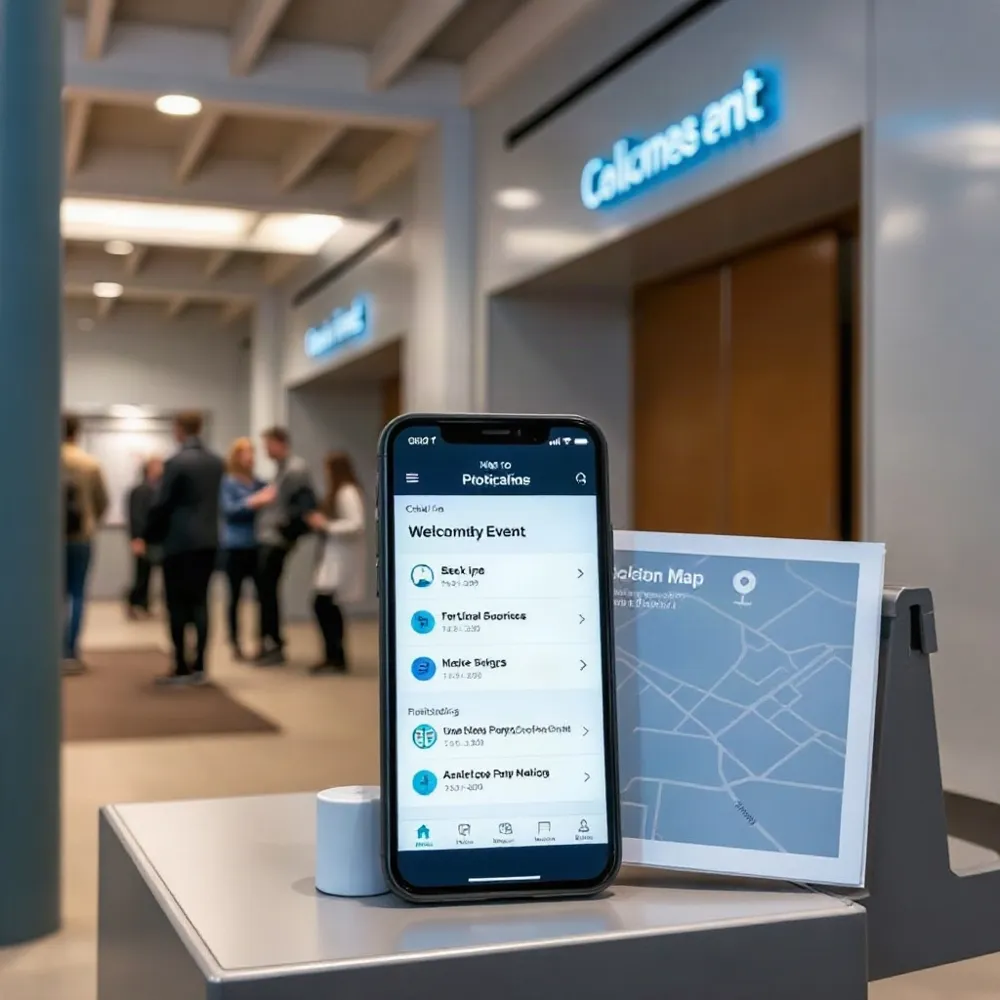
Once guests are on their way, useful messages answer the questions that could slow them down. Send parking directions, check-in instructions, weather alerts, room changes, schedule updates, or a livestream link when people need them. Clear practical details can help guests feel prepared and reduce last-minute questions, a point also emphasized in event correspondence guidance.
A check-in text can tell attendees where to go and what to have ready, or link to a mobile check-in process. The goal is not to promise a faster line. It is to make arrival easier to understand. For more on using SMS for event-day logistics and real-time updates, organizers can connect timely updates to the details attendees need in the moment.
Questions will still come in. A shared inbox lets staff answer from one place, assign conversations to teammates, and use prepared replies for recurring needs such as directions or parking. Evant supports targeted messaging, event check-ins, and CRM integration, helping nonprofit and school teams keep attendee communication tied to event operations.
Preparing messages ahead of time also cuts repeated work. Teams can import contact lists, personalize messages, and schedule campaigns rather than composing each update at send time. Connecting registration or CRM data can reduce manual exports and help messages reach the right attendees. After a session, share a resource link or direct guests to relevant information, so event texts support participation rather than simply announce changes.
Choose a Service That Fits the Team
The right event texting service depends on the work your team needs it to do and the time available to manage it. For a nonprofit, that may mean handling RSVPs for a fundraiser, sending a room-change alert at a school event, or keeping volunteers informed at a community gathering.
Start by checking whether a service supports the full event cycle: scheduled reminders, day-of updates, and post-event follow-ups. Two-way replies and SMS RSVPs can help staff track attendance changes, while check-in tools connect a guest’s response to arrival. Evant combines SMS RSVPs, event check-ins, and targeted messaging, with CRM integration to keep event communication connected to supporter records.
Personalization and segmentation matter when attendees, volunteers, and staff need different information. Look for ways to send messages to the right group, personalize details, and review delivery, replies, and engagement. Clear reporting helps a small team see whether messages reached people and where follow-up may be needed, without treating a vendor’s performance claims as independent proof.
What should nonprofits look for in an event texting service?
Check how the service handles consent records, opt-outs, U.S. carrier registration, and privacy. Staff should be able to manage incoming replies and retain communication records reliably. The event correspondence guidance also emphasizes giving each follow-up a clear purpose, a useful standard for avoiding messages that feel repetitive.
Finally, match the platform to your event scale and existing systems. A managed service such as Evant may suit a lean team that needs ready-to-use SMS RSVP, check-in, and messaging workflows. A programmable option can offer more control, but staff must build, test, and maintain the messaging process. Ask about setup, training, and support before deciding, then choose the service that fits the team’s capacity rather than the longest feature list.
Budget for Messages and Requirements
Yes, nonprofits may find free trials, discounted plans, and pay-as-you-go tools for mass texting. But sending messages at scale is rarely free: message charges and carrier requirements can add costs, so compare the full price rather than focusing on a promotional offer.
Options to investigate include Twilio.org, Text-Em-All, and EZ Texting. Treat them as starting points for research, not guaranteed fits: pricing, eligibility for nonprofit offers, and available features can change. Ask providers directly about current discounts or grants, including whether your organization qualifies.
Compare message rates, monthly fees, registration costs, and contact limits. Then check whether a plan supports two-way replies, audience segmentation, and the RSVP workflows your team needs. Evant includes SMS RSVPs, targeted messaging, event check-ins, CRM integration, and analytics, which can help nonprofits connect event communication with attendance tasks rather than paying for unrelated features.
A low-cost service can support volunteer coordination, event reminders, and urgent updates, but the lowest advertised price may not cover the tools or support your program requires. Before choosing, confirm how the provider handles consent, opt-outs, and applicable U.S. carrier requirements. For broader guidance on evaluating SMS program costs, see budgeting for a texting program.
Respect Consent and Learn From Results

Event registration is not automatic permission for unrelated ongoing marketing texts. Ask people to opt in to event messages, explain what they are signing up for, and keep the consent record with the contact information. A clear choice protects trust and gives staff a reliable audience for event updates.
Identify the organization in messages, explain how to opt out, and honor requests promptly. Respect reasonable sending hours and audience preferences, too. U.S. messaging rules and carrier requirements can change, so check current requirements for your program rather than relying on a platform to make the decision for you. See these SMS consent and compliance practices when setting up event outreach.
After the event, review delivery, replies, registrations, check-ins, and survey responses together. These signals can show where people acted, where questions or drop-offs occurred, and what information may have been missing. Evant’s targeted messaging, CRM integration, and analytics can help nonprofits connect communication with participant records and assess engagement.
Treat those results as planning evidence, not proof that SMS alone caused attendance to rise. Other factors, such as event timing, location, and competing commitments, also shape turnout. Use feedback to adjust the next message sequence, and give each follow-up a clear purpose, as recommended in event correspondence guidance.
Turn the Next RSVP Into a Relationship
A clear invitation, an easy RSVP, and reminders that answer real questions can move someone from “maybe” to showing up. A thoughtful follow-up keeps the conversation going after the event, whether that means thanking attendees or sharing a useful next step. Event correspondence works best when each message has a purpose and feels personal, not repetitive, as BizBash’s guidance on event correspondence explains.
For a school or nonprofit team, start with one event workflow: invite people, record replies, send a manageable sequence to confirmed attendees, then review questions and attendance. Evant brings SMS RSVPs, targeted messaging, check-ins, CRM integration, and analytics into event communication, so teams can connect replies and event activity rather than treating every message as a separate task.
Use what attendees ask and how they respond to make the next sequence clearer. Keep messages relevant to the event and send them only with permission. When useful communication continues beyond a single date, each event can become a natural way to strengthen community ties.
Related Blogs


Best Texting App for Catholic Parishes in 2026: Flocknote, myParish and Two Others Compared
Michael PedoeemFlocknote, myParish, Text In Church and Evant compared for Catholic parishes: pricing, whether parishioners need an app, voice calls and giving.
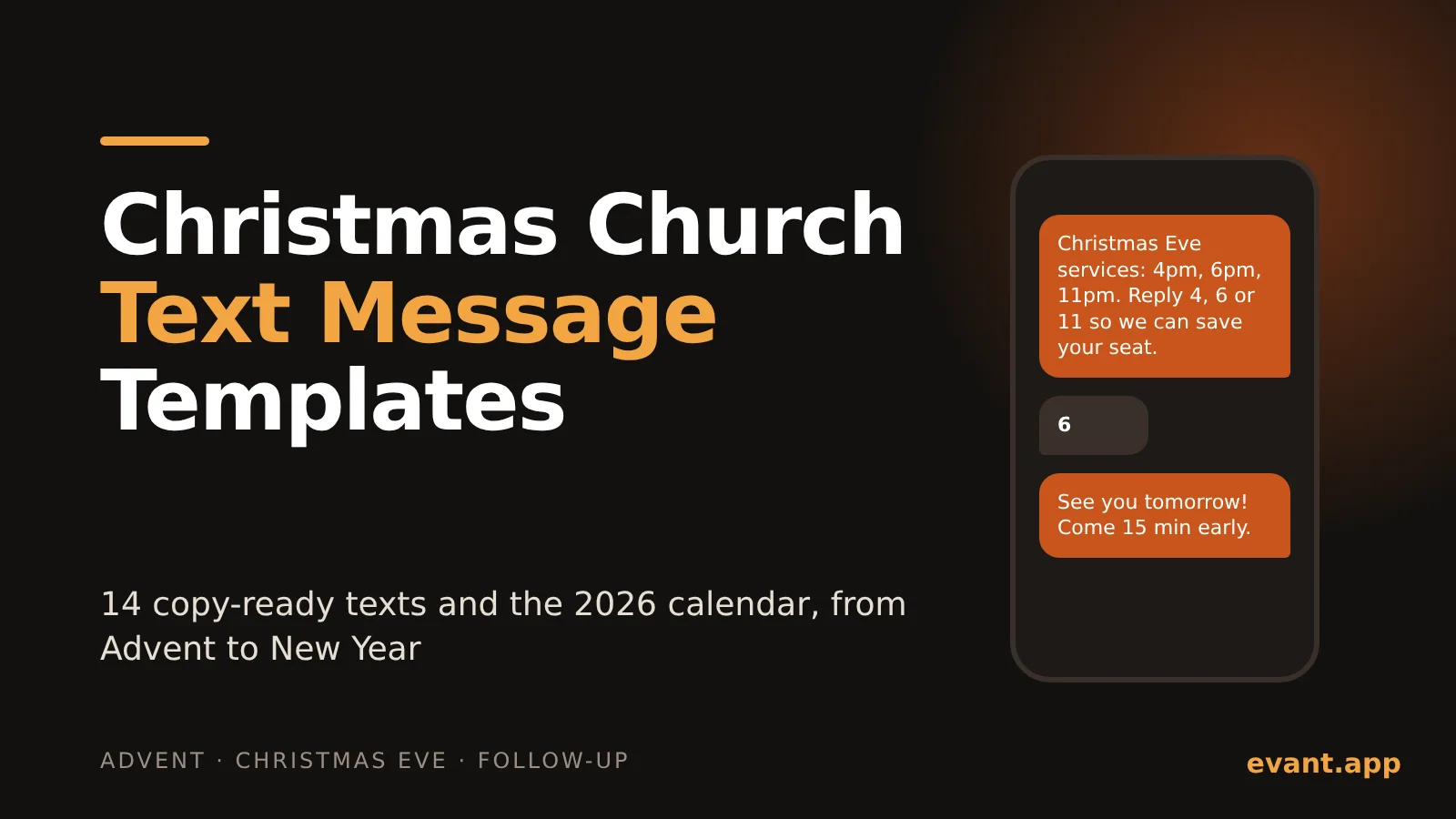
Christmas Church Text Message Templates: 14 Texts and the 2026 Send Calendar
Michael Pedoeem14 copy-ready Christmas texts for churches, each under 160 characters, plus the exact 2026 dates to send them from Advent to New Year's Eve.
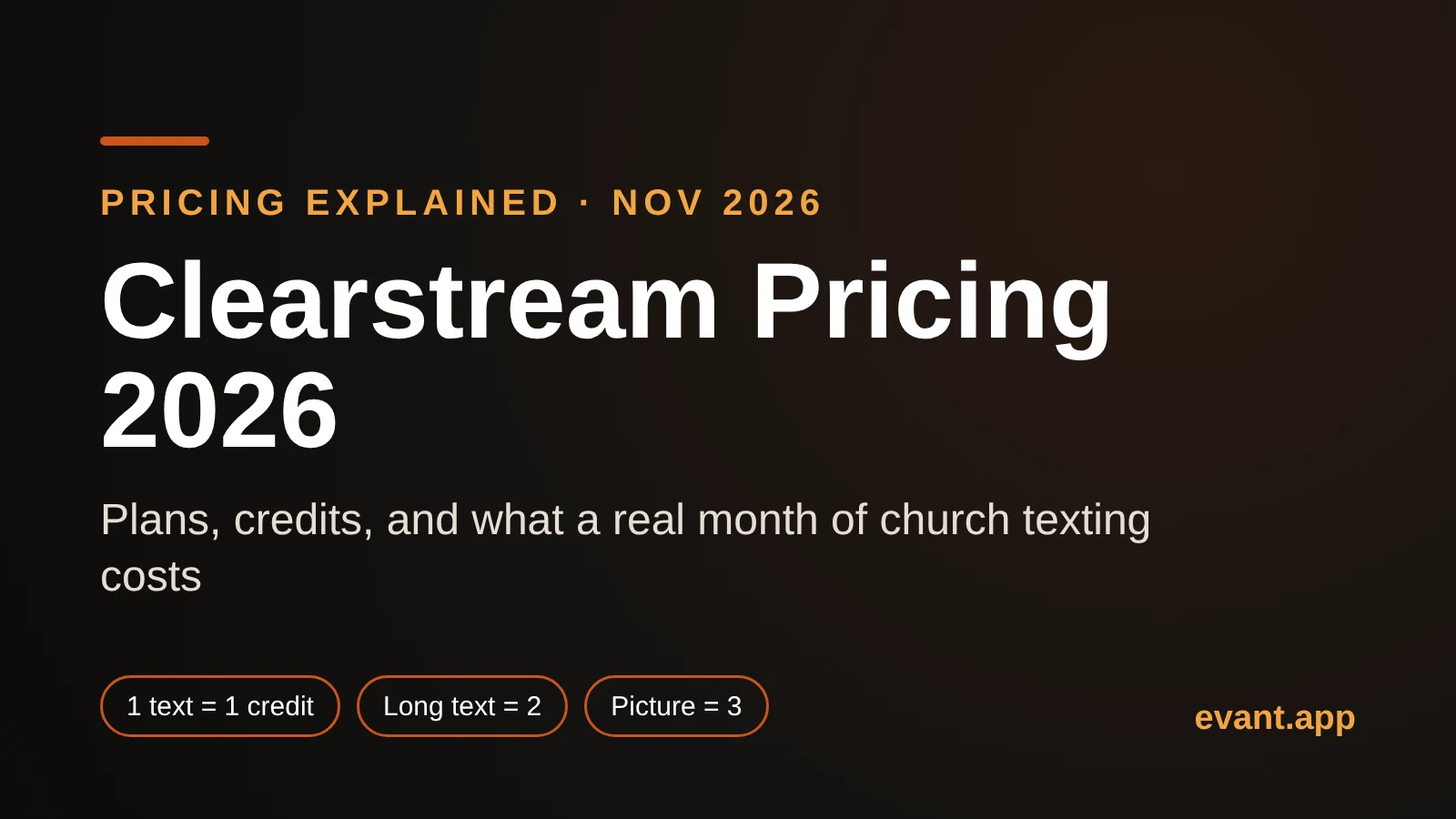
Clearstream Pricing 2026: What 1,000 Credits Actually Buys Your Church
Michael PedoeemClearstream pricing in 2026, explained: every US plan, what counts as a credit, why long and picture texts cost more, and what a real month costs.