
A Faster Route to Knowing Who Is Coming
A headcount is not just a number. It tells an organizer how many volunteers to schedule, how much food to prepare, and whether the room, seating, and supplies will meet the event’s needs. When replies arrive late or sit across messages and spreadsheets, those decisions become harder.
Text-based RSVPs offer one way to collect responses: invitees can reply by text, and the organization can keep attendance records current. In Evant, SMS RSVPs sit alongside tools for event check-ins, targeted messaging, CRM integration, and analytics, connecting a reply to more of the event’s work. A text reply is not the right fit for every invitation, though. A web form, email, or printed response card may suit the audience or occasion better.
The choice depends on who is invited, how formal the event is, what details the team needs, how soon it needs a headcount, and what its budget and existing tools allow. A simple yes-or-no reply may work for a community gathering; an event collecting accessibility needs, guest counts, or meal preferences may need a form or a text flow with follow-up questions.
The sections ahead look at when text RSVPs help nonprofit and educational teams, how they fit into event logistics, and how to handle consent, message timing, and follow-up. The aim is not to replace every channel, but to choose a response method that gives the team useful information without adding friction for invitees.
When Text-Based RSVPs Fit

A text reply works best when the response can be simple and timing matters. For an informal gathering, an invitation already sent by text, a last-minute plan, or a volunteer activity, asking people to confirm by message may remove an extra step.
A clear prompt might say, “Reply YES to attend” or “Reply 1 for yes, 2 for no.” That gives recipients an obvious action and can help organizers get a quick headcount. An automated system can confirm the reply and ask follow-up questions, such as whether the person is bringing a guest.
For Evant, SMS RSVPs sit within a broader community communication workflow, alongside targeted messaging and event check-in. A reply-based option is most useful when a yes or no is enough to plan the next step, rather than when the RSVP needs to capture a full registration record.
Some events call for a more formal response or more detailed information. For a gala, high-profile gathering, interview, or corporate event, invitees should use the response method stated in the invitation. A web form may be the better fit when organizers need several fields, such as contact details, accessibility requests, meal preferences, or session choices.
Texting can still guide people to a form. A short message can provide the event details and a mobile-friendly RSVP link, while the form collects the information needed for planning. Evant’s text-based RSVP guidance describes where a quick text response may fit, including informal events and volunteer activities.
Choose the channel by weighing the event’s formality, how soon you need a response, whether attendees can comfortably use texts or links, and what details the organizers need. A simple reply only helps if it produces a useful headcount. If it leaves important questions unanswered, pair SMS with a form or another response option instead of treating texting as the default for every event.
Benefits for Nonprofit Event Logistics

A current RSVP list turns an event estimate into a working plan. Knowing who expects to attend helps a nonprofit assign enough staff and volunteers, prepare supplies, arrange seating, and make event-specific choices such as how many check-in stations or activity materials are needed. Evant’s SMS RSVP and event check-in tools can keep responses and arrival records in the same event workflow.
A familiar, short reply can reduce the steps between receiving an invitation and answering it. Supporters may be able to confirm by text instead of opening email and completing a longer form, but convenience is not a guarantee that they will respond. A text invitation should make the event and requested action clear, while leaving another response route available for people who prefer it.
After someone replies, an immediate confirmation can restate the event details and reassure the attendee that their response was recorded. Reminders can bring the date and arrival information back to mind, while a timely text can share a venue change, schedule adjustment, parking detail, or updated entrance instructions. Use email or another channel for information that needs more explanation.
Texting can reach people who do not regularly check email, and SMS does not require an internet connection to receive a message. Still, organizations should consider whether texting suits their audience and collect permission before sending event messages. Include a clear way to opt out, and do not treat silence as a confirmed decline.
When RSVP and check-in records are connected, teams can compare expected attendance with actual arrivals. That gap can prompt useful questions: Did people cancel without updating their response? Were reminders useful? Did transportation or arrival instructions create a barrier? Evant’s event records and analytics can help staff review participation patterns and adjust logistics for future gatherings. For more on turning a current headcount into practical preparation, see accurate attendee counts with real-time RSVP tracking.
Turning Invitations Into Participation
An invitation is only the first step. Participation depends on making the next action clear, then giving people the information they need to follow through.
Start with the people most likely to care about the event. A volunteer cleanup can go to active volunteers, a donor briefing to supporters interested in that program, and a community gathering to nearby residents. Evant’s targeted messaging and SMS RSVP tools let organizations direct invitations to relevant groups and keep replies together for event planning.
A useful text names the event, date, time, and location, gives a brief reason to attend, and ends with one unmistakable action. For example: “Join us Saturday at 10 a.m. at the community garden to help plant spring beds. Reply YES to attend.” If people need to share more than a simple response, send them to a concise RSVP page.
Follow-up should match each person’s status. Send timely reminders and practical details to confirmed guests, such as what to bring or where to park. People who have not replied may need a brief nudge, while those who decline should not keep receiving attendance reminders. Targeted text messaging for stronger community engagement can help teams plan invitations, response actions, reminders, and useful event information as one sequence.
On event day, texts can share directions, entry or check-in instructions, room changes, and session updates. They can also help coordinate volunteers if a shift changes or a team needs support. Once people arrive, a message might direct them to check in, share a speaker’s resource link, or invite a quick poll response or question, when the event workflow supports those actions.
Keep texts brief and actionable. Use email or an event page for detailed schedules, background, and longer explanations, then use SMS to point people to the right information. Coordinate those channels with the organization’s website, blog, and social media so each message has a purpose rather than repeating the same announcement everywhere.
After the event, thank attendees, ask for feedback, share takeaways, or invite them to another relevant opportunity. When RSVP and attendance activity connects with contact records, staff can tailor follow-up based on who responded, attended, or volunteered. Evant combines SMS RSVPs, event check-ins, targeted messaging, and CRM integration to support that flow from invitation through follow-up.
Consent, Relevance, and Message Timing
What are best practices for nonprofit event text messaging? Start with clear, documented permission. Tell people what kinds of event texts they may receive and how often, and check the laws, carrier rules, and platform requirements that apply to your program. Consent is not a box to check once and forget: keep records current, along with each person’s contact preferences.
Identify your organization in the message, state the event details people need, and give one clear action, such as replying to confirm or following check-in instructions. Make opting out easy to understand, and promptly honor requests. A text should be useful on its own, not a compressed email. For longer explanations, direct recipients to a suitable page or email.
Relevance matters as much as timing. Send invitations to people who are appropriate for that event, then tailor follow-ups to their RSVP status or role. For example, confirmed attendees may need arrival details, while nonresponders may need a brief, courteous prompt. A missing reply is not a confirmed decline, so follow up before making attendance assumptions.
There is no single reminder schedule for every event. Depending on the audience and planning needs, reminders might go out a week ahead, the day before, and shortly before the event. Other schedules may work better. Agree on expected frequency when people opt in, use reasonable local send times, and avoid repeating information. Too many messages can lead to fatigue and opt-outs.
For small teams, keeping consent, RSVP status, and message preferences together can make it easier to avoid sending the wrong update. Evant supports SMS RSVPs, event check-ins, targeted messaging, CRM integration, and analytics, connecting outreach with practical event records.
Text should not be the only route for every invitee. Some people may find digital methods difficult or prefer a personal conversation. Offer help or a phone call when needed, and make the alternative clear. For more on documenting opt-in and setting expectations, see best practices for SMS engagement campaigns.
Keeping Supporters From Opting Out
How can organizations reduce SMS opt-outs? Start by texting only people who agreed to receive messages, and make clear what kinds of texts they can expect. A supporter who signed up for event reminders may not want general fundraising appeals. Sending the wrong message can weaken trust, even when the information is useful to someone else.
Segment contacts by interests, event attendance, volunteer role, or other relevant details. Evant’s targeted messaging tools support sending event information to the people it applies to, rather than treating every contact as the same audience. Where your tools allow it, let supporters choose between event reminders and broader updates.
Give each text one clear purpose and an easy next step. Once someone declines an invitation or completes a registration, update their record so they do not keep receiving the same prompt. Accurate contact data and consent records help staff avoid sending messages that no longer fit.
Opt-out instructions should be easy to find, and requests should be processed promptly. Don’t hide the option to unsubscribe or make people contact staff to stop routine texts. Clear opt-out handling is part of maintaining trust, not just a way to manage campaign results.
Review opt-out patterns alongside the content, timing, and frequency of messages. If people are leaving after a particular type of text, consider whether it was relevant and whether it arrived when expected. For related guidance on consent and message frequency, see how nonprofits can keep supporters from opting out.
Choosing Software for the Full Event Cycle

What should organizations look for in SMS event management software? Start with the full workflow, not just the invitation. A useful system can target invitations, collect text RSVPs, send scheduled confirmations and reminders, share day-of updates, support check-in, track attendance, and report results.
Connected records make those steps work together. Accurate registration data can trigger messages for the right people, while a shared attendee record helps staff see replies and follow up without copying information between separate tools. Evant brings SMS RSVPs, event check-ins, targeted messaging, CRM integration, and analytics into its community event workflow.
Check whether the platform connects to the organization’s current CRM and preserves RSVP, attendance, and engagement history alongside existing constituent records. Integrations vary, so confirm which fields sync and whether staff can access records on mobile. Segmentation should let a team send relevant messages to groups such as volunteers, students, donors, or event registrants, while consent preferences and opt-outs remain visible and respected.
Check-in is another distinct step. QR-code scanning can connect an attendee’s arrival to a registration record and update attendance counts in real time. It complements RSVP collection rather than replacing it: the response helps staff plan, while the scan records who arrived.
Match the software to the event and the team. A spreadsheet may be enough for a small gathering. A larger fundraiser or multi-session community event may call for guest management, volunteer coordination, several communication channels, mobile access, and reporting. The aim is not to buy the most complex system, but to avoid adding work that staff cannot maintain.
Before choosing, test the workflow with the people who will use it. Review ease of use, CRM fit, reporting, support for consent and opt-outs, transparent pricing, and room to scale. Ask whether SMS is included or billed separately, and whether the total cost fits the organization’s budget. A full-event SMS RSVP workflow should make it easier to move from invitation to attendance records without creating another disconnected system.
Measuring Attendance and Engagement
How should organizations measure event attendance and participation? Start by deciding what success means before promotion begins. A community dinner, volunteer training, and fundraising event may each call for different attendance and participation goals.
Once registration closes, compare the RSVP list with verified check-ins. Calculate the attendance rate by dividing the number of attendees by the number of registrants, then multiplying by 100. For example, if 80 of 100 registrants check in, attendance is 80%. Treat this as a measure of the event, not proof that one communication channel caused the result.
Compare the outcome with the target you set and with similar past events. A lower rate may point to a scheduling conflict, unclear directions, or a gap between registration and arrival. Review the details before changing the invitation strategy. Evant's event analytics can help organizers assess attendance and engagement against the goals they set.
Attendance is only one measure. Depending on the event, participation might include session attendance, responses to an activity or poll, volunteer task completion, or post-event survey completion. Choose indicators that reflect what attendees were invited to do, rather than counting every interaction as equally meaningful.
Review the communication trail as well: message delivery, RSVP replies, link engagement, and opt-outs can show where people stopped responding. Break results down by relevant audience groups, such as volunteers and donors, and interpret each measure in context. A missed reply is not necessarily a decline, and a delivered text does not confirm attendance.
Use these findings to locate drop-off points and adjust practical details, follow-up, or message wording. Test one change at a time, such as the send time or call to action, and keep outreach relevant to recipients. Evant's SMS RSVP records and analytics can support a clearer view of responses and event participation across the planning cycle.
Extending Community Engagement Afterward
An event can open a conversation that continues after people leave. A timely thank-you, a useful resource, or a short account of what the group achieved gives attendees a reason to stay connected. Keep each text focused on one next step, such as viewing photos, reading a recap, or signing up for another gathering.
Ask for feedback while the experience is still fresh. A brief survey link can gather responses without turning a text into a long questionnaire, while two-way messaging lets people reply with a question or a quick observation. Their comments can reveal what participants need and help shape future events.
Tailor follow-up to what people did and what interested them. Attendees might receive a resource related to a session or an invitation to volunteer. Someone who registered but could not attend may appreciate a recap or recording, if one is available. Evant connects SMS engagement with contact records and analytics, helping teams keep track of replies and understand which follow-up messages prompt further interest.
Treat replies as conversation, not just data. A question about transportation, accessibility, or future activities may point to a practical need the organization can address. Record useful details in the appropriate CRM workflow, and review response patterns before planning the next program.
Continue to message only people who have agreed to receive texts. Honor opt-outs and quiet hours, and make each follow-up relevant to the recipient. For more ideas on carrying event relationships forward, see post-event follow-up and ongoing engagement.
Choose the Channel That Serves the Event
Choose text-based RSVPs when people can answer a clear, simple question and organizers need a timely headcount. For a formal event or one that requires meal choices, accessibility details, or other structured information, use a form or email alongside texting rather than forcing every reply into a short message.
The channel alone does not make an RSVP process dependable. Invitations should identify the event and the response deadline, and text outreach should go only to people who agreed to receive it. Send useful, relevant reminders, then keep replies connected to attendee records so staff can distinguish confirmed guests from nonresponders and record who actually checks in.
A suitable first test might be a volunteer orientation or community gathering with a straightforward yes-or-no response. Evant supports SMS RSVPs alongside event check-ins and CRM integration, so a team can assess whether responses carry through to event records and follow-up.
After the event, compare replies with attendance and note questions, late changes, and requests for another response option. Use those observations and participant preferences to adjust the invitation, timing, or channel before expanding the workflow. The aim is not to text everyone, but to make it easier for the right people to respond and for staff to act on what they say.
Related Blogs


Text-Em-All vs Clearstream for Churches: Pay per Person or per Text? (2026)
Michael PedoeemText-Em-All charges by group size and includes calls. Clearstream charges by credits and fits Planning Center churches. What a 150-person church pays.
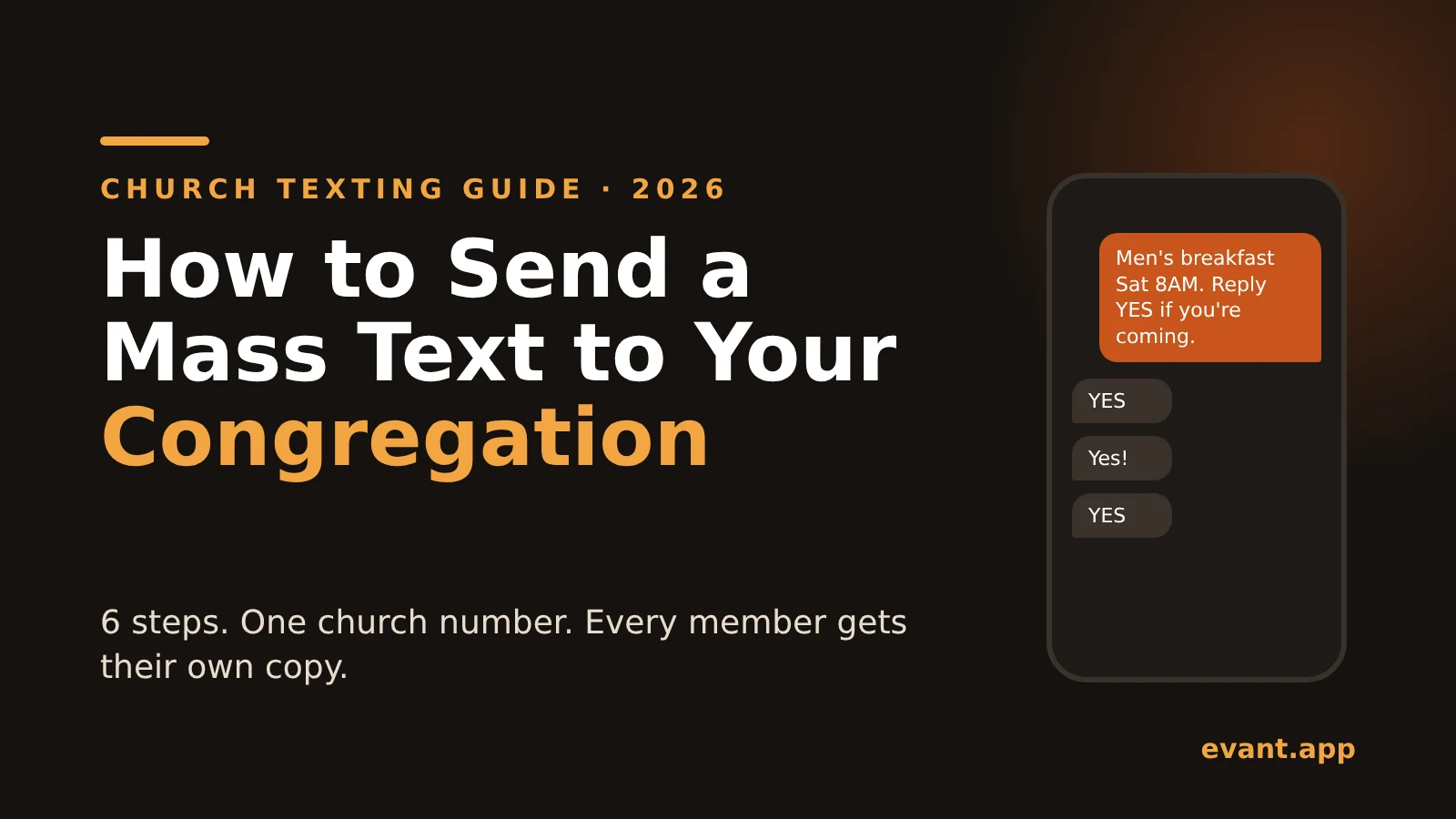
How to Send a Mass Text to Your Congregation: 6 Steps Without the Reply-All Mess (2026)
Michael PedoeemHow to send a mass text to your congregation in six steps: pick a service, register your number, get consent, write short texts and reach members who don't text.
Voice Broadcast for Churches: What a 60-Second Call to 200 Members Costs (2026)
Michael PedoeemWhat a church voice broadcast really costs in 2026: one 60-second call to 200 members priced on five services, plus the FCC rules.





Get the Evant app



