

From Messages to Community
A text can announce a meeting. A thoughtful messaging workflow can help people feel connected before, during, and after it. For nonprofits, schools, and churches, the difference is whether SMS simply pushes information or gives people an easy way to respond, take part, and stay involved.
That connection can begin with an invitation and continue through an RSVP, a practical event update, and a follow-up that asks what members thought. Evant brings these steps into community and event workflows with SMS RSVPs, event check-ins, targeted messaging, CRM integration, and analytics. Texts become more useful when they support participation, not just reach.
Choosing a platform means looking beyond a feature list. Can members reply and get a useful response? Can staff manage messages alongside registration and attendance? Does the platform connect with existing contact records, respect consent and opt-outs, and show whether outreach leads to participation? These questions help organizations choose tools that fit daily work and build relationships over time.
What Makes an Online Community Strong

A strong community is more than a list of people receiving the same announcement. It brings people together around shared interests or goals and gives them ways to exchange information, ask questions, and support one another.
That requires conversation, not just broadcasts. Members need chances to ask questions, answer one another, share feedback, and take part in polls. When organizers acknowledge replies and show how input informs future plans, participation feels worthwhile rather than one-sided.
Clear guidelines help members understand what respectful participation looks like. Fair moderation matters too: address harmful behavior consistently, make room for different viewpoints, and respond when people ask for help. A welcoming space is built through those everyday actions, not a rule page alone.
Access also shapes who can participate. Keep discussions easy to find, share timely updates in channels members can use, and make event information straightforward to act on. For organizations that bring people together in person, Evant connects SMS RSVPs with event check-ins, helping tie messages to participation. Its event-focused tools complement ongoing community conversation rather than replacing it.
For a deeper look at the communication habits behind lasting groups, see authenticity, inclusivity, and added value in community building. When members feel heard, welcomed, and able to join in, belonging has room to grow.
A Nonprofit Platform Selection Checklist

What should nonprofits look for in a text messaging platform?
Look for an interface staff and volunteers can learn quickly, clear consent records and opt-out handling, and tools that help your organization follow applicable texting rules. Reliable delivery matters too: a reminder that arrives late is less useful when attendees are already on their way.
Two-way messaging turns a text channel into a way to answer questions and collect responses, not just send announcements. As replies grow, shared reply management and searchable message logs help staff coordinate follow-up and see what a supporter has already been told. Evant connects SMS with event workflows such as RSVPs and check-ins, so teams can manage communications alongside event participation.
Segmentation helps avoid sending every message to the entire list. A nonprofit might group people by interests, location, volunteer activity, event attendance, or engagement history, then send each group information that fits its relationship with the organization. Check whether those groups can be built from CRM records and updated as people respond.
CRM integration can keep contact details and communication history connected instead of requiring staff to export and re-import lists. Ask what data syncs, whether replies and opt-outs are recorded, and which systems the platform supports. Useful analytics should show more than message volume: delivery, responses, event RSVPs, and opt-outs can help teams judge whether outreach is working and adjust it.
For organizations with events, check for SMS RSVP collection, confirmations, reminders, and check-in support. Evant’s event tools bring text communication into those practical steps, rather than treating each event message as a separate broadcast.
Include accessibility and inclusion in the comparison. Ask about multilingual messaging, accessible formats, and ways to bring feedback from in-person activities into the same workflow as digital responses. These options can help teams hear from people who may not use the same channel or language.
Finally, compare total pricing, message limits, and the quality of customer support against your expected use. A platform that fits the budget on paper may not fit the workload if essential features cost extra or staff cannot get help when a message workflow fails. For a broader set of selection criteria, see this nonprofit SMS platform checklist.
Connect SMS to the CRM
When registration, texting, and contact records sit in separate tools, staff end up moving lists by hand and losing context. Connecting them lets a CRM trigger messages and keep activity tied to the people behind each RSVP.
A built-in connector can link an SMS platform to a CRM or event system. No-code automation tools can pass information between services, while an API can support a more customized connection. Evant brings SMS RSVPs, event check-ins, targeted messaging, CRM integration, and analytics into workflows designed for nonprofits and educational organizations.
A registration can trigger an immediate confirmation. Later, the RSVP status can determine who receives a reminder, while a cancellation can stop follow-up messages or prompt a waitlist notification. If the systems support two-way updates, replies, check-ins, and follow-up notes can be recorded on the relevant contact record.
Synchronized contact details and interaction history help staff see what a person has received and how they responded. Consent status matters just as much: confirm that opt-ins and opt-outs update across connected systems, so an old CRM record cannot trigger a text to someone who has unsubscribed.
Before choosing an integration, ask which fields sync, whether data moves in both directions, and whether the connection needs ongoing technical maintenance. Evant’s CRM integration supports connected community and event workflows, but organizations should verify that the specific data they need, including consent and attendance, is available in their setup.
Finally, compare message activity with event attendance or another participation goal. Seeing which invitations led to RSVPs, and whether those RSVPs became check-ins, gives teams a practical basis for improving future outreach.
For more on keeping records and texting workflows connected, see CRM integration for seamless data flow.
Keep Engagement Relevant Between Events
The connection between gatherings often depends on what happens in the days and weeks after people go home. A timely update, a personal invitation, or a quick question can give members a reason to stay involved without making every message feel like another announcement.
Use SMS for short, time-sensitive prompts: an event reminder, a day-of change, or a link to RSVP. Email and social media are better suited to longer stories, program updates, and broader participation opportunities. Evant brings event messaging together with SMS RSVPs, check-ins, targeted messages, and CRM integration, so follow-up can relate to a person’s participation rather than just their place on a mailing list.
A CRM can hold contact details and participation history, helping staff distinguish a regular volunteer from someone attending for the first time. That context makes it easier to send relevant invitations and avoid manually rebuilding lists for each gathering. For practical ideas on invitations, reminders, and post-event follow-up, see personalized SMS campaigns that strengthen community ties.
Review RSVPs, attendance, replies, and opt-outs after each outreach. If an invitation gets few responses, consider whether its timing, audience, or call to action needs to change. Evant’s event and messaging workflows can help organizations connect those interactions, making the results more useful when staff have limited time.
Close the feedback loop, too. Share what members said and explain how their input shaped a future event, service, or communication. Asking for feedback repeatedly without showing what changed can wear down participation; a clear follow-up shows that responses were heard and gives people a reason to contribute again.
Make Event RSVPs Easy by Text
A long registration form can turn a simple invitation into a chore. A text message gives people a quicker way to respond, especially when they only need to confirm whether they’ll attend.
An organization can invite opted-in recipients to reply “YES” or “NO.” Keep the invitation specific: name the organization and event, include the date, time, and location, and explain how to respond. If organizers need a firm headcount, state the reply deadline.
For a church dinner, for example, “Reply YES to attend” may be enough for an initial count. If guests must report how many people are coming or choose a meal, ask one clear follow-up question or link to a short mobile-friendly form. A text-based RSVP flow can keep that extra step simple.
Replies are most useful when staff can collect them in one place and use them to update attendee records. Evant supports SMS RSVPs and event check-ins, connecting responses with practical event coordination rather than leaving them buried in separate message threads.
Where the platform allows, follow up with people who have not replied, but keep the message courteous and relevant. Send invitations and reminders only to people who have opted in to receive texts, and honor any opt-out requests.
Write Clear RSVP Texts
A useful RSVP text answers the practical questions at a glance: who is inviting you, what the event is, when and where it happens, and how to respond. Use a recognizable organization name and include any instructions guests need before they arrive.
For example: “Riverbend Community Center invites you to our volunteer appreciation dinner on Friday, May 16, at 6 p.m. at 24 Oak Street. Reply YES to attend or NO if you can’t make it by May 9. If yes, include the number of guests attending.” The named host makes the message easy to recognize, while the reply options and deadline give recipients a clear next step.
Keep the wording brief and ask for only the information you need. If guests must share meal choices, accessibility needs, or other details, link to a short mobile-friendly form rather than packing every question into the text. A clear call to action also makes the message easier to act on; see these RSVP text best practices for more guidance.
A platform such as Evant can connect SMS RSVPs with event records and check-in workflows, so staff can keep responses tied to the gathering. Reminder messages can go to people who have not replied, but only when the organization has permission to text them. Keep reminders focused on the missing response and include the deadline or RSVP link again.
Manage the Full Event Journey

What are the key elements of effective event management? Start with a clear, measurable goal, such as improving attendance, welcoming new families, or recruiting volunteers. Then build a realistic budget and timeline, assign owners to tasks, and plan for the venue, staffing, accessibility, and likely disruptions.
Treat registration, RSVP tracking, staffing, check-in, and attendee communication as parts of one operating plan. When these tasks sit in separate tools, teams can lose track of who has responded or who needs an update. Evant connects SMS RSVPs and event check-ins with targeted messaging, helping nonprofits coordinate these steps around participation.
Use text messages for practical, time-sensitive communication: confirm an RSVP, remind attendees about event details, explain where to check in, or share a room change or weather update on the day. Decide in advance who can send urgent messages and what channel staff should use if the primary plan changes.
If the event system supports QR-code check-in, attendees can show a code at arrival while staff record attendance. Real-time check-in information can help organizers understand who has arrived and adjust staffing or respond to delays. Evant’s SMS check-in tools connect arrival procedures with attendee communication, without treating check-in as a separate event from the rest of the workflow.
Make the experience accessible by considering clear directions, mobility needs, language, and alternatives for people who cannot use a phone or QR code. A backup attendee list and a named staff contact can help the team handle connectivity problems, late arrivals, or unexpected venue changes.
After the event, compare attendance and feedback with the goals you set. Send a timely thank-you, share relevant outcomes, and follow up with an appropriate next step, such as a survey or invitation. Plan event responsibilities, timelines, and contingency steps before the next gathering, using what you learned to improve the experience.
Choose Software Around Your Workflow
What is the best event management software for nonprofits?
There is no single best platform for every nonprofit. The right fit depends on budget, event format, accessibility needs, existing systems, and the way staff and volunteers handle event tasks. Start with the work your team needs to complete, then compare tools against it. This practical approach is also covered in guidance on choosing software around your workflow.
Check whether a platform supports registration and RSVPs, ticketing or donations, attendee management, check-in, targeted reminders, CRM connections, and reporting. A tool may cover some of these tasks well while leaving others to separate systems, so map how information moves from sign-up through follow-up.
Evant serves nonprofits and educational organizations with SMS RSVPs, event check-ins, targeted messaging, and CRM-connected engagement. By comparison, RSVPify offers registration, payments, guest management, check-in, and integrations, while Whova is described as providing event apps, registration, check-in, and tools for in-person and hybrid events. Those event-management capabilities do not establish that either platform provides SMS functions, so verify texting needs directly.
A long feature list can look impressive but still leave a team with extra steps. Compare pricing, accessibility, ease of use, customer support, and how well the software fits everyday staff workflows. Test the tasks organizers will repeat, such as updating an RSVP, checking in an attendee, or finding a contact’s communication history, before deciding.
Coordinate Channels and Measure Retention
A text is useful when a message needs quick attention. It is not the right place for every detail, and it should not be the only way people hear from an organization. Choose channels around what the audience prefers, what the message asks them to do, and whether they have agreed to receive it.
Email can carry newsletters, event details, and longer explanations. Social media and digital advertising can build awareness beyond an existing contact list. Messaging apps and push notifications may work well when community members already use them. Direct mail can reach people who are less active online, while a phone call offers a more personal option for sensitive or urgent matters.
SMS fits alongside these channels, not in place of them. Use a text for a concise reminder, a schedule change, or a direct RSVP prompt, then send people to a fuller page or email when they need more context. Evant connects messaging with event RSVPs, check-ins, and CRM records, helping organizations keep texts tied to practical participation workflows.
Measure what happens after a message goes out. Track delivery, replies, link clicks, RSVPs, attendance, and opt-outs. Open rates alone do not show whether a text led to meaningful participation or whether people stayed connected. SMS engagement measures can help teams connect campaign activity with the outcomes they care about.
Retention patterns can point to a message problem before a community simply goes quiet. If opt-outs rise after a particular message type, review its timing, frequency, and relevance. A useful text respects people’s attention: ask for consent, honor opt-outs promptly, send information that fits the recipient, and report back on how community input shaped what happens next.
Build Trust Into Every Workflow
A community SMS program works best when a reply, an RSVP, and an attendance record inform the next useful interaction. Evant connects texting with event RSVPs, check-ins, CRM records, and analytics, so teams can manage participation alongside the relationships behind it.
That connection needs clear boundaries. Keep consent and opt-out preferences current, send messages that fit each person’s involvement, and give people a simple way to respond. A text should help someone take part, not add another obligation to their inbox.
Choose tools that make participation easier for members and practical for staff. Then review replies, attendance, and follow-up to see what worked. The goal is not to send more messages, but to make each one useful and give the community a reason to stay engaged.
Related Blogs


Best Texting App for Catholic Parishes in 2026: Flocknote, myParish and Two Others Compared
Michael PedoeemFlocknote, myParish, Text In Church and Evant compared for Catholic parishes: pricing, whether parishioners need an app, voice calls and giving.
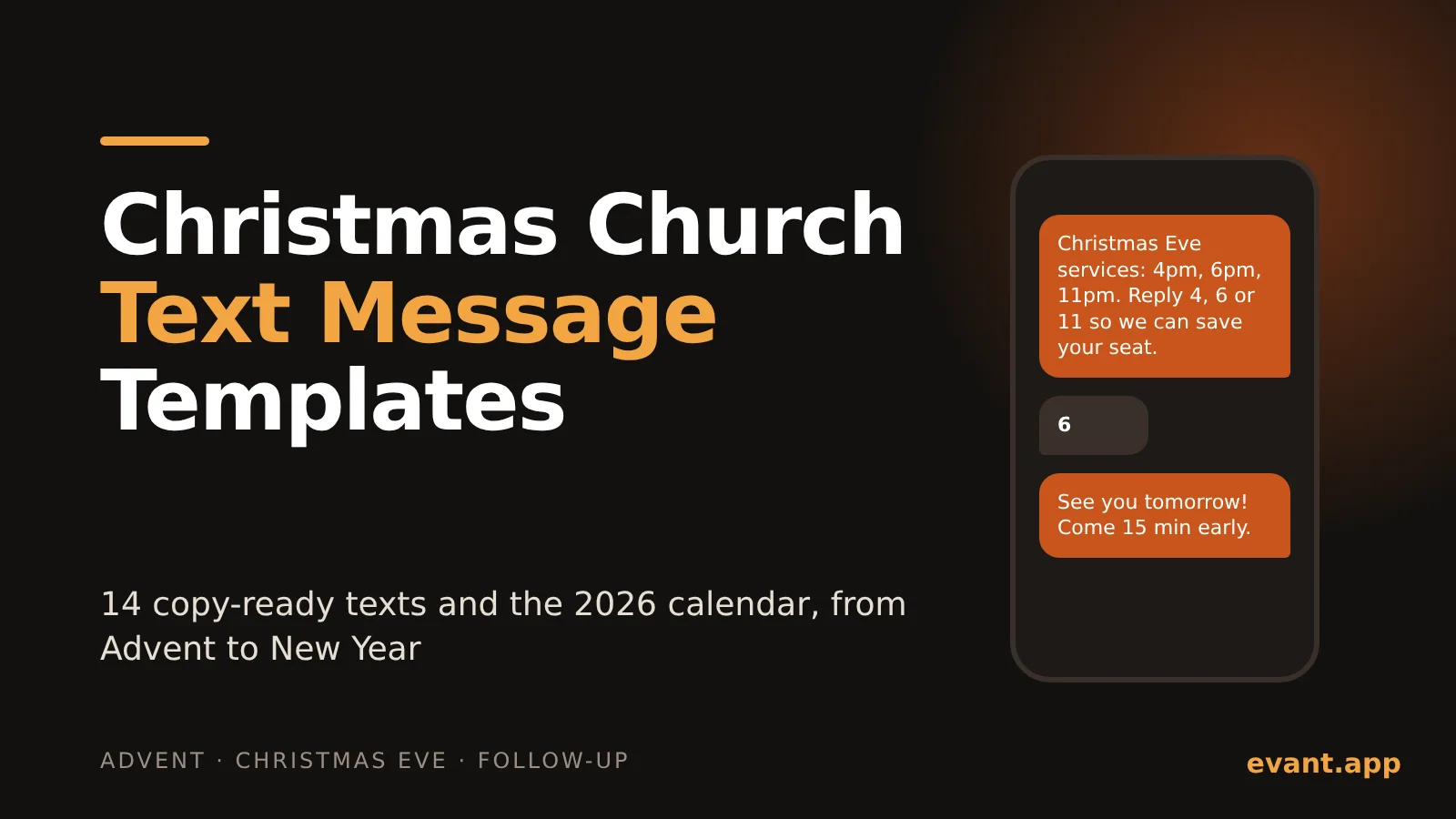
Christmas Church Text Message Templates: 14 Texts and the 2026 Send Calendar
Michael Pedoeem14 copy-ready Christmas texts for churches, each under 160 characters, plus the exact 2026 dates to send them from Advent to New Year's Eve.
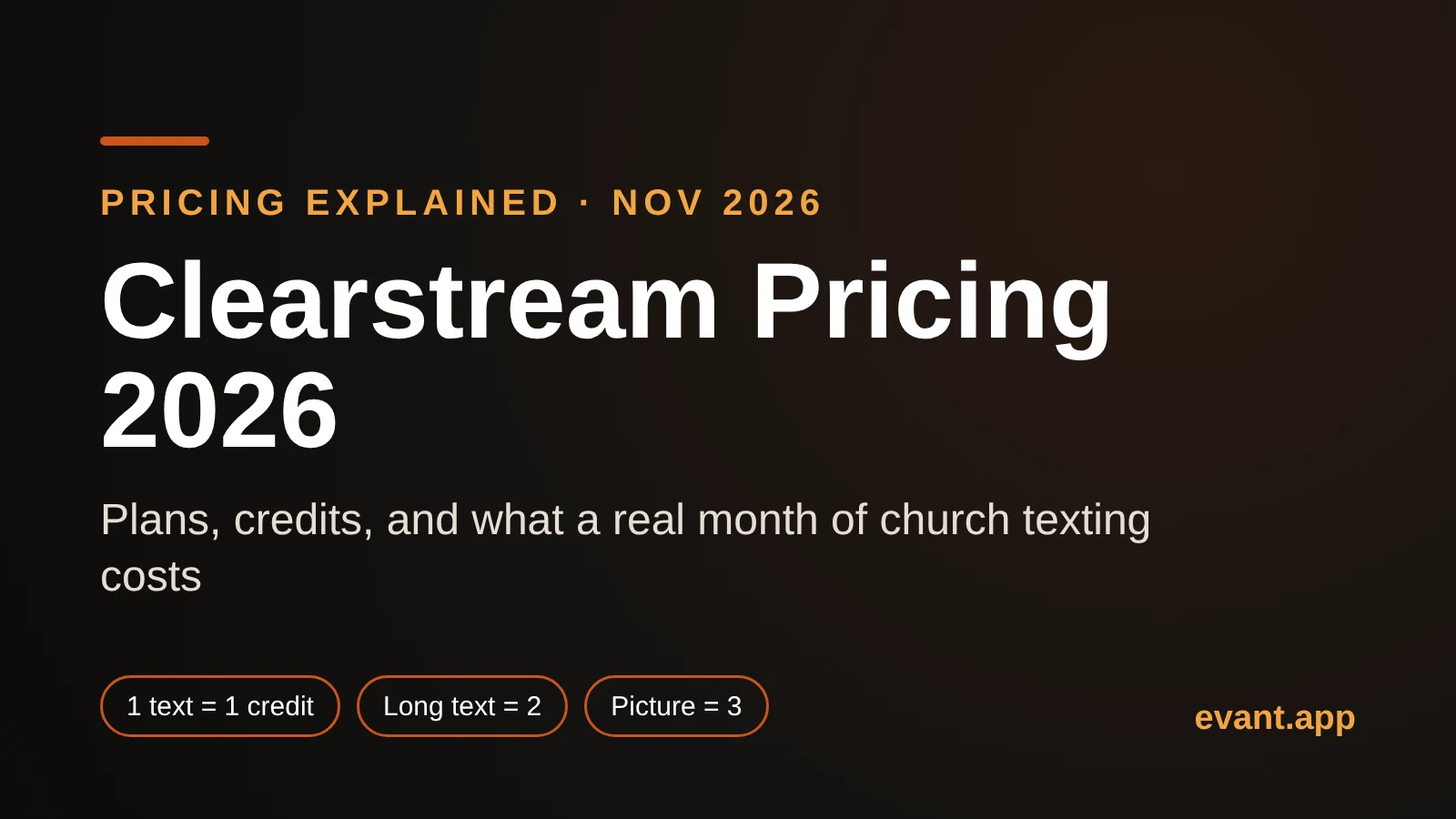
Clearstream Pricing 2026: What 1,000 Credits Actually Buys Your Church
Michael PedoeemClearstream pricing in 2026, explained: every US plan, what counts as a credit, why long and picture texts cost more, and what a real month costs.