Make Every Step Easier
A church event is not one task. People need to hear about it, register, find their way through check-in, and know what comes next. When those steps rely on separate messages and manual tracking, small gaps can leave guests unsure or staff scrambling.
Texts can put practical details in front of people at the right time: where to go, when to arrive, what to bring, or whether plans have changed. A reminder with a clear RSVP link can also prompt people to complete registration. Church Tech Today’s guide to church text messaging describes texts as useful for event details, reminders, and urgent updates.
SMS is only one part of the process. A registration form can collect attendee information, while a dedicated check-in tool can help staff welcome people on arrival. Evant connects SMS RSVPs and event check-ins, with targeted messaging to support those steps without making text the whole experience.
Keep other channels in the mix. Social posts and email can introduce an event or carry fuller information; texts can handle timely prompts and changes. Then, once guests arrive, face-to-face welcome and conversation do the work no message can replace.
Invite People to Opt In
A text alert list should begin with an invitation, not an assumption. Ask people to join during services and events, and offer the same choice through the church website, email, social media, and printed connect cards. Make the invitation visible where people are already deciding whether they want event or church updates.
Give people a simple way to say yes. They can text a clearly identified keyword to the church’s designated number, or check a consent box on an online form. For example: “Text EVENTS to [church number] for event reminders and updates.” The keyword and destination should be unmistakable, so people know exactly what action to take.
State what subscribers will receive before they sign up. Name the types of alerts, such as event reminders, service updates, and weather closures, and set a reasonable expectation for how often messages are likely to arrive. Clear expectations help people decide whether the list is useful to them. A church texting guide also recommends using texts for timely event details, reminders, and urgent changes.
Consent should be explicit and recorded. Explain that message and data rates may apply, and tell subscribers they can reply STOP to opt out. Keep a record of when and how each person joined, whether through a form, a printed card, or a keyword response. Then use a messaging platform to manage subscribers, honor opt-outs, and direct relevant updates to the right groups rather than sending every alert to everyone.
For churches coordinating event sign-ups and follow-through, Evant’s SMS RSVP and event reminder tools connect a text invitation with registration and timely event communication. The opt-in invitation still needs to spell out what people are joining and how to stop receiving messages.
Choose Tools That Fit
A platform should fit the work your church needs to do, not just send a message to a list. Look for audience groups, two-way conversations, scheduled texts, and automated follow-up so staff can reach people by ministry or event and respond when they reply.
For example, Text In Church describes keyword sign-ups, digital connect cards, automated workflows, two-way texting, and integrations with church databases and other tools. Those features can support contact capture and follow-up, but its supplied materials do not establish that it offers event check-in. A general texting function is not the same as an RSVP or attendance system.
If event logistics matter, ask vendors to demonstrate the full path: Can attendees RSVP by text? Can staff check them in on arrival? Can the team review who participated afterward? Some event registration systems describe QR-code tickets or check-in kiosks, but those capabilities should not be assumed to come with an SMS platform. Evant connects SMS RSVPs and event check-ins with event management, making those specific functions part of the evaluation.
What should churches look for in an SMS messaging platform?
Check practical fit as well as the feature list. Staff and volunteers should be able to learn the system without a difficult handoff. Contact management should make it easy to maintain accurate groups, while consent and opt-out controls help teams respect people’s communication choices. Confirm pricing, message delivery, and integrations with the church’s existing database or CRM. If several ministries or campuses will use the platform, make sure it can support their separate audiences and workflows.
Also ask what the reporting actually measures. Response rates, link engagement, RSVPs, and attendance can reveal where people act and where a message or process needs adjustment. The 2024 guide to improving church communications recommends considering contact management, scheduling, automated responses, pricing, and scale when assessing a texting service. Evant’s event tools bring RSVP and check-in activity into the same practical conversation, rather than treating message delivery as the only measure of participation.
A short trial or demonstration can expose gaps before a team commits. Test a real workflow, from joining an event list to receiving a reminder and checking in, and verify which steps the platform records. For a broader checklist on messaging features and audience-based communication, see tools that fit church and synagogue events.
Assess Free Plan Limits
A free trial can be useful for testing whether a texting workflow fits your church. But a trial, a limited free tier, and a continuing free service are different things. Nonprofit offers may also come with conditions, so verify any specific deal or bonus credits directly with the provider rather than assuming they will be available.
Before signing up, check how the plan counts messages and contacts. Ask whether replies use your message allowance, whether longer texts split into multiple billable messages, and what happens when you reach the limit. A historical review of Text In Church listed charges for messages beyond plan limits, but its pricing details may have changed and should not be treated as current.
The monthly fee is only part of the comparison. Work out the likely total at your expected sending volume, including overages and any fees tied to higher usage. Then check that your team can manage consent and opt-out preferences as well as contact groups.
Compare what the plan includes: scheduling, audience groups, integrations, reporting, event RSVP handling, and follow-up workflows. Also ask what support is available and how the provider handles message delivery. Evant brings SMS RSVPs, event check-ins, targeted messaging, CRM integration, and analytics into an event-management workflow, so compare those needs with the features included in each plan.
For a broader checklist of what to compare, see church texting service evaluation factors. A low entry price may still cost more over time if essential event tools or support require a separate service. Build the estimate around the messages you expect to send, then confirm current limits and terms with the provider.
Keep Messages Useful and Respectful
A text is most useful when someone needs a short reminder, a clear announcement, or an urgent update about a schedule change. For a church event, include the name, time, location, and the next step. Texts can handle the timely prompt, while email or an in-person conversation can carry fuller context. Church Tech Today’s 2024 guide to church communications also describes texts as a way to share event details, RSVP links, reminders, and last-minute changes.
What are the disadvantages of using SMS for church communications? The short format can make nuanced conversations difficult, and a text cannot replace the connection built through face-to-face or group communication. Frequent or irrelevant messages can overwhelm people, causing them to ignore future updates or leave the list. Delivery is not guaranteed, so do not make a text the only place where essential event information is available.
Costs can also rise with audience size and message volume. Sending a message to separate audience segments may mean sending several batches, and longer texts can be split into multiple segments. Before a large send, check the platform’s pricing and estimate the total recipient count. Evant’s targeted messaging can help teams direct event communications to relevant groups rather than defaulting to a broad broadcast.
Keep each message focused: identify the church, share essential logistics, and give one clear action, such as replying YES or following an RSVP link. Send at considerate times and set a frequency that fits the audience and event. A reminder about a changed start time may warrant a quick text; a detailed explanation belongs in email or a conversation.
Target messages by ministry, event, or audience, and offer email or in-person updates for people who prefer another channel. Assign someone to monitor replies and answer questions promptly. Get permission before texting, explain what people are signing up to receive, and honor opt-outs and applicable messaging rules. These habits help keep urgent texts useful instead of turning every update into noise.
Build Good Texting Habits
Good text message etiquette for churches starts before the first message. Ask people to opt in, explain what kinds of texts they will receive and how often, and keep a record of when and how they gave permission. Identify the church in each message, and include clear STOP and HELP instructions.
Keep event texts short and useful. Include the event name, time, location, and one clear next step, such as an RSVP link or check-in instruction. An event reminder should make it easier to act, not force recipients to search through earlier messages for basic details. Evant supports SMS RSVPs and event check-in, connecting the invitation to practical event tasks.
Plan messages around the event and the audience rather than following one rigid schedule. Send an announcement early enough for people to make plans, then send a timely reminder closer to the event. A 2024 guide to church text messaging describes reminders and updates as useful for sign-ups, schedule changes, and urgent event information. Choose sending times that respect recipients’ routines, and avoid sending repeated messages that add no new information.
Audience targeting matters as much as timing. A children’s event update should reach the relevant families, while a volunteer reminder belongs with the people serving. Evant’s targeted messaging helps organizers send event communication to selected groups instead of treating the whole congregation as one list.
Decide who will monitor replies before a campaign goes out. Staff or volunteers should answer questions promptly, especially when a text asks for an RSVP or other response. When someone opts out, honor the request promptly and update relevant contact systems so that person does not keep receiving the same messages through another list.
Rules for consent, automated texts, and opt-outs can depend on the circumstances and applicable federal and state requirements. Treat general guidance as a starting point, not legal advice. Consult qualified legal counsel about the rules that apply to your church and messaging program.
Plan Safe Child Check-In
A text reminder can tell parents where to go. An RSVP can estimate attendance. Neither one confirms that the right adult is picking up a child. Treat messaging and child check-in as separate jobs, and verify which tool handles each part.
What should churches consider when choosing a child check-in system for events? Start with the arrival process: it should be understandable for families and volunteers, including first-time visitors. Mobile check-in may suit some families, while a staffed kiosk can help walk-ins. If an event spans multiple rooms, age groups, campuses, or stations, confirm that the system directs each family to the right place.
Pickup procedures need particular attention. Ask how the system confirms guardian authorization and matches a child to the adult collecting them, whether through tags, codes, or another documented method. Tithely describes event QR check-in and children’s kiosks with unique pickup security codes. ChurchTeams describes a family check-in process started by text, but it depends on an active check-in station and can send a parent security code when that setting is enabled. Those are different workflows, so compare the steps your volunteers will actually follow.
Also check what staff can see when they need to reach a parent. Emergency contacts, allergy alerts, and relevant medical notes may matter during an event, but do not assume a particular product stores or displays them. Confirm what information can be recorded, who can access it, and whether attendance records are available.
A text can still support the arrival plan. For example, church text messaging for event updates can share instructions or last-minute changes, while an SMS check-in process should be assessed separately for child-safety needs. Evant’s SMS RSVP and event check-in tools can help coordinate sign-ups and arrival, but churches should verify that any child-specific pickup controls and records are provided by the check-in system they select.
Before choosing, ask what happens if the internet or a printer fails, and whether there is a clear backup procedure. Test the workflow with volunteers and families, then compare cost, support, ease of use, and compatibility with existing church tools. A dependable process is one your team understands and has verified for the event, not simply one that sends a confirmation text.
Close the Loop After Events

The event may be over, but the next interaction can shape whether someone feels invited back. Send a brief thank-you, offer a clear next step, or ask what the attendee thought while the experience is still fresh.
For a guest, that next step might be a related service or another event. For someone who attended a community meal, it could be a note about the next meal or a chance to help. Keep each invitation relevant to the person’s interests, and make it easy to reply or follow a link. These post-event follow-up ideas can help turn a one-time visit into an ongoing connection.
A short survey can reveal what worked, what caused friction, and which activities people want to see again. Ask only for information that serves a clear purpose, and handle responses with care. Avoid sharing personal details in follow-up messages unless the person has agreed to it.
Follow up with volunteers, too. Before the event, send practical details such as where to meet and what to bring. If the schedule or location changes, send a prompt update. Afterward, thank people for their time and invite feedback about their experience. A focused message to volunteers is more useful than a broad announcement that may not apply to them.
Share a brief account of what the event made possible, such as connections formed or a community need addressed. With permission, an attendee’s or volunteer’s perspective can make that impact tangible and invite others to take part next time. Evant’s targeted messaging and CRM integrations can support communication with distinct audiences, while its event tools connect SMS RSVPs and check-ins with event logistics.
A good follow-up plan does not assume one platform handles everything. Connect a clear invitation, considerate messages, dependable check-in, and thoughtful follow-up, while confirming which tools support each step. That way, the next event builds on what the community has already shared.
Connect Sign-Ups to Community
A useful event-texting plan connects each step: invite people to opt in, send details that matter to them, make registration and arrival simple, then follow up with care. Each message should make the next action clear, whether that is replying YES, opening a registration link, or checking event details.
Before choosing a system, confirm which tools it actually provides. Ask providers about registration, attendance check-in, integrations, total costs, consent and opt-out controls, and child-safety procedures. A messaging platform may handle reminders without recording attendance, so verify that the registration and check-in process matches your event. Evant brings SMS RSVPs, event check-ins, targeted messaging, CRM integration, and analytics into an event-management workflow.
For churches coordinating texts with broader communications, Church Tech Today’s 2024 guide discusses event sign-ups, reminders, and timely updates. The right setup depends on the tools and safeguards your team needs, not on a feature list alone.
Texts can remove small obstacles between an invitation and attendance. They work best when they support real relationships: clear information before the event, a smooth welcome on arrival, and thoughtful contact afterward. Evant’s targeted messaging and check-in tools can connect those logistics without making the message itself the whole relationship.
Related Blogs
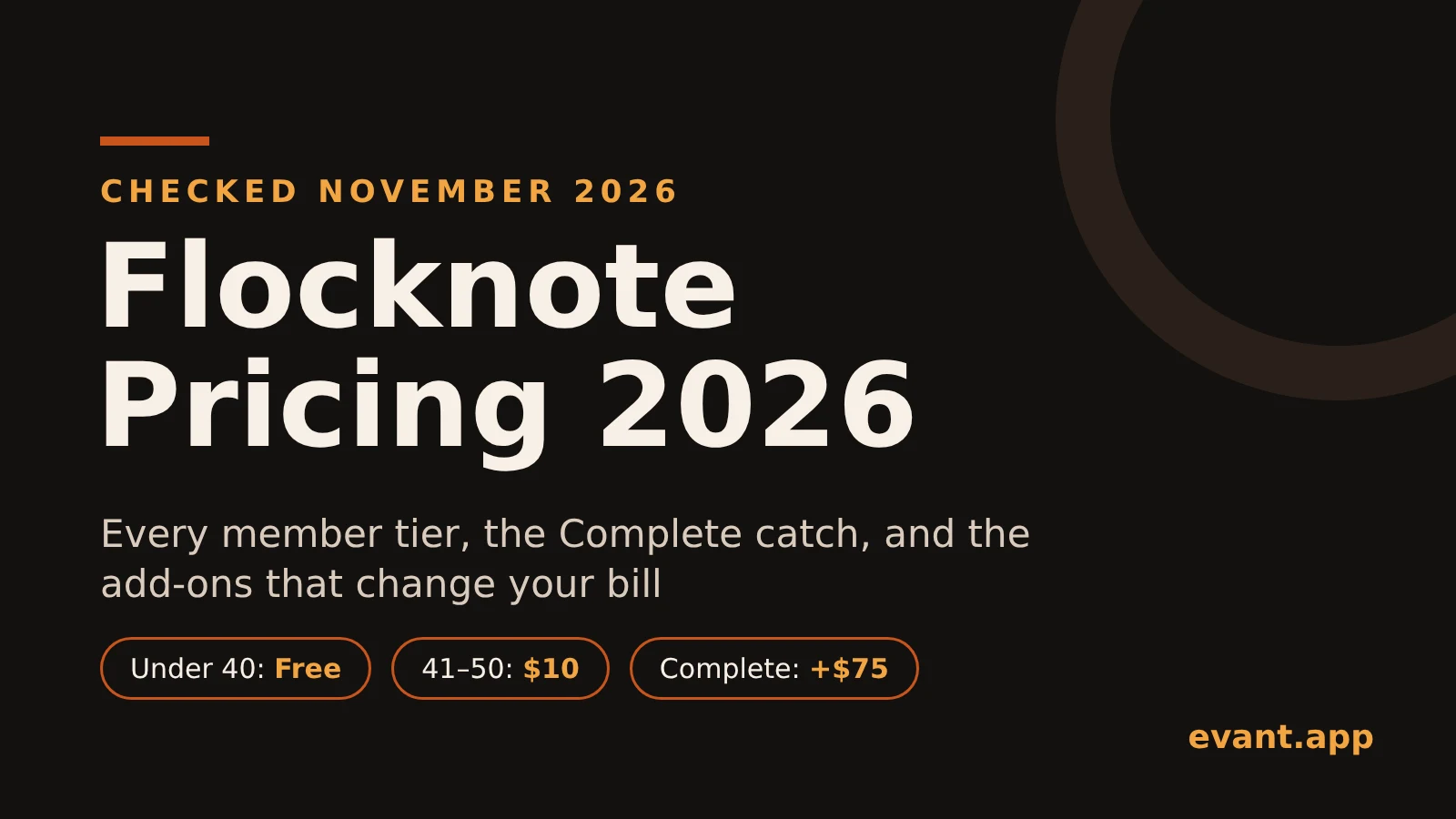

Flocknote Pricing 2026: Every Tier, the Complete Catch and the Add-Ons
Michael PedoeemFlocknote is free under 40 members and priced by member count after that. Here's what Starter, Complete and the add-ons really cost in 2026.
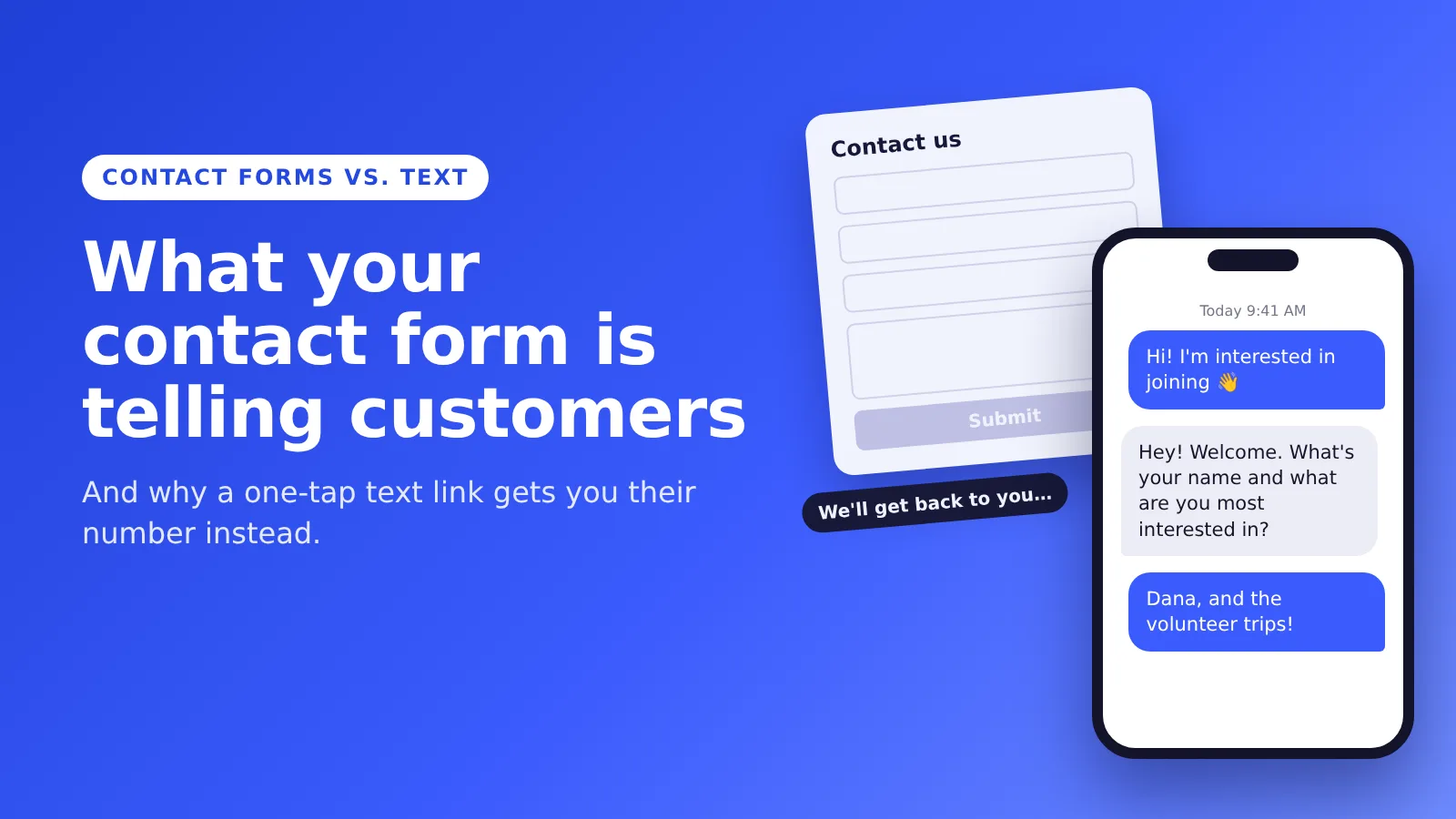
What Your Contact Form Is Telling Customers
Michael PedoeemA contact form tells people to fill out boxes and wait. A text link opens their messages app with your number ready, and gets you their number in one tap.

Best Texting App for Church Youth Groups in 2026: GroupMe, Remind, Flocknote and Two Others Compared
Michael PedoeemGroupMe, Remind, Flocknote, SimpleTexting and Evant compared for youth groups: price, parent contacts, safe-environment rules and texts without an app.





Get the Evant app



