Reduce Printing and Phone Calls with Text-Based Event Registration

From Paper Processes to Easier Participation
For a nonprofit, event registration can turn into a pile of small jobs: collecting paper forms, answering RSVP calls, updating spreadsheets, sending reminders, and rebuilding attendance lists on event day. Each handoff creates another chance for information to get missed.
Text-based registration gives people a direct way to respond from their phones. An invitation can include a simple RSVP prompt or link, while a digital registration system keeps attendee details together and gives organizers a clearer view of responses. Evant supports SMS RSVPs and targeted messaging, so organizations can handle event communication through text rather than relying only on paper or separate messages.
Texts can help people register and stay informed, but they do not replace every part of event operations. QR codes and digital check-in can reduce paper lists at the door, while organizers still need a backup plan and a process that fits their audience. Start with the task causing the most friction, then choose tools that match how your community communicates.
Choose Software That Fits the Event

What should nonprofits look for in event registration software? Start with the event itself: its format and expected scale, available budget, staffing capacity, payment needs, and the systems the organization already uses. A large fundraising dinner may need ticketing and seating tools. A small community gathering may need only a simple way to collect responses.
The right fit avoids work at both ends. A platform with features the team will not use can add steps, while a basic RSVP form may leave staff manually reconciling attendee details, payments, or attendance. Choosing software around the event and team can help clarify what is necessary before comparing products.
Check that registration works well on phones and collects only useful information, with custom fields for details such as meal preferences or accessibility needs. When an event requires them, look for ticket types and payment processing. Attendee tracking, event-day check-in, and clear reporting can help staff move from sign-up lists to a reliable record of who registered and who arrived.
Communication matters too. Email and SMS confirmations, reminders, and event updates can keep registrants informed without staff contacting each person individually. A registration platform usually offers more data management than a basic yes-or-no RSVP tool. For organizations that rely on text communication, Evant supports text-to-RSVP, targeted messaging, check-ins, and analytics, bringing those tasks into a community-focused workflow.
Before choosing, check whether registration and attendance records can connect with the organization’s CRM and support appropriate follow-up. Fundraising teams may also need donation and engagement tracking that works with their existing systems. Add volunteer or sponsor coordination only when the event calls for it.
Compare the full cost, including transaction fees and staff time spent managing exports or fixing disconnected records. Ask for a demo or trial, then test the attendee journey and confirm that integrations work as expected. The software should fit the team’s real capacity, not just its feature checklist.
Use Texts to Invite and Track Responses

A useful event invitation does not need a long pitch. Tell people why the event matters, when and where it takes place, and what to do next. Include the venue address or virtual access details, then give recipients one clear action: register or reply.
How can SMS-based registration and RSVP tools help nonprofits manage events? A text can put the invitation and signup link directly on a supporter’s phone. Keep the form mobile-friendly and ask only for information the team will use. Evant supports text-to-RSVP, so organizations can collect responses by text rather than depend only on a separate online form.
Centralized responses give staff a clearer attendance picture as people reply. Counts can inform plans for seating, food, materials, and staffing, while an unanswered invitation list helps organizers decide whom to follow up with. Evant’s SMS RSVP and analytics tools help bring event responses and participation information into the communication workflow.
The message can also change by audience. Volunteers may need a shift or role, donors may want to know the event’s purpose, and members may respond to details tied to their interests. Targeted messages keep each invitation relevant instead of sending every recipient the same pitch.
Use reminders to repeat practical details and updates to flag changes, such as a new location or revised start time. SMS can complement email, but the available features vary by platform, so check how a tool handles confirmations, follow-ups, and urgent messages. Evant provides targeted messaging alongside SMS RSVPs, allowing event communication to include more than the initial invitation.
Respect consent and privacy throughout the process. Message people who have agreed to receive texts, identify the organization clearly, and honor opt-out requests. Keep collected information limited to what is needed for the event, and review how the platform stores and manages attendee data.
For a practical invitation workflow, send the essential details with one registration call to action, monitor replies, and send a timely reminder to those who have not responded. A prior guide to texts that invite and track event responses covers how to structure that invitation.
Build and Test the RSVP Link
How can event organizers create and share an RSVP link by text? Start with an event page in a registration tool. Add the date, time, location, and only the questions the team will use, such as meal preferences or accessibility needs.
Copy the registration link and complete the process on a phone before sending it out. Check that the form is easy to read, any payment steps work, and the confirmation message arrives with useful event details. A broken or awkward mobile flow can put people off before they register. For a practical walkthrough of creating and checking an RSVP link, see this guide to making the link easy to use.
Keep the invitation brief and make the next step obvious: “Join us for the community dinner on Thursday at 6 p.m. at the school hall. Please RSVP by Monday: [link].” Evant supports text-to-RSVP and targeted messaging, so organizations can share a direct registration path through the same channel they use to communicate with their community.
Use registration reports or a trackable link to see how responses are progressing. That helps organizers plan attendance and decide whether a follow-up is needed, without adding fields that do not support an actual decision. Evant also provides event check-ins and analytics, connecting responses with the work of managing attendance.
Before sending promotional texts, confirm recipients have agreed to receive them. Identify the organization clearly and include a way to opt out. Applicable communication and privacy requirements vary, so treat consent and opt-out practices as part of the invitation process, not an afterthought.
Evaluate Texting Tools Before Committing
What should nonprofits consider when choosing a text messaging service for events? Start with the work the team actually needs to do. A tool that handles invitations but not replies or event-day updates may leave staff juggling separate systems.
Map the full communication flow before comparing services: invitations, RSVP collection, reminders, urgent changes, and attendee questions. Then check whether the platform supports targeted groups, two-way replies, check-in tracking, and reports on message delivery and responses. Evant combines community texting with SMS RSVPs and event check-ins, which can keep these tasks closer together.
Look at where attendee information goes after someone responds. If staff must copy replies into a spreadsheet or manually reconcile attendance with a CRM, a low subscription price can come with extra work. Evant offers CRM integration alongside targeted messaging, so ask how any service connects event records and what setup or ongoing maintenance that requires.
Review consent and opt-out handling, quiet-hour controls, and support for carrier registration. These are practical selection questions, not legal advice, and the answers may differ by provider. Confirm who on your team manages settings and keeps records current.
Finally, compare ease of use, pricing, message capacity, reporting, and the staff time needed to operate the service. Request a demo or use a short trial, then test a real event workflow with the people who will send messages and manage replies. A good fit should work for the event and the team’s capacity, not just look simple in a feature list.
Connect Confirmations With Faster Check-In

Registration and check-in are related, but they happen at different stages. Registration collects attendee details before the event; check-in verifies that a registered person has arrived. Evant supports event RSVPs and check-ins, so teams can connect pre-event responses with arrival tracking instead of treating them as separate tasks.
A confirmation text can give attendees the event time, location, parking details, and what to bring. A short reminder close to the event can put those instructions back on their phones when they need them. Evant’s SMS RSVP tools support confirmations and reminders, giving organizers a way to share practical details without relying only on printed notices.
If the event platform supports it, a confirmation can also include a QR code or digital ticket. Staff scan the code at the entrance to verify the registration and record attendance. The text message delivers the code, but the check-in system performs the scan. A live attendance view can then help staff see who has arrived and respond to capacity or staffing needs.
How can SMS and QR codes make event check-in more efficient?
A connected workflow can reduce paper attendance lists and repeated data entry, while helping attendees move through the entrance with their details ready. Before choosing this setup, confirm that scans link to the correct registration records and that attendance updates appear where staff can see them.
Test the full process on the devices and network you will use at the venue. Train staff to scan codes and look up names, and keep a backup list or another way to verify arrivals if connectivity or a phone causes trouble. A separate help point can resolve missing confirmations, name changes, or inaccessible codes without holding up the main line. RSVP records and arrival tracking are distinct, though they can be connected.
Check the Limits of Free RSVP Tools
What should nonprofits look for in a free event RSVP tool? Start with the limits, not the headline price. A free plan may suit a small community gathering, but guest caps, event limits, message allowances, or missing payment and reporting features can create friction as needs grow.
Find out what happens when the plan reaches a cap. Can registration close automatically, or will the event require an upgrade? Check whether payment-processing fees or added messaging costs change the total. A low-cost tool can also create hidden staff work if someone must reconcile payments or transfer attendee records by hand.
For a practical comparison, review free and low-cost event software options against the tasks your team actually handles. Look for customizable forms, searchable guest lists, data import and export, automated reminders, mobile check-in, and compatibility with your existing systems. Confirm who controls the attendee data and whether it can be retrieved in a usable format if you switch tools.
Staff and volunteers should be able to set up an event and find the information they need without a long handoff or repeated troubleshooting. Evant combines SMS RSVPs, targeted messaging, check-in, and analytics for community organizations, with plans starting at $20 per month. Its text-based workflow can keep invitations and responses in the same communication channel, but test the features your event needs before committing.
Run a small test event or use a trial before relying on a free plan for a larger gathering. Test the full path, from registration and reminders to check-in and exporting records. That makes it easier to spot a limit or usability problem while there is still time to choose another option.
Manage the Event From Planning to Follow-Up
What are the main stages of event management? Treat the event as a sequence: set goals, organize logistics, promote and register, run the event, then evaluate what happened. Each stage informs the next, so decisions about audience and purpose should shape the budget, schedule, staffing, and communication plan.
Start by defining what success means. A community fundraiser might focus on donations and supporter relationships, while a school gathering may prioritize attendance and family participation. Choose a realistic budget, venue, activities, and schedule, then assign staff or volunteers to specific tasks. Registration counts can help estimate seating, refreshments, supplies, and check-in needs. Evant supports text-based RSVPs and targeted messaging, giving community organizations a way to collect responses and share event details by SMS.
During promotion and registration, make the invitation easy to act on. Include the event purpose, date, time, location, and one clear response step. Ask only for information the team will use, such as a name, attendance response, or relevant access need. Target invitations and reminders to the groups who should receive them, and keep a record of responses so organizers can adjust plans as registration changes.
On event day, coordinate staff around arrival, check-in, and attendee questions. Assign someone to monitor incoming messages and send timely updates if a room, schedule, or other detail changes. A clear process for exceptions, such as a missing RSVP or late arrival, helps staff respond without slowing the welcome. Evant's two-way SMS supports direct communication with attendees when organizers need to clarify details or share updates.
After the event, compare registrations with actual attendance and review feedback against the measures of success set during planning. Thank participants promptly, share any relevant impact, and invite a next step when appropriate. Keeping RSVP and attendance information together can help teams understand who participated and make future outreach more relevant. Use the lessons to refine the next event's schedule, staffing, promotion, and resource estimates.
Make Every Message Part of a Better Experience
A smoother event starts with fewer obstacles for attendees and fewer repetitive tasks for staff. Clear text invitations and confirmations can make it easier to respond, while organized RSVP records give the team a more useful picture of expected attendance.
Texts work best when they fit into a tested process, not as a separate stream of messages. Check the registration flow before sharing it, and connect responses with check-in records and existing organization systems where possible. Evant supports text-to-RSVP, event check-ins, targeted messaging, CRM integration, and analytics, bringing those steps into a community communication workflow.
Choose tools to match the event’s size and needs, and respect each attendee’s communication preferences. Afterward, compare RSVPs with actual attendance and use what you learn to improve invitations, reminders, and logistics for the next gathering.
Related Blogs


I Built a Texting Platform for Small Churches. Here's Where It Falls Short.
Michael PedoeemA founder's honest review of Evant for small churches: free donation link and RSVPs built in, replies, SMS that reaches everyone, and where it falls short.
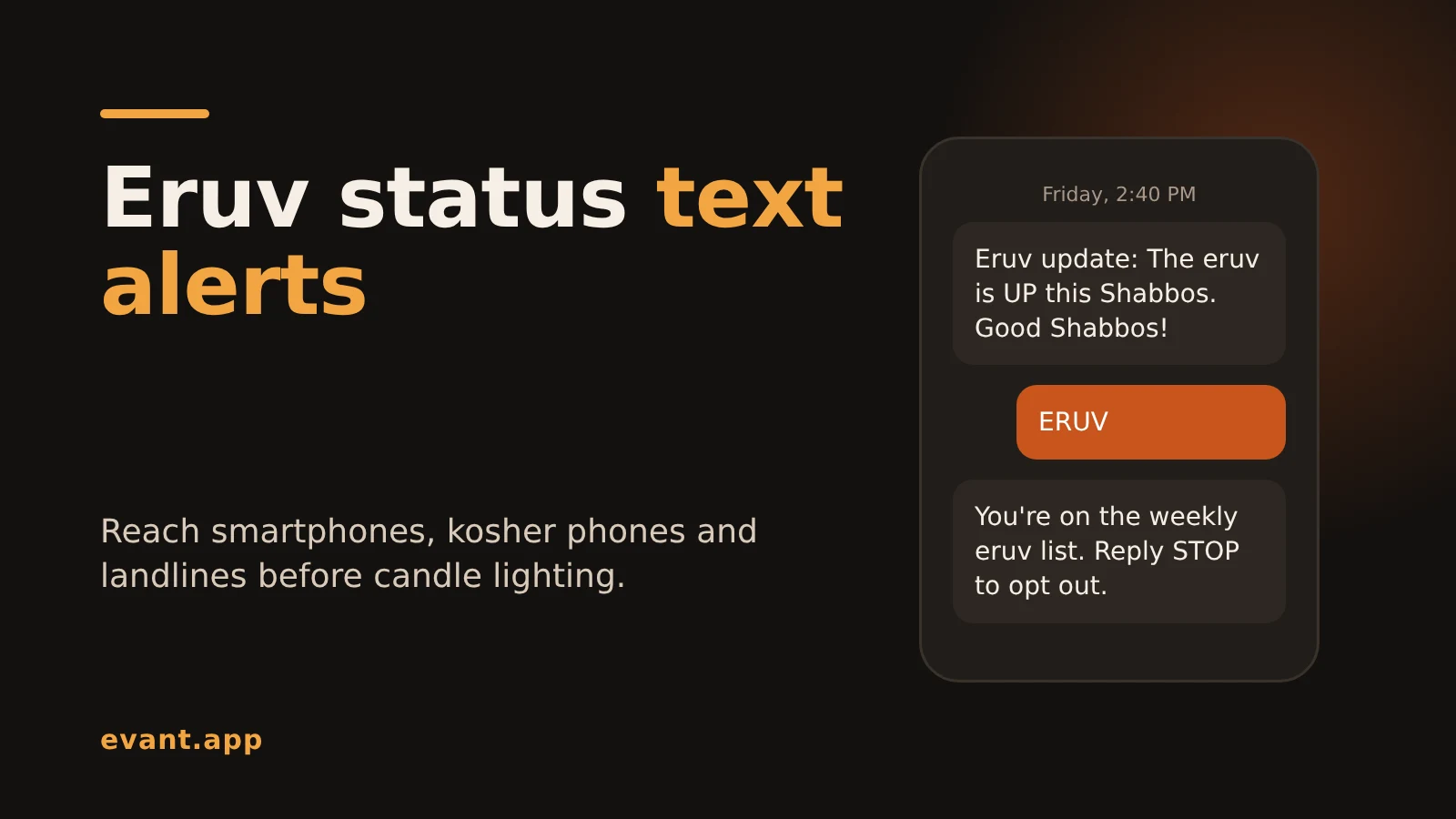
Eruv Status Text Alerts: How to Tell Every Member Before Shabbos (2026)
Michael PedoeemHow to send eruv status text alerts every Friday that reach smartphones, kosher phones and landlines, with free and paid options compared and copy-ready texts.
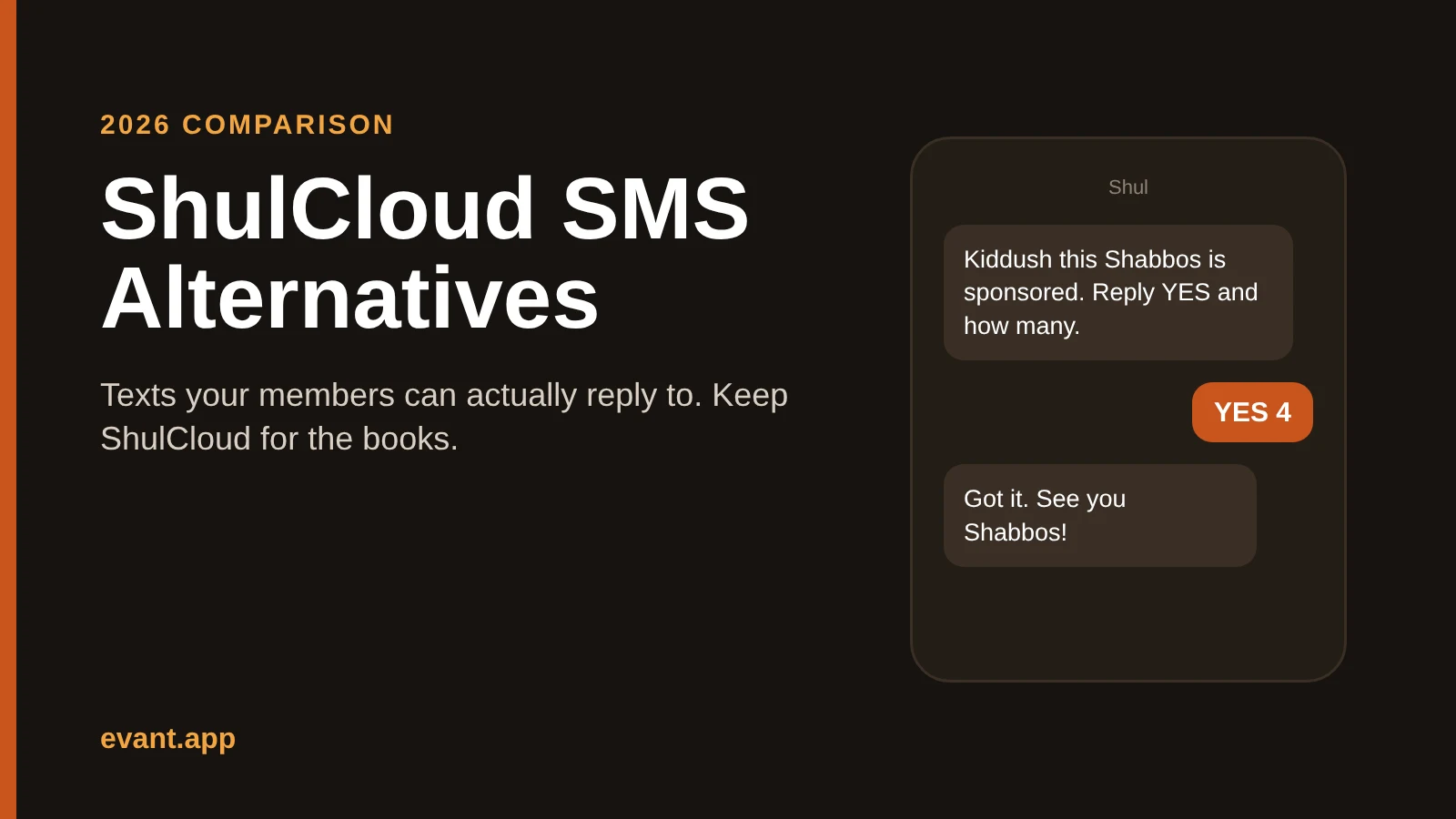
ShulCloud SMS Alternatives: 4 Ways to Text Your Shul That Members Can Answer (2026)
Michael PedoeemShulCloud's texting sends from a no-reply number. Evant, Text-Em-All, Clearstream and WhatsApp compared for shuls that want members to text back.





Get the Evant app



