Make Participation Easy
For a local event, the choice is practical: invite people by text and collect simple replies, use an event-management app, or combine both. The right approach depends on what guests need to do and what organizers need to know.
A text RSVP can keep the response simple, especially when people already know the organizer and a yes-or-no answer is enough. Evant brings text RSVPs together with targeted messaging and event check-in, so a community group can connect the invitation with what happens on event day.
An app may make more sense when registration needs to capture ticket choices, meal preferences, guest details, or payments, or when staff need tools for managing arrivals. For smaller gatherings, a broader system may add work the team does not need. Budget, event format, staff capacity, and the information needed before and during the event should guide the decision.
Texts and apps each offer useful features, but neither universally leads to better attendance. Convenience and workflow fit are not proof of an attendance outcome. Evant’s combination of SMS RSVPs, check-in, and analytics offers one practical middle ground when organizers need more than a reply but not an elaborate registration process.
The Case for Simple Text RSVPs

What is the easiest way for people to RSVP for an event? Give them a clear choice in a message they already know how to use. An invitation can include the date, time, location, and reply deadline, then ask an opted-in recipient to text YES or NO, or tap a mobile link.
A direct reply avoids asking guests to download an app or create an account. Responses can flow into one shared record, giving organizers a current headcount without chasing answers across conversations. This simple approach works well for a community gathering with a straightforward guest list, and a simple text RSVP flow can keep replies organized.
When planning requires a guest count, meal choice, or accessibility details, send a short mobile form instead of adding a long list of questions to the text. Ask only for information the team will use. A confirmation can repeat the event details, while a brief reminder helps keep the time and place visible.
Texts also make room for two-way communication. An attendee can ask about parking or clarify whether children are welcome, and the organizer can answer in the same channel. For nonprofits and community groups, evant.app combines two-way SMS with text-to-RSVP and targeted messaging, connecting the invitation with practical follow-up.
Use texting for concise invitations and time-sensitive updates, such as a room change or schedule adjustment. It is not the right format for every event: a formal occasion may call for a more traditional invitation, while ticketing, detailed preferences, or complex registration may require a fuller form. Let the response process fit the information organizers need, not the other way around.
What Event Apps Add
A text reply can settle the basic question, “Are you coming?” An event platform adds structure when organizers also need to manage guest details, payments, or what happens at the door.
Online forms can collect attendance, guest counts, meal choices, and relevant dietary or accessibility needs. A dashboard can bring replies together, while check-in tools let staff search a guest’s name or scan a QR code. Reports may connect registrations and attendance with ticket sales or fundraising activity.
That shared workflow can reduce the need to update separate spreadsheets and coordinate several tools. For a small or one-time gathering, though, those extra features may add setup and administration without solving a real problem. Choose based on what the event team will actually use.
There is no single best event management software for every nonprofit. The right fit depends on event format, budget, ticketing or fundraising needs, guest management, check-in, reporting, and integrations. Compare payment fees, CRM compatibility, support, and ease of use before committing.
An app and SMS can work together rather than compete. A text can point guests to an event page or form, and a platform may send reminders or day-of updates. Evant focuses on SMS RSVPs, targeted messaging, and event check-ins, giving community organizations a text-centered option without requiring every gathering to use a full registration suite.
Match the Method to the Event
Choose the workflow by starting with the people and the event, not the software. Consider whether attendees already receive your texts, how many people you expect, what details you need to collect, and whether the event is in person, virtual, or hybrid. Then weigh staff capacity and budget. This builds on the practical planning factors in large-scale event communication.
For a class, service, neighborhood meeting, or small gathering, an opt-in text asking people to reply YES or NO may give you the headcount you need. A basic form can capture extra details, such as guest count or a meal preference. Evant combines two-way SMS RSVPs with targeted messaging, so organizers can collect replies and send relevant event updates without treating every gathering like a ticketed production.
What texting software is best for nonprofits?
There is no single best platform for every nonprofit. Compare cost, message volume, ease of use, consent and opt-out management, audience segmentation, two-way replies, CRM connections, and reporting. For event work, check whether the tool supports RSVP collection, targeted reminders, check-in, and attendance records, and whether it fits your existing systems. Evant includes SMS RSVPs and event check-ins, which can connect a text invitation with attendance tracking.
A fundraiser with payments, assigned seating, auctions, or hybrid attendance may call for registration, guest management, check-in, and reporting in one event platform. Those extra functions can help when logistics are complex, but they may be unnecessary for a simple meeting. Before choosing, ask the staff who will send messages and manage arrivals to test the workflow. If it takes too many steps to update a guest list or record attendance, it may not suit your team. Select the simplest setup that covers the event’s actual needs.
Build an RSVP and Attendance Record
What is the best way to track event RSVPs? Keep responses and attendee details in one current guest list, then connect that list to the process at the door. A centralized record helps staff see who replied, how many guests are expected, and what details affect planning, without reconciling messages across separate inboxes.
Text replies can capture a simple yes or no. A web form can collect additional details, such as guest count or meal needs. Evant supports SMS RSVPs and event check-ins, so organizers can connect a response workflow with the arrival process rather than treating the headcount as the full attendance record.
An RSVP is a stated plan, not proof that someone arrived. On event day, staff can search the guest list or scan tickets and mark people present. Comparing registrations with check-ins afterward shows where expected attendance differed from actual turnout and gives organizers a clearer basis for future planning.
Use response status to make messages more relevant. Nonresponders may need a brief reminder, while confirmed guests may need parking details, a room change, or arrival instructions. Sending each update to the right group avoids treating every guest as if they need the same information. Evant’s targeted messaging can support communication with selected groups alongside its RSVP and check-in tools.
When event data can connect to a CRM or donor-management system, attendance may inform later follow-up and future outreach. Check that a platform supports the integrations your organization uses, and confirm how RSVP and check-in records move between systems before choosing it. A clean record of who registered and who attended is more useful when staff can carry that information into the next conversation.
For a closer look at keeping responses and changes together, see this guide to building a reliable RSVP and attendance record.
Promote With Relevant Messages
Effective event promotion starts with a clear attendance goal and a specific audience. Decide who is most likely to come, then explain what the gathering offers: a chance to learn, connect, serve, or enjoy time together. A clear purpose gives people a reason to respond, not just another date to add to the calendar.
What are effective ways to promote community events?
Use a mix of channels your community already checks, such as email, social media, a website or event page, partner organizations, and printed notices. Permission-based SMS can add a direct route for concise invitations, RSVP links, reminders, and practical updates. Evant combines texting with event RSVPs and targeted messaging, which can help organizers keep those communications connected.
The message should fit the recipient. Invitees may need the event’s purpose and registration link, volunteers may need a role and arrival time, and staff may need setup details. Segment outreach by interest, location, previous participation, or role instead of sending everyone the same broadcast. For more on tailoring messages, see how to build relevance through personalization.
How can organizations encourage more people to RSVP and attend events?
Make the next step quick on a phone. Whether people reply by text or open a form, state the date, time, location, accessibility information, and what to expect. Keep the form focused on details needed for planning, and consider language preferences when preparing the event page and messages. Evant’s SMS RSVP tools let community organizations collect replies by text, while more detailed registration needs can be handled through a linked form.
Send reminders that answer practical questions, and make it easy for guests to update their plans. A reminder is more useful when it includes arrival instructions or a relevant change, rather than simply repeating the invitation.
Afterward, thank participants, share appropriate highlights, and ask for feedback. Invite people to a relevant next step, such as another gathering or a volunteer opportunity. Compare registrations with actual attendance, then use what you learn to adjust the audience, message, and channels for the next event. No single channel guarantees turnout, so let your community’s responses guide the mix.
Coordinate Texts With Check-In
How can nonprofits use text messaging to manage event RSVPs and check-ins? Start with supporters who have agreed to receive texts. Send a concise invitation with an RSVP link or ask for a simple YES or NO. Follow with a confirmation that repeats the time and location, then schedule reminders and practical updates about parking, room changes, or a revised start time.
Keep messages relevant to each group. Attendees need arrival details; volunteers may need shift instructions; staff may need coordination updates. Two-way texting gives people a way to ask questions or report a change. If organizers need meal choices, accessibility details, or party size, direct recipients to a form rather than trying to gather everything in a text exchange. Evant supports two-way SMS and text-to-RSVP, which can keep those basic responses connected to event communication.
An RSVP is a plan, not proof of arrival. At the door, staff can search a mobile guest list or scan a QR code when their event platform supports it, then record who actually attended. Evant includes event check-ins, so organizations can connect arrival tracking with their text-based event workflow. For more on coordinating messages across the event timeline, see how SMS RSVPs support event attendance.
When RSVP and check-in records can sync with constituent information, organizers have a clearer basis for timely thanks, impact follow-up, and future invitations. Evant also offers CRM integration and analytics for organizations that need to connect event activity with broader engagement records.
Keep the setup proportionate. A simple list may be enough for a small gathering. Ticketing, seating, fundraising, or real-time reporting may call for a more integrated platform. Choose the lightest workflow that gives staff an accurate headcount, a reliable arrival record, and a useful next step after the event.
Protect Consent and Trust
Is SMS marketing legal in the United States? Yes, but organizations must follow applicable federal and state requirements, including rules associated with the Telephone Consumer Protection Act (TCPA). Promotional texts generally require prior express written consent. Nonprofits should not assume their status exempts them from consent obligations.
Treat permission as a prerequisite, not a box to check after building a contact list. Ask people to opt in through an event registration form, sign-up page, or another clear channel. Explain who will text them, what kinds of messages to expect, and how often. A phone number collected for one purpose is not automatic permission for every future message.
Keep a record of when and how each person gave consent, and include clear opt-out instructions in messages. If someone asks to stop, promptly remove them from active messaging lists and keep a suppression record so they are not accidentally added again. In an event workflow, Evant’s SMS RSVP and targeted messaging tools can help organizations coordinate attendee communication, but the organization remains responsible for permission and list practices.
Separate Event Logistics From Promotion
A parking change, schedule update, or event reminder is different from a promotional offer or fundraising appeal. Decide which rules, carrier requirements, and organizational policies apply to each message type before sending. For example, Evant supports event texts and RSVP communication, while organizations should still review the purpose and consent scope for every campaign.
Carrier registration may also apply to organizational messaging, and requirements can vary by message type and jurisdiction. Avoid assuming that a workflow allowed for one event or audience automatically applies elsewhere. Keep messages within the expectations people agreed to and honor relevant quiet-hour rules.
This is a practical overview, not legal advice. SMS rules are complex and may change, so consult qualified legal or compliance counsel about your organization’s messages, audiences, and jurisdictions before launching or revising a texting program.
Learn From Each Event
An RSVP count tells you who planned to come. It does not show who arrived, which messages reached people, or what they wanted to do next. Review delivery, replies, opt-outs, RSVPs, check-ins, and post-event feedback together. Evant brings SMS RSVPs, event check-ins, targeted messaging, and analytics into one workflow, so organizers can compare the invitation with what happened on the day.
Look for patterns across events, then test one change at a time, such as a clearer call to action or a different reminder time. Compare the results with your own past events rather than relying on broad claims about response rates. Review more than RSVP totals: include delivery and attendance in your event measurements.
Use the record to plan a useful next step. Thank first-time guests, invite interested attendees to volunteer, or share an update about the event’s impact. Evant’s messaging and attendance data can help staff direct those follow-ups to the people they concern, instead of sending every message to the full list.
The choice is not text or app for every event. Use the lightest reliable workflow that serves your community. A simple text RSVP may be enough for a familiar gathering; pair texts with an event app when registration details, payments, or on-site operations need more structure.
Choose for Your Community
Texts make invitations, quick replies, and timely updates easy to handle in one familiar channel. When an event needs registration details, guest management, check-in, or reporting, a platform can keep those tasks together. Evant combines SMS RSVPs and targeted messaging with event check-ins, giving community organizers a way to connect outreach with attendance records.
Often, the practical choice is both: text consenting participants, then direct them to an event page when they need to provide details or review logistics. Keep the RSVP simple, and collect only what the event requires.
Pilot the process with one event. Confirm consent, record who actually attends, and ask participants what felt easy or confusing. Use that experience to adjust the next event rather than assuming one tool suits every group.
Related Blogs


I Built a Texting Platform for Small Churches. Here's Where It Falls Short.
Michael PedoeemA founder's honest review of Evant for small churches: free donation link and RSVPs built in, replies, SMS that reaches everyone, and where it falls short.
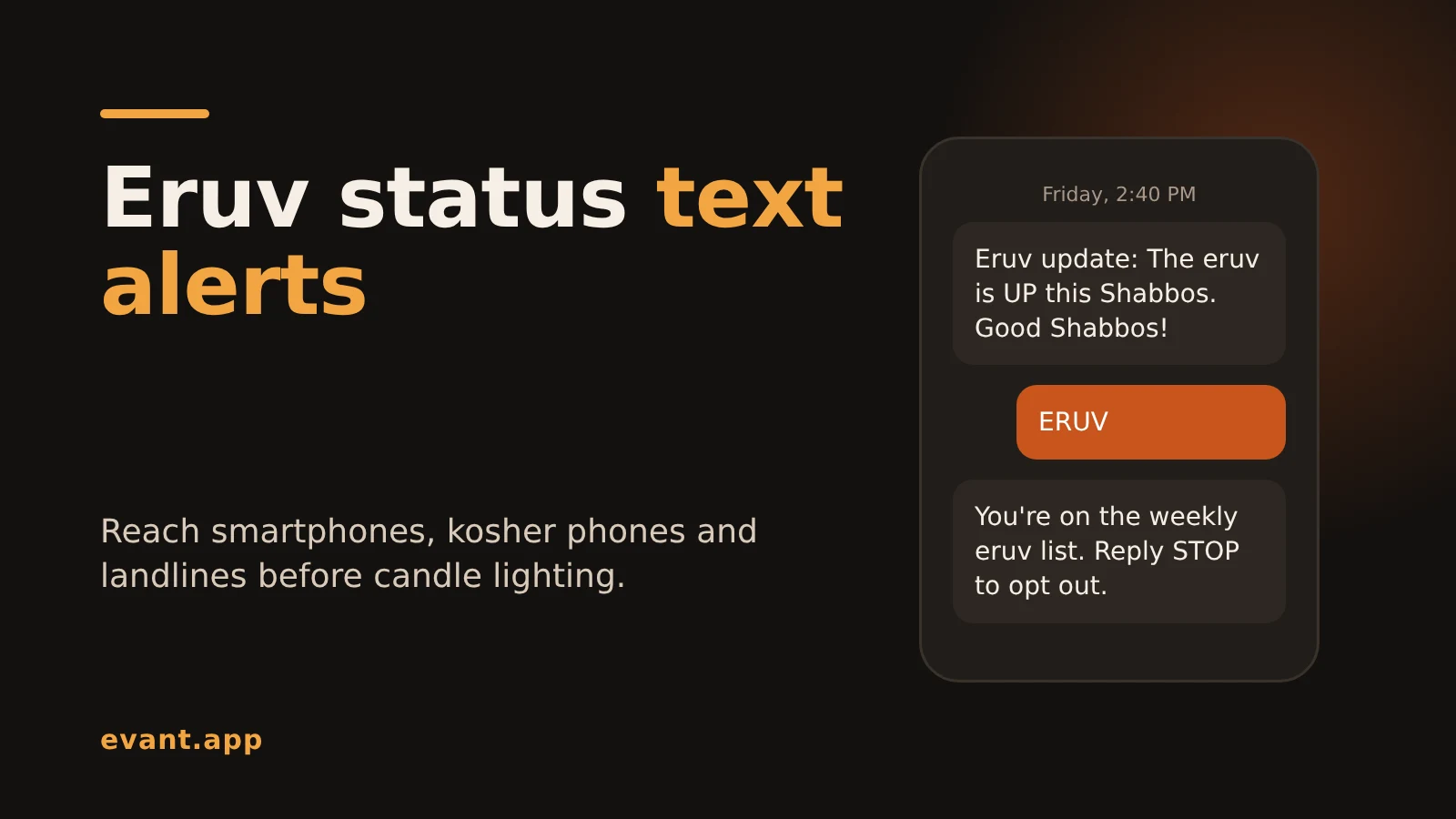
Eruv Status Text Alerts: How to Tell Every Member Before Shabbos (2026)
Michael PedoeemHow to send eruv status text alerts every Friday that reach smartphones, kosher phones and landlines, with free and paid options compared and copy-ready texts.
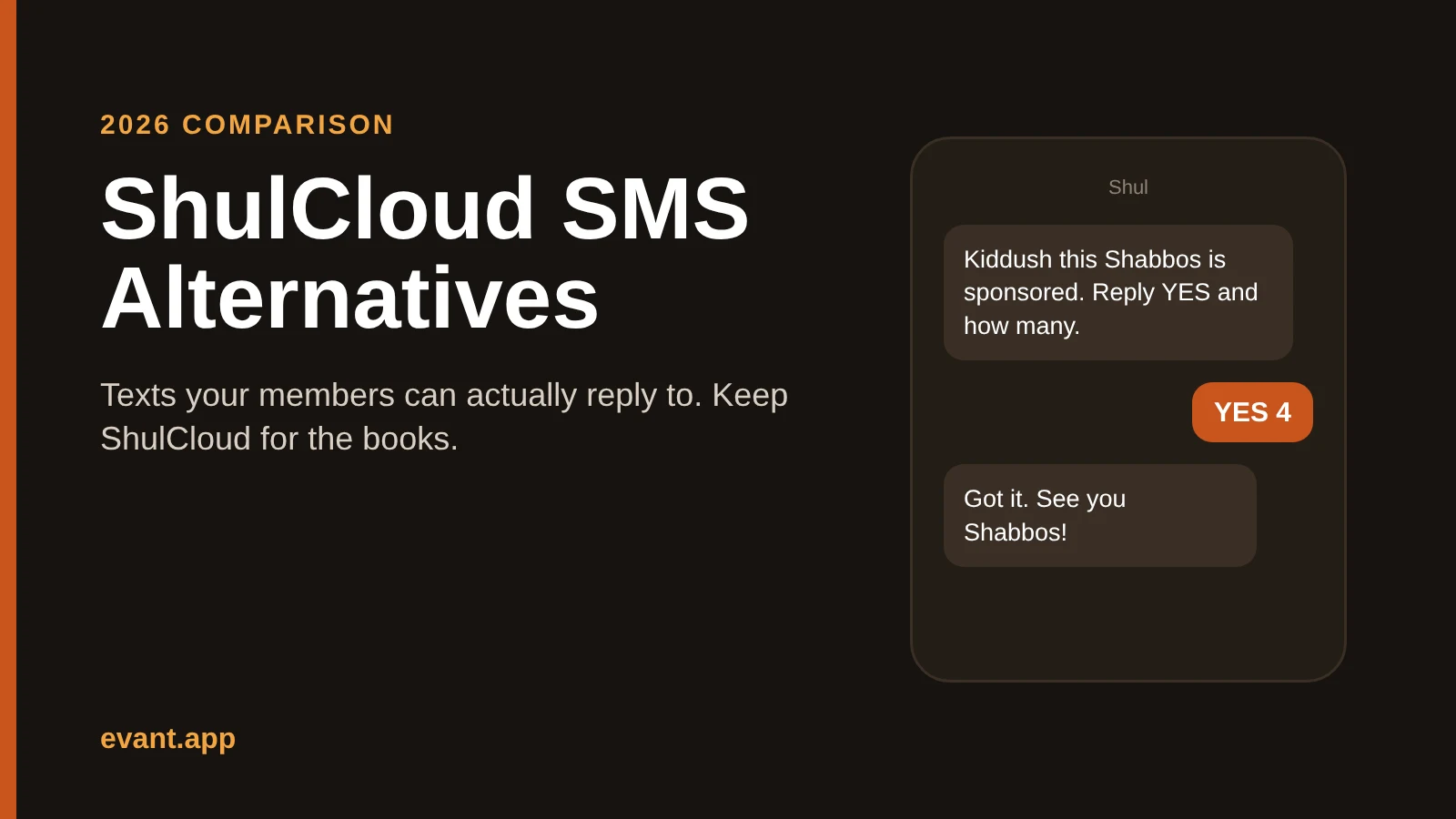
ShulCloud SMS Alternatives: 4 Ways to Text Your Shul That Members Can Answer (2026)
Michael PedoeemShulCloud's texting sends from a no-reply number. Evant, Text-Em-All, Clearstream and WhatsApp compared for shuls that want members to text back.





Get the Evant app



