
Why Text Messaging Is the Future of Event RSVPs
A gathering that starts with a clever RSVP text still needs day-of coordination: late cancellations, waitlists for popular sessions, plus-ones who never confirmed, and dietary follow-ups. Handling those in a personal messaging app quickly turns into a mess of unread threads and missed names. That is where a dedicated SMS platform earns its keep, letting organizers sort, export, and act on every reply from one inbox.
Centralized threading. Every response lands in a single conversation view with the guest's name, party size, and reply time attached. No more scrolling past group chats to find one confirmation. Organizers can mark a message read, tag a guest as "waitlist," or move a confirmed attendee to a check-in list with a tap. Automated follow-ups. When a reply is missing, an automatic reminder goes out 48 hours before the event and again on the morning of the RSVP deadline. The same system handles plus-one confirmations and meal selections in one round, cutting the back-and-forth that usually clogs a personal inbox.
This is also where the cost difference shows. Generic peer-to-peer SMS services charge per message sent, so a reminder to 300 guests costs more than a reminder to 30. An event-focused platform like evant.app bundles replies, reminders, and check-ins under one subscription, so scaling from a board meeting to a 400-guest gala does not inflate the bill. Competitors that charge per segment quickly become the expensive option once an event passes a couple of hundred RSVPs.
Data quality improves too. A text RSVP feeds directly into a CRM, keeping the guest list current and eliminating the manual re-entry that happens when someone calls in a reply. Event organizers report that automated SMS reminders can boost confirmed attendance and reduce no-shows, and the same automation keeps the list accurate right up to the door. When a guest texts "no" at the last minute, the system can automatically offer their spot to the next person on the waitlist, something email-heavy tools rarely handle in real time.
How to RSVP via Text Message
Prompt. The message should give a clear call to action, such as "Reply YES or NO to RSVP." This makes the desired response obvious and removes any guesswork.Consent. Confirm you have permission to text the guest, which is essential for complying with regulations like TCPA. An opt-in link or prior engagement covers this.Data. The RSVP reply can include attendance count or personal items, and the platform automatically captures this data in its analytics dashboard.Comfort. Send the text only to those who are comfortable with SMS, and keep the tone friendly to encourage a quick response.Vibe. A short, fun message with emojis can make the recipient more likely to reply, especially for casual gatherings.
Benefits of Using RSVP by Text

A text message reaches a guest seconds after you send it, and most people check their phone within minutes. That immediacy is why SMS RSVP tools consistently outperform paper cards and email invites. Guests can reply with a simple “yes” or “no” without opening an app, logging in, or searching for a stamp, so the friction that causes no-shows and late replies simply disappears.
The speed payoff is measurable. SMS reminders can lift confirmed attendance by 10–20% and reduce no-shows by 15% compared with email-only prompts, according to testing done by Evant. For a fundraising dinner or a community workshop, that margin often decides whether you order too much catering or scramble to fill empty seats.
Speed. Guests reply in seconds from wherever they are. No mailing delays, no inbox clutter, no forgotten paper cards sitting on the kitchen counter.Accuracy. Real-time headcounts update with every reply, so you always know who is coming. Evant’s dashboards track each response instantly, giving you a live view of your guest list without manual data entry.Cost. Text RSVPs eliminate printing, postage, and phone-banking labor. Traditional invites carry per-piece costs and hours of follow-up calls; a text-based flow runs for pennies per message and frees your staff for other tasks.
The reliability advantage comes from the channel itself. People read text messages at rates far above email, and they act on them faster. When you pair a clear RSVP request with a simple keyword like “JOIN” or “COUNTME,” guests know exactly what to do. Best practices for RSVP via text recommend keeping the message short, stating the deadline, and offering a one-tap reply option.
Compare that with a traditional paper invitation that requires a stamp, an envelope, and a trip to the mailbox. Or an email that competes with dozens of other messages and often lands in a promotions tab. Text messaging sidesteps both bottlenecks, which is why nonprofits and event organizers increasingly rely on it for accurate planning and higher attendance.
The Friction That Drives No-Shows
Every extra step between a guest seeing an invitation and replying is a chance for them to forget or abandon the task. A paper RSVP card demands writing, addressing, and mailing. An email requires opening, reading, and clicking a link. A text message needs only a quick tap on a preloaded reply button. Removing those steps is the single most effective way to turn a maybe into a confirmed yes.
Evant’s SMS RSVP flow gives you instant confirmations and automated reminders, so you spend less time chasing responses and more time planning the event itself. For a practical walkthrough of setting up text-based replies, see how to RSVP by text message.
Key Benefits of SMS Confirmations
Setting up a text-based RSVP system is straightforward once you understand the basic flow. From the guest's perspective, they simply send a keyword (like "JOIN" or "YES") to a dedicated number, and they receive an instant confirmation. Behind the scenes, the platform records their response, sends reminders, and updates your guest list in real time. This approach removes the friction of paper cards and email back-and-forth, making it easier for guests to confirm on the spot.
The Core RSVP via Text Workflow
Most SMS RSVP systems, including Evant's, follow four simple steps. Whether you're organizing a nonprofit gala, a church picnic, or a school fundraiser, the process stays the same:
- Choose a dedicated SMS number and keyword.
- Promote the number and keyword through invitations, flyers, and social media.
- Guests text the keyword to RSVP and receive an automatic confirmation.
- Send reminders and updates, then check in guests at the event.
This flow mirrors the guidance in best practices for RSVP via text, which emphasizes clear instructions and quick confirmation. The key difference with a platform like Evant is that you can automate reminders, track attendance, and integrate with your CRM, all without manual data entry.
Crafting a Clear RSVP Message
Your RSVP text should be short, specific, and actionable. Include the event name, date, time, and location, plus a simple call to action. For example: "You're invited to our Spring Benefit on May 15 at 6 PM. Reply YES to attend, NO to decline." This clarity reduces confusion and boosts response rates. For more template ideas, this guide on sending RSVP reminder texts offers ready-to-use wording.
Sending Reminders and Confirmations
Automated reminders are where SMS RSVP really shines. Send a confirmation immediately after a guest replies, then follow up 24 to 48 hours before the event. This practice aligns with event management SMS strategies and helps reduce no-shows. According to SMS RSVP benefit comparisons, SMS reminders can boost confirmed attendance by 10 to 20% and cut no-shows by 15% compared to email-only prompts.
Handling RSVPs for Different Event Types
The beauty of SMS RSVP is its flexibility. For a wedding, you might set up a personalized keyword like "SMITH" for each family. For a large conference, you can use a single keyword and rely on analytics to track capacity. Nonprofits and community groups often use text RSVPs to streamline registration and improve check-in flow, as highlighted in Evant's guide on SMS RSVP for nonprofits.
Best Practices for RSVP via Text
- Keep messages under 160 characters when possible to avoid split texts.
- Always provide a clear opt-out option (e.g., "Reply STOP to unsubscribe").
- Confirm each RSVP immediately to reassure the guest.
- Use a keyword that's easy to remember and spell.
- Test your SMS system before sending invites.
These steps mirror the complete guide to RSVP by text, which stresses the importance of mobile-friendly invites and instant feedback. With Evant, you can also enable automatic reminders and event check-ins, turning a simple RSVP into a full event management workflow. Whether you're planning a small gathering or a large-scale event, SMS RSVP saves time, reduces manual work, and keeps your guests engaged from invite to follow-up.
Why Use a Business Text Messaging Service
Picking the right SMS RSVP platform comes down to matching the tool to your event’s scale, your audience’s habits, and your team’s capacity. The three most common alternatives are built-in phone tools, general-purpose texting apps, and dedicated event management platforms like evant.app. While each can send a text, they differ sharply in how much manual work you’ll handle and whether you’ll get the attendance data you need to plan effectively.
Scope. Built-in SMS on a personal phone works fine for a dinner party of ten, but it fails when you’re sending to hundreds of guests and tracking their replies in one place. General messaging platforms add group texting but still leave you copying responses into a spreadsheet. Event-specific platforms tie RSVPs directly to a guest list, so you can see who’s confirmed, who hasn’t replied, and who needs a nudge, all in real time.Integration. The biggest time-saver is connectivity. Platforms like evant.app sync RSVP data with your CRM or event database, which eliminates double-entry and human error. That integration also powers automated follow-ups: send a reminder to non-responders, a warm-up note to confirmations, and a post-event thank-you text without writing a single message twice.Intelligence. Event intelligence matters when you’re planning logistics. Robust analytics show real-time response rates, no-show trends, and message-delivery metrics, so you can forecast attendance and adjust staffing or seating. SMS-specific analytics also reveal the best send times for your audience, a level of insight you won’t get from a basic texting app or paper RSVP cards.
Comparing SMS RSVP platforms
| Platform type | Good for | Limitations |
|---|---|---|
| Personal phone SMS | Small gatherings, one-off events | No guest list, manual replies, no analytics |
| General messaging apps | Team coordination, quick polls | RSVP tracking still manual, no event features |
| Event management platforms | Semi-annual reunions, large nonprofits, conferences | Requires setup time, but saves hours per event |
Best Practices for SMS RSVP Campaigns
Setting up an SMS-based RSVP system is more straightforward than most event planners expect. With the right tool, such as evant.app, you can move from paper cards and email threads to instant, two-way text confirmations in a single afternoon.
The core setup involves three essentials: a dedicated SMS number, a keyword guests text to respond, and an automation tool that captures their reply and logs it into your guest list. Unlike traditional email invites, an SMS platform like evant.app handles confirmations in real time, giving you an immediate count of expected attendees.
Choosing Your RSVP Keyword and Number
Your keyword should be short, memorable, and relevant to your event. For example, a nonprofit gala might use "GALA2026," while a wedding party could text "JANDM." Guests text this keyword to your unique SMS number, and they receive an automatic confirmation. SMS RSVP tools make it easy to set up this flow, and evant.app streamlines the entire process by letting you generate a keyword and number inside its dashboard, so you don't need a separate SMS provider.
Building Your Guest List and Automation
Before launch, import your contact list into your SMS platform. This can be a simple CSV upload or a direct sync from your CRM. Once your list is in place, configure an automated response that confirms the RSVP and asks for any additional details, such as meal preference or plus-one count. This immediate feedback loop is a major advantage over paper invites, which require manual follow-up.
- Pick a short keyword (under 10 characters) that guests can type quickly.
- Choose a dedicated SMS number that matches your region and carrier requirements.
- Draft your confirmation message: greet the guest, confirm the event date and time, and ask for any needed details.
- Set up an automatic reminder to send 24 to 48 hours before the event, which research shows can reduce no-shows by up to 15%.
Compliance and Opt-In Considerations
Before you start sending RSVP texts, you need to ensure your campaign complies with the TCPA and other regulations. This means guests must explicitly opt in to receive texts from you, and you must provide an easy way for them to opt out, such as replying "STOP." Tools like evant.app include built-in compliance features, making it easier to manage opt-ins and opt-outs automatically.
If you're comparing SMS RSVP platforms, evant.app stands out because it combines RSVP handling, event check-ins, targeted messaging, and CRM integration in one place, whereas many standalone competitors require you to piece together separate SMS and event management tools.
Testing and Launching Your SMS RSVP
Before sending to your full guest list, run a test with a few colleagues. Send a test RSVP, confirm you receive the text, check that the automated reply arrives, and ensure the response is logged correctly in your dashboard. Once everything works, promote your SMS RSVP across your website, email, and social media, and include the keyword alongside your event details.
| Setup Step | Details | Why It Matters |
|---|---|---|
| Choose keyword | Short, event-specific word (e.g., 'FUNDRAISER') | Easy for guests to remember and type |
| Select SMS number | Dedicated number or short code | Consistent contact point for replies |
| Draft confirmation | Auto-reply with event details and question | Immediate engagement reduces uncertainty |
| Set reminders | Automated text 24-48 hours before | Boosts attendance and reduces no-shows |
| Test before launch | Send test RSVP and verify logging | Catches configuration errors early |
Tools for Streamlined Event RSVP Management

Embrace SMS to Boost Participation and Simplify Logistics
A text message is the one channel nearly everyone checks within minutes. For event organizers, that makes SMS the fastest route to a confirmed yes or no. Unlike email, which sits unopened in crowded inboxes, an SMS RSVP prompt lands in a place attendees actually see. The result is higher response rates and fewer guessing games about headcounts.
SMS RSVP tools also remove friction from the guest's side. Instead of hunting for a paper card, logging into an event portal, or typing a long URL, a guest simply replies "YES" or types a short keyword. That single tap is what drives the 10-20% boost in confirmed attendance and the 15% reduction in no-shows reported when SMS reminders replace email-only prompts.
Speed, Accuracy, and Less Administrative Work
The real advantage of SMS RSVP is the speed of the round-trip. A guest confirms in seconds, and the organizer's guest list updates automatically. No manual data entry, no transcription errors. For nonprofits and schools running frequent events, this automation saves hours of administrative time that would otherwise go to chasing responses and reconciling lists.
Event check-in becomes smoother too. When guests carry a text confirmation on their phones, staff can verify attendance instantly. This kind of instant guest verification improves crowd flow and reduces bottlenecks at the door, which matters more for large gatherings or venues with limited entry points.
How SMS RSVP Compares with Traditional Methods
Paper RSVPs. Slow, manual, and easy to misplace. Responses arrive by mail over days or weeks, and someone has to type every card into a spreadsheet. SMS returns answers in seconds and updates the list in real time, cutting out the data entry entirely.Email RSVPs. Email works but competes with hundreds of other messages. Open rates lag, and reminders can land in spam. A text prompt appears at the top of the notification list, which is why SMS drives the higher confirmation and attendance numbers.Event apps. Dedicated event apps add download friction; guests may skip installation or forget their login. SMS needs no app, no account, and no password, lowering the barrier to response. For one-off or community events, text is the lowest-friction option.
The Value of an SMS RSVP Platform
A purpose-built SMS RSVP platform goes further than a personal phone line. It centralizes replies, sends automated confirmations and reminders, and gives organizers a clean dashboard for tracking responses. Many tools also handle compliance with regulations like the TCPA and CCPA, which reduces legal risk when contacting guests by text.
Some platforms add targeted messaging and CRM integration, letting organizers segment guests and follow up with relevant updates. That combination of automation, compliance, and analytics is why groups with recurring events often move from manual texting to a dedicated tool like evant.app, which bundles SMS RSVPs, check-ins, targeted messaging, and reporting in one place.
| Method | Response Speed | Key Drawback |
|---|---|---|
| Paper RSVP | Days | Manual data entry |
| Email RSVP | Hours | Low open rates |
| Event app | Minutes | Download friction |
| SMS RSVP | Seconds | Requires opt-in compliance |
Related Blogs



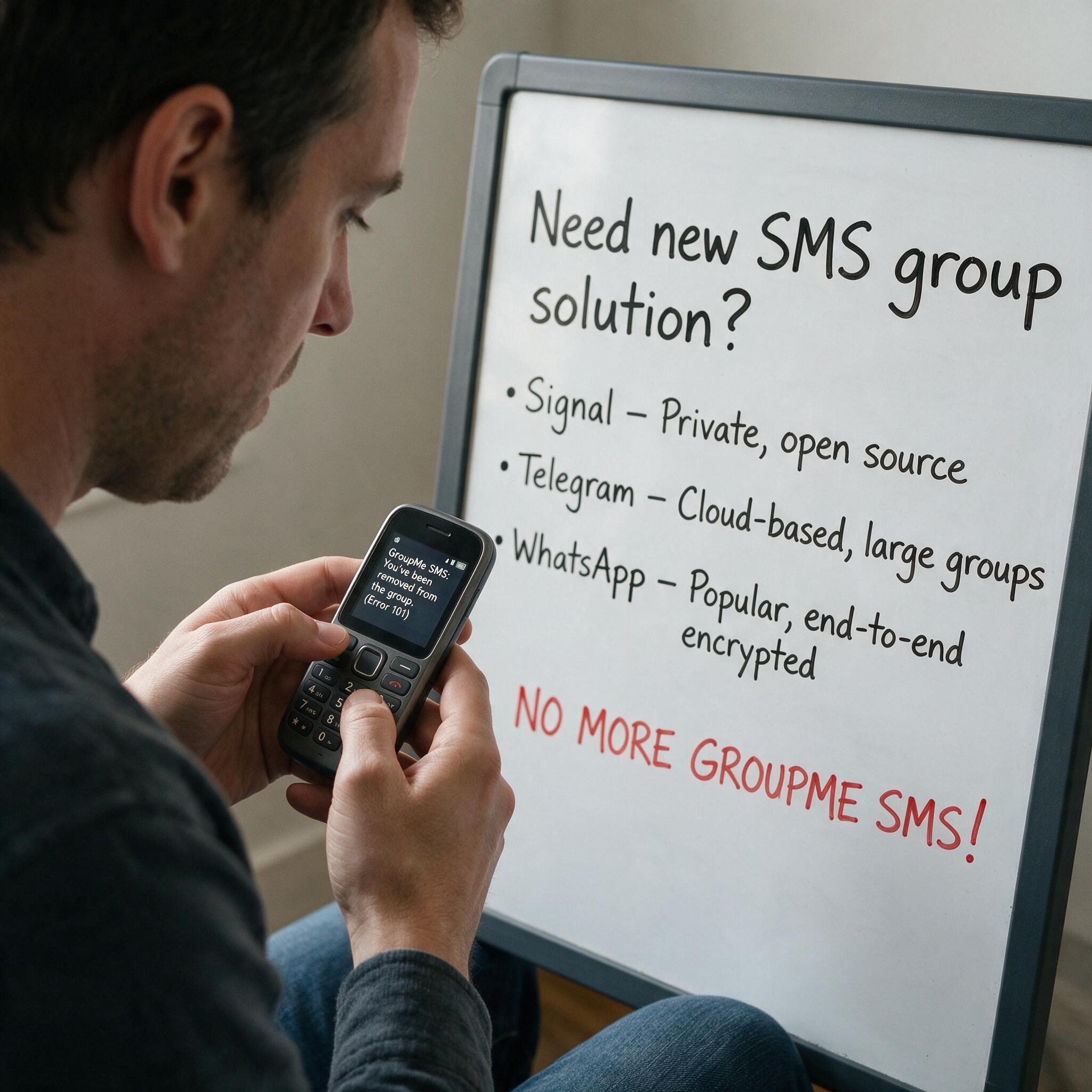
Got Kicked Out of GroupMe? Look to Evant.
Michael PedoeemGot Kicked Out of GroupMe? The Best GroupMe SMS Alternative for Jewish Communities