Make the Next Step Easy
An invitation can be beautifully written and still go nowhere. If people cannot tell what the event is, why it matters, or how to respond, they may put it aside and forget. Community organizations need more than a sent message. They need a clear path from invitation to RSVP, attendance, and a meaningful follow-up.
That path should fit the audience. Email can carry fuller details, while social media and personal outreach can build awareness and trust. Consent-based SMS adds a direct way to share an invitation, collect a quick reply, and send useful logistics. It works alongside other channels, not as a replacement for them. The MPI guidance on event texts describes ways to engage guests before, during, and after an event.
For nonprofits and schools, the RSVP is one step in an ongoing relationship. A confirmation can help someone plan; a timely event-day update can make arrival easier; a thoughtful follow-up can invite feedback or continued involvement. Evant brings SMS RSVPs, targeted messaging, check-ins, and CRM integration into that participation journey, so teams can connect outreach with event operations.
The goal is not to send more messages. It is to make each next step obvious, useful, and easy to take.
Promote Events Through Trusted Channels

A promotion plan works best when people can quickly tell whether an event is for them. Say who the gathering is intended for, what guests can expect, and how they can take part. A school open house might highlight student work, while a community workshop can name the skill participants will practice.
Give every channel one reliable destination: a simple, mobile-friendly event page with the date, time, location, cost, accessibility information, and a direct RSVP route. For a smaller gathering, Google Calendar invitations can collect Yes, No, or Maybe responses and show organizers who has replied.
Then share the event through a coordinated mix: a save-the-date, tailored invitations, email, social media, community groups, partner organizations, and announcements at local events. Volunteers and trusted community members can extend the invitation through their own networks. Evant supports this kind of follow-through with SMS RSVPs and targeted messaging, so a text can point recipients to the same clear event details and response path.
Make the invitation concrete. Include a photo from a previous gathering, a speaker’s name, a planned activity, or a short update about preparations. For text outreach, use consent-based messages that identify the organization and give recipients an easy way to respond. The MPI guidance on engaging event guests by text recommends coordinating messages across the event timeline rather than treating a text as a stand-alone campaign.
After invitations go out, record registrations and responses by channel. If a partner’s newsletter brings in interested guests while social posts draw little response, adjust the next campaign accordingly. Evant’s event analytics can help organizations review participation alongside SMS outreach, making it easier to refine future invitations without assuming one channel works for everyone.
Write Invitations People Can Answer

A useful text invitation gives people enough information to decide, then makes replying feel effortless. Identify the organization, name the event, include the date, time, and location, and end with one direct RSVP request.
For example: “You’re invited to the school fundraiser on May 18 at 6 p.m. at Lincoln Hall. Reply YES to come or NO if you can’t make it.” Add a genuine RSVP deadline and a brief reason the event may matter to that person, such as a chance to reconnect with the congregation or support a student program. A name or relevant community connection can make the invitation feel personal without adding clutter.
Reply-based RSVPs work well for a straightforward attendance choice. A direct, mobile-friendly link can lead to a registration page when guests need more context, while a keyword such as RSVP can collect responses to an open invitation. Evant supports SMS RSVPs and targeted messaging, helping organizations keep replies together instead of chasing them across separate conversations.
Keep the basic RSVP simple. If organizers need a meal choice, party size, or plus-one information, ask for it in a short form after the initial response rather than making every guest complete a long questionnaire. Forms and text replies can feed a shared response record, giving organizers a current headcount without requiring guests to download an app or create an account.
A Google Calendar invitation lets guests respond Yes, No, or Maybe, with RSVP status visible to the organizer. For text outreach, Evant's approach to personalized event invitations focuses on putting essential details within easy reach and offering a clear response path. Once someone confirms, send a confirmation and reserve reminders for useful event details or changes.
Target SMS Invitations Thoughtfully
SMS can make an event invitation easy to act on, but it should reach only people who have agreed to receive texts. Identify your organization, explain why you are writing, and include a clear opt-out instruction. For practical consent guidance, see SMS invitation best practices.
Then decide who should receive each invitation. A school fundraiser may be relevant to nearby families, while a volunteer gathering may suit people who have taken part before. Segment by interests, location, membership, or prior participation rather than sending every event to the full contact list. Evant organizes SMS RSVPs and targeted messaging for community events, helping teams connect invitations with the people they are meant for.
Keep the message brief, but give recipients a reason to consider attending. Name the event and its purpose, include the date, time, and location, and point to one clear next step: reply YES or open the RSVP link. Make sure the link leads to a mobile-friendly page that is easy to complete. A text can complement an email with fuller details, not replace it; Google Calendar invitations can also give guests a way to respond and review event information.
When someone confirms, send a prompt reply with their RSVP status and the details they will need, such as the venue address or a calendar link. If plans change, make it simple to update or cancel the response. Evant’s SMS RSVP and event check-in tools help organizations keep participation information connected to event operations, rather than relying on scattered replies.
Use SMS as part of a coordinated communication plan. Email can carry more context, while text can deliver a concise invitation, confirmation, or timely event update. Keep contact preferences and responses organized, and avoid sending repeated messages that do not add useful information.
Plan Reminders Around Useful Details
An effective SMS reminder earns its place by helping someone act, not by repeating the invitation. Keep it brief and lead with the event name, then give the date and time, venue or join link, and one clear next step, such as confirming attendance or checking arrival instructions.
A practical plan might include one message 24 to 48 hours ahead and an event-day text when it adds useful logistics. Include details that can prevent last-minute confusion, such as parking, check-in location, or a virtual access link. For fuller context, pair texts with an email or calendar invitation, then reserve SMS for timely prompts and changes.
Use RSVP records to direct each message to the right group. Confirmed guests may need arrival details, while people who have not responded may need a simple prompt. People who declined should not keep receiving attendance reminders. In Evant, SMS RSVPs and event check-ins give organizers ways to track responses and attendance in one workflow.
Two-way messaging makes reminders more useful than a one-way broadcast. Attendees can ask about access or parking, change their RSVP, or say they can no longer come. That update can help organizers revise the headcount and offer an opening to someone on a waitlist when relevant. Evant’s targeted messaging supports communication with community members as event details change.
Before sending, check that recipients consented to texts and understand the expected frequency. Send at reasonable hours, honor opt-outs, and avoid adding messages just because the system allows it. A reminder should reduce uncertainty and make the next step easier, not become another interruption.
Turn Confirmations Into Attendance
A yes is a plan, not a guarantee. Work, family needs, transport, or a simple change of mind can keep a confirmed guest from arriving, so treat the RSVP as the start of the attendee experience, not the finish.
Reach people through channels they already use. Email and social media can build awareness, while staff, volunteers, and community ambassadors can personally invite people who may be more likely to respond to a familiar voice. Evant supports this follow-through with SMS RSVPs and event check-ins, giving organizers a way to connect invitation responses with who arrives.
Give people a concrete reason to attend. Name a speaker, activity, useful session, or community moment they can look forward to. A short testimonial or a glimpse of a past event can also help invitees picture the experience. Avoid broad promises such as “a great time” when a specific agenda detail can make the invitation feel real.
Make registration quick on a phone, then send a confirmation that repeats the date, start time, and location. Before the event, share practical details such as parking, transit, accessibility, check-in instructions, and what to bring. A Google Calendar invitation can give guests a simple way to save the event and respond, while a concise SMS can keep urgent logistics easy to find.
Evant’s SMS messaging and check-in tools let teams manage RSVP communication and record attendance in the same event workflow. Compare confirmed responses with check-ins after the event to see where people dropped off, then use that information to adjust future messages, timing, or event details. For practical ways to distinguish a stated RSVP from arrival, see how confirmations and check-ins can be compared.
Build Participation Before and During Events
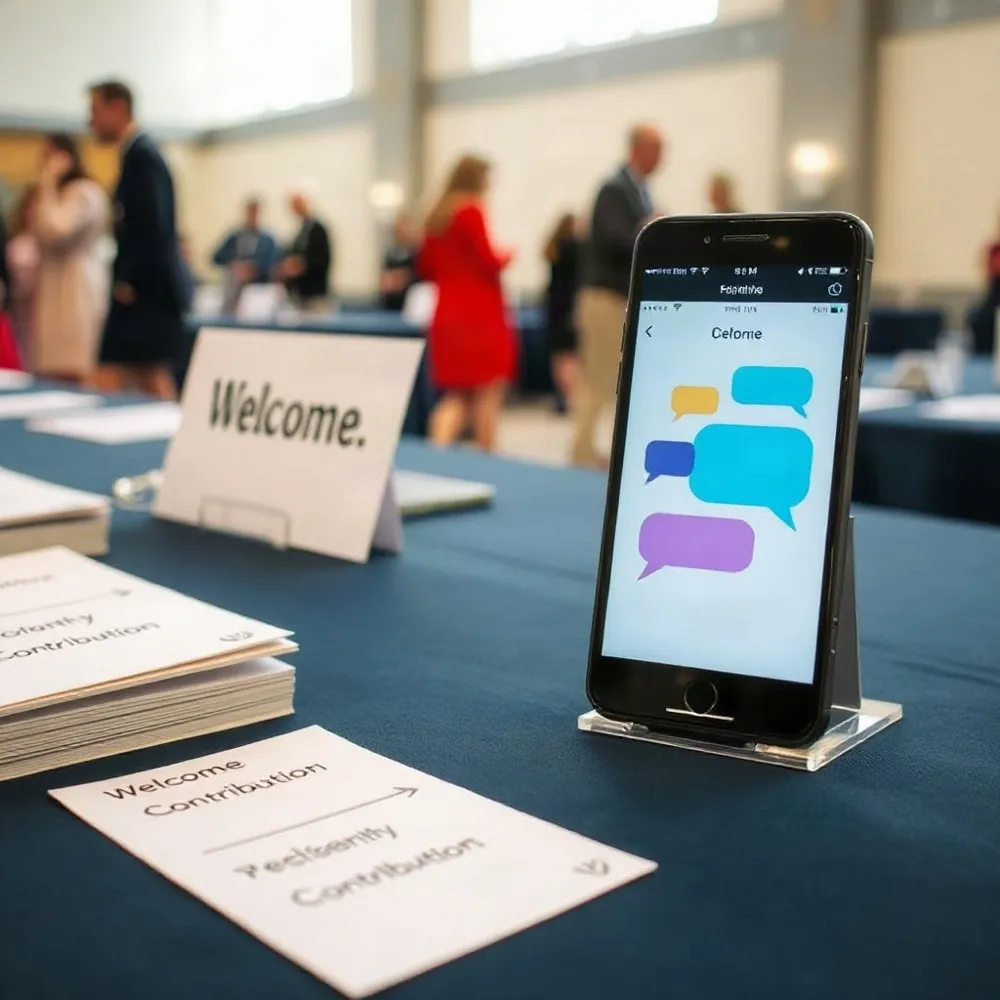
A full room is only the start. Community events feel more meaningful when attendees have ways to contribute, connect, and shape what happens, rather than simply receiving announcements.
Offer activities that give people a role: small-group discussions, live polls, demonstrations, volunteer opportunities, or information booths. Evant's event tools can support targeted messaging and check-ins, helping organizers connect attendees with relevant activities and manage arrivals.
Hospitality matters, especially for first-time guests. Create spaces for conversation, introduce people with shared interests, and invite attendees to share an idea, question, or skill. These simple gestures can help someone feel included without putting them on the spot.
Use event-day texts for practical guidance, not a stream of generic reminders. A welcome message can share check-in instructions or directions; later updates can flag a schedule change or invite registered guests to a relevant session. The MPI guidance on engaging event guests with text messages also describes using texts for welcome messages, audience questions, and activity updates.
Questions sent by text can give attendees another way to join a discussion or Q&A, while a quick feedback prompt can help organizers hear from people who may not speak in a group. Keep each message focused and space communications so they support the experience rather than interrupt it. Evant's targeted messaging and analytics can help teams coordinate outreach and review engagement.
Afterward, thank attendees, ask one useful question about what worked, and offer a relevant next step, such as another gathering or a volunteer opportunity. For more ideas on participation beyond reminders, see ways to build engagement across an event. A thoughtful follow-up turns a single event into an open door for continued involvement.
Make Every RSVP Part of the Relationship
An RSVP is one point in a longer conversation. Invite people for whom the gathering is relevant, make the response easy, confirm promptly, and send reminders with details they can act on. Afterward, thank attendees and share a useful follow-up, such as a resource, feedback question, or next opportunity to take part.
Trust depends on the way that sequence is handled. Text only people who have agreed to receive messages, identify your organization, keep the information clear, and avoid sending more than the moment requires. Make it possible to ask a question or update a response. Evant supports this kind of community communication with SMS RSVPs, targeted messaging, and event check-ins.
Review replies alongside registrations, check-ins, and feedback to see where people drop off and what they value. Evant’s analytics can help organizations use those signals to shape more relevant invitations and stronger participation next time.
Related Blogs


Text-Em-All vs Clearstream for Churches: Pay per Person or per Text? (2026)
Michael PedoeemText-Em-All charges by group size and includes calls. Clearstream charges by credits and fits Planning Center churches. What a 150-person church pays.
How to Send a Mass Text to Your Congregation: 6 Steps Without the Reply-All Mess (2026)
Michael PedoeemHow to send a mass text to your congregation in six steps: pick a service, register your number, get consent, write short texts and reach members who don't text.
Voice Broadcast for Churches: What a 60-Second Call to 200 Members Costs (2026)
Michael PedoeemWhat a church voice broadcast really costs in 2026: one 60-second call to 200 members priced on five services, plus the FCC rules.





Get the Evant app



