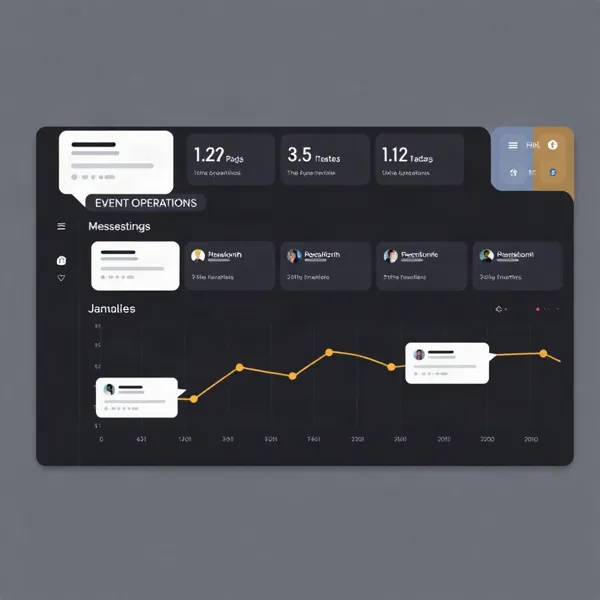
Make Every Event Message Count
An event message should do more than announce a date. It should help someone take the next useful step, whether that means confirming an RSVP, finding the venue, or joining a session. For nonprofits, schools, and community groups, SMS offers a direct way to reach guests before, during, and after an event.
Texts work best as timely prompts, not as a replacement for every other channel. Email can hold agendas and fuller instructions, while a calendar invitation helps guests plan ahead. Evant supports this event flow with SMS RSVPs, targeted messages, and check-ins, keeping practical communication connected to event operations.
The sections ahead cover concise reminders, a considerate sending cadence, relevant outreach, live event support, and follow-up that strengthens community ties. They also consider responsible messaging and the tools teams need to coordinate communication without adding unnecessary noise.
Plan Messages Around the Guest Journey

An event text works best when it arrives at the moment a guest can act on it. Map messages from registration through arrival and follow-up, and give each one a clear job rather than sending the same announcement across every channel.
Start with an immediate confirmation that verifies the guest’s spot. It can include a calendar link so attendees can save the date. A reminder is different: send it closer to the event, when the guest may need to confirm plans, check directions, or open a joining link.
Use SMS for concise, time-sensitive steps, such as a check-in instruction or a change to the arrival details. Email or an event page is a better home for the full agenda, speaker information, and preparation materials. This division keeps a text focused without leaving guests short on context.
A shared content calendar helps teams coordinate those channels, avoid duplicate alerts, and space out touchpoints. Meeting Professionals International’s guidance on event texts also recommends planning cross-channel messages to avoid overwhelming guests. For nonprofits and schools, Evant’s SMS RSVP and targeted messaging tools can connect confirmations and event updates with attendee groups, while organizers keep detailed materials in email or on an event page.
After the event, a brief thank-you or feedback request can continue the conversation. To plan the full sequence, see this guide to texting across the event timeline.
Write Useful, Actionable Reminders

A reminder should answer the guest’s immediate questions: Which event is this? When does it start? Where should I go, or how do I join? Then give one clear next step.
For an in-person gathering, that action might be opening a ticket, checking in, or viewing directions. For an online event, it could be joining through a link. Evant supports SMS RSVPs and event check-ins, so organizers can connect attendee responses with practical event communication.
Specific wording beats a vague prompt like “Your event starts soon.” Name the event and give its start time, then tell the guest what to do. For example: “Community Dinner starts at 6 p.m. tonight. View directions: [link].” A useful reminder should make the next step obvious without asking guests to sort through competing instructions. Explore a useful reminder structure.
Keep the text focused. Agendas, speaker details, and several logistics belong in an email or on an event page, where guests can review them at their own pace. In the registration confirmation, include a calendar link so guests can save the event and rely on their calendar’s own notifications. SMS then serves as a timely prompt, not a replacement for email or calendar reminders.
Connect reminders to registration records and send them only to people who agreed to receive texts. Evant’s SMS RSVP and targeted messaging tools help teams direct communication to the relevant audience instead of sending every update to every contact.
Choose a Considerate Reminder Cadence
A reminder plan should feel like helpful coordination, not a series of nudges. Set expectations when people sign up by explaining what kinds of texts they may receive and how often. Identify your organization in each message, keep the tone warm, and give every text a clear purpose.
A practical sequence is a confirmation after registration, a reminder about 24 hours before the event, and an optional closer reminder when it serves a real need. Evant’s SMS RSVP and messaging tools can connect those messages to attendee responses, so organizers can avoid sending arrival reminders to people who have declined. For guidance on cadence, see timing and sequencing for maximum impact.
Match the timing to what guests need to do. For a virtual event, send the join link shortly before the session. For an in-person gathering, a morning message can share arrival, parking, or check-in details. For a class, send preparation instructions early enough for participants to gather materials.
For many events, one or two SMS reminders are enough. Add messages only when unusual logistics or a multi-day schedule make them useful. Coordinate texts with email and calendar alerts so attendees do not receive the same update repeatedly; use SMS for timely actions and reserve longer details for another channel.
Polite reminders also respect choice. Let people ask questions or update their RSVP, target messages to relevant attendees, and include clear opt-out instructions. Honor opt-out requests promptly and stop sending texts to those recipients. That way, each message earns its place in the guest’s phone.
Build Attendance With Relevant Outreach
For a nonprofit, a reminder is useful when it helps someone make a clear plan, not just remember that an event exists. Name the event, include the relevant time or location, and give one next step, such as confirming attendance or opening directions. Timely prompts can support attendance, but they cannot guarantee it.
Make the RSVP easy to update. A short link can take guests to a mobile-friendly confirmation form, while a reply-based option such as YES or NO can collect a quick response. Either approach helps organizers keep attendance plans current and follow up with people who need different information. Evant’s SMS RSVP and targeted messaging tools support that kind of event communication for nonprofits and educational organizations.
Send information that fits each group’s role. Attendees may need arrival details, volunteers may need shift instructions, and donors or members may want an invitation tied to their interests. Segmenting messages helps avoid sending every detail to everyone. The Meeting Professionals International guidance on event texts also recommends matching messages to attendee interests and coordinating texts with other channels.
Texts can sit within a broader series of invitations, email, social posts, and event updates. Use a shared content calendar to space those touchpoints, then reserve SMS for concise prompts people can act on. For nonprofits, Evant combines SMS RSVPs with event check-ins and CRM integration, helping teams connect outreach with attendance operations.
How can nonprofits use SMS reminders to increase event attendance? Send concise, timely messages that identify the event and make the next action easy, whether that is confirming an RSVP, viewing directions, or opening an access link. Choose timing for the event, target the right audience, and give guests a simple way to update their plans.
Use Texts for Live Event Support
During an event, a text should help someone do something now. Use it for a room change, revised schedule, check-in instruction, directions, weather update, or access link, not to repeat information guests already have.
Name the event and state exactly what changed, then give attendees one clear next step. If the full details have changed, link to the latest event information. For example: “Community Forum update: the opening session is now in Room B. Please follow the signs by the main entrance.” Evant’s targeted messaging can help organizers send operational updates to the groups who need them, rather than treating every guest as the same audience.
A brief welcome can also make a first-time guest or new member feel noticed. For a panel or webinar, offer texting as another way to submit questions or comments, especially for attendees who would rather not speak in front of a room. Polls or simple reply prompts can invite participation without interrupting the program. Meeting Professionals International’s event-texting strategies describe welcome messages and text-based audience questions as ways to engage guests.
Nonprofits can use text-to-donate at a fundraiser to give guests a direct way to contribute from their phones. They should also make event support easy to reach, with a monitored reply line or a clearly identified staff contact for questions and problems. Keep live texts practical and assign someone to respond. For examples of immediate updates such as directions and schedule changes, see using SMS for live event support.
Turn Follow-Up Into Community Connection
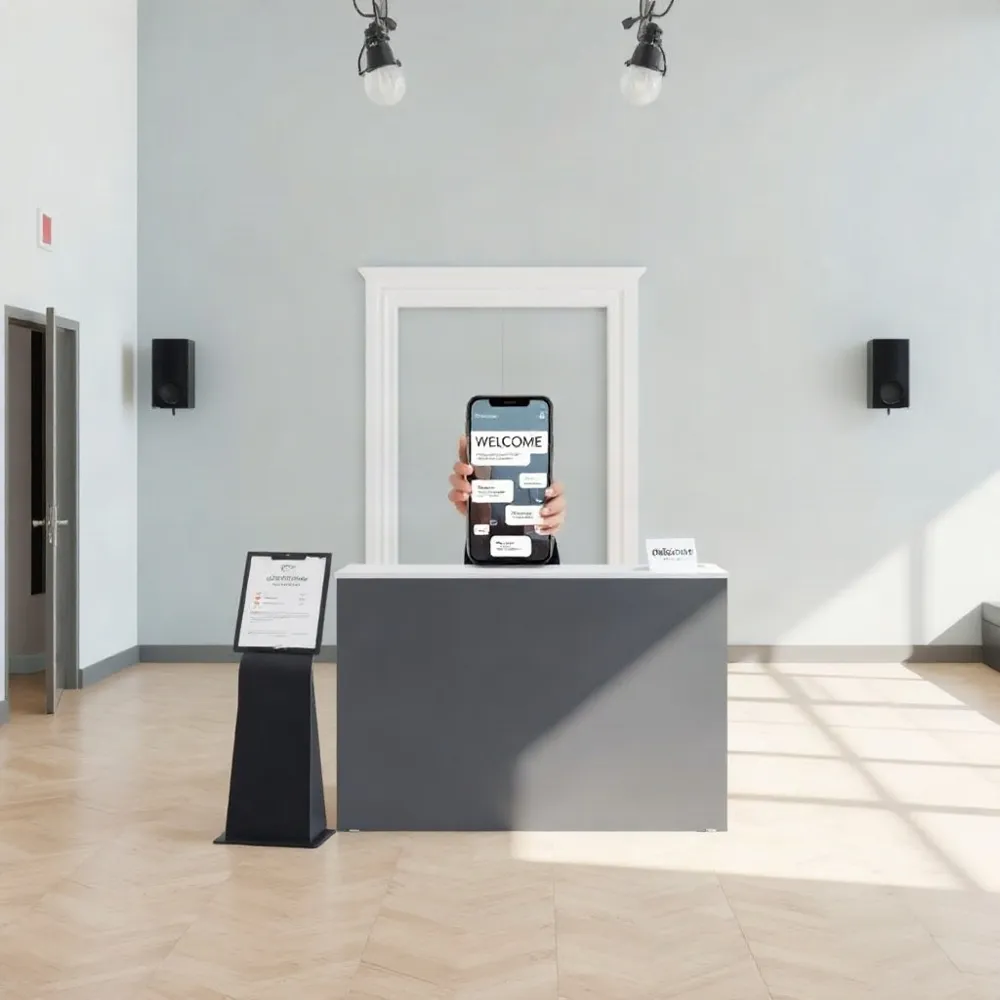
The event may be over, but the relationship is not. A timely thank-you text can make attendees, volunteers, and supporters feel seen, especially when it names the event and recognizes what they did.
Keep the note sincere and specific: thank someone for attending the community dinner, helping at check-in, or sharing their time. Add a brief event highlight or mission connection only when it is accurate. For guidance on recognizing a person’s contribution, see communicating event changes instantly to all attendees.
Then offer one manageable next step, not a string of requests. Invite the person to reply with a thought, complete a short survey, view a recording, or hear about a relevant future opportunity. A nonprofit can use SMS RSVPs and targeted messaging in Evant to keep event communication connected to its community engagement work.
A short survey might ask how satisfied someone was, which activity they liked best, whether they would attend again, whether the event felt accessible, or what should change next time. Keep the questions easy to answer on a phone, and use responses to shape future programming rather than collecting feedback without acting on it.
Tailor follow-ups to the recipient. Attendees, volunteers, and donors contribute in different ways, so a volunteer thank-you should recognize their service rather than reuse the attendee message. Evant’s event tools can support targeted messages and CRM-connected follow-up, helping organizations keep relevant context for future outreach. Send texts only to people who have agreed to receive them, and respect their preferences.
Select Tools That Support Event Operations
The right event texting service should fit the work your team needs to do, not just send a large batch of messages. For a nonprofit, that may mean collecting SMS RSVPs, grouping guests by role or interest, scheduling reminders, sharing day-of updates, and checking attendees in without a separate manual list.
Look for tools that connect these steps. Evant combines SMS RSVPs, targeted messaging, event check-ins, CRM integration, and analytics for nonprofit and educational organizations. Those features can help staff send arrival instructions to attendees, different details to volunteers, and track responses in one event workflow. For a closer look at how these capabilities support event operations, see SMS event management platform features.
Automation can send a confirmation after someone RSVPs and schedule approved reminders for later. But automation should not make the service a one-way channel. Staff need a clear way to review replies, update attendance, answer questions, and honor opt-outs. Delivery and response reports can show whether a message reached people and how they acted, while CRM integration can keep RSVP details and survey responses organized for future planning.
Before choosing a service, check how easy it is to set up, whether it can handle your audience size and event needs, and what it costs. Ask how it supports consent records, opt-out requests, and U.S. carrier requirements, including registration rules that may apply to business texting. The MPI guide to engaging event guests with text messages also recommends considering budget and preparing to respond when guests text back.
The best fit is the one your team can manage reliably, with useful reports and clear ownership for messages and replies.
Budget for Messaging Responsibly
Can nonprofits send mass text messages for free? Sometimes. A free plan, trial, or nonprofit-specific service may cover a small campaign, but check its limits before building an event workflow around it. Message volume, contact counts, scheduling, and access to two-way replies may be restricted.
Free text-to-give does not automatically mean free, unlimited event announcements or reminders. Fundraising texts and event logistics may have different costs and requirements, so compare the service’s pricing with the work you need it to handle.
Look beyond the advertised monthly price. Check subscription and per-message charges, carrier fees, contact limits, and whether the plan includes scheduling, consent records, opt-out handling, RSVP collection, and event check-in. Evant combines SMS RSVPs, targeted messaging, and check-ins, which can help nonprofits assess messaging costs alongside event operations rather than treating them as separate jobs.
Budget for staff time, too. A low-cost service may require manual audience updates or replies, while an event platform with scheduling and RSVP tools may reduce repetitive coordination. Evant’s event workflows connect messages with attendance tasks, so teams can consider the cost in relation to the work it supports.
Before sending, collect clear opt-in and keep consent records where applicable. Make opt-outs easy to recognize and honor. Requirements vary by location and message type, so review the rules that apply to your organization and campaign. CTIA’s general messaging information can inform planning, but it is not a substitute for checking applicable requirements.
For a closer look at how to weigh plan limits and messaging costs, see this guide to must-have features for a community SMS platform.
Keep Every Text Useful and Human
A good event text gives the right opted-in guest useful information at the moment they can act on it. Keep each message focused on one next step, such as confirming attendance, finding the entrance, or sharing feedback. For ideas on using SMS across the guest experience, see Meeting Professionals International’s event messaging strategies.
For nonprofits, that means connecting brief prompts to real event operations, from RSVP tracking to check-in and follow-up. Evant’s SMS RSVP, check-in, targeted messaging, and CRM integration features can support those tasks, while email or an event page can hold details that need more room.
Thoughtful messaging helps guests know what to do without adding noise. The result is smoother coordination for staff and more chances for people to take part, share their experience, and stay connected to the community.
Related Blogs
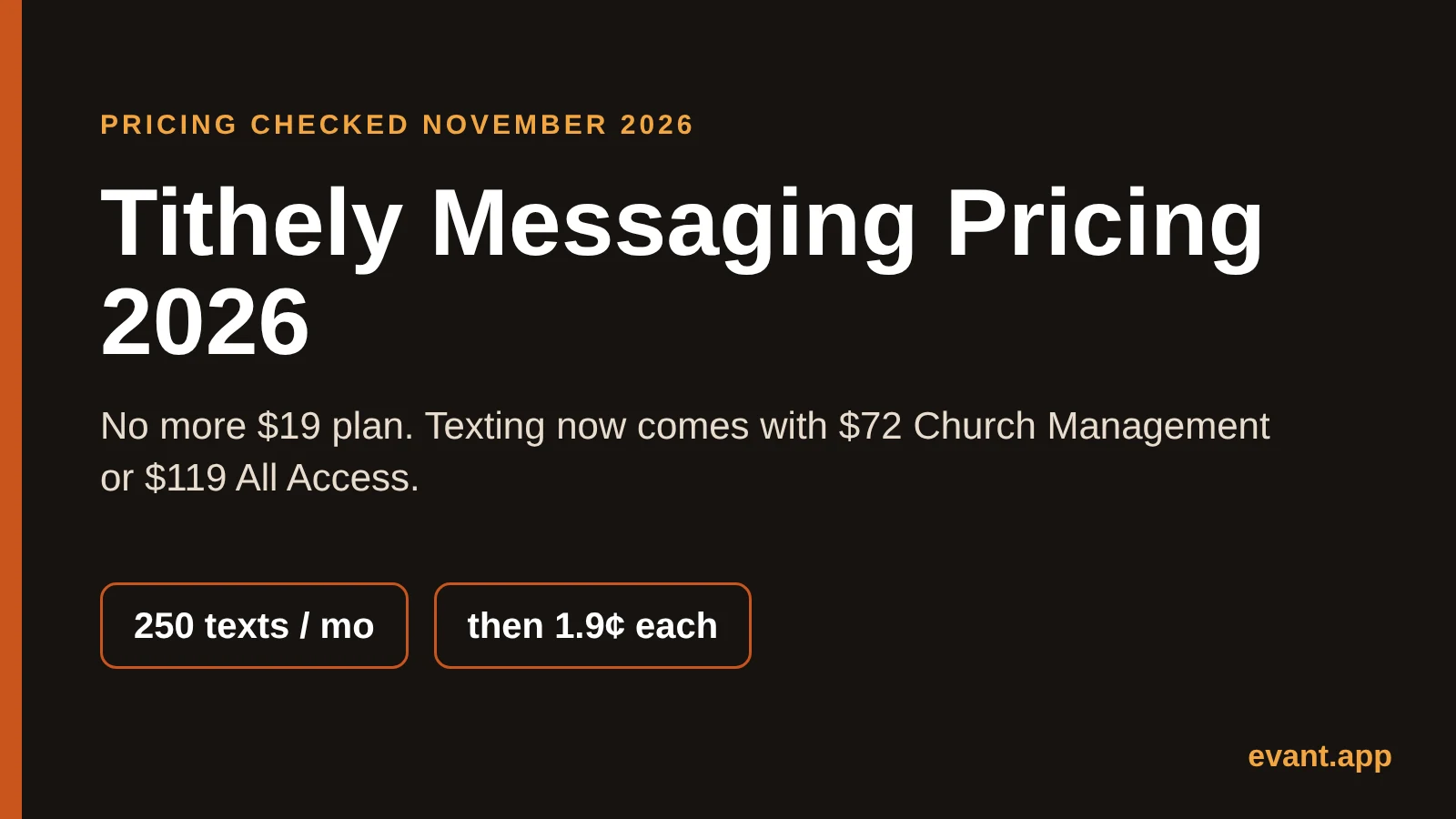

Tithely Messaging Pricing 2026: No More $19 Plan, What Texting Really Costs Now
Michael PedoeemTithely Messaging no longer has a $19 plan. Texting now comes with $72 Church Management or $119 All Access: 250 texts, then 1.9¢ each.
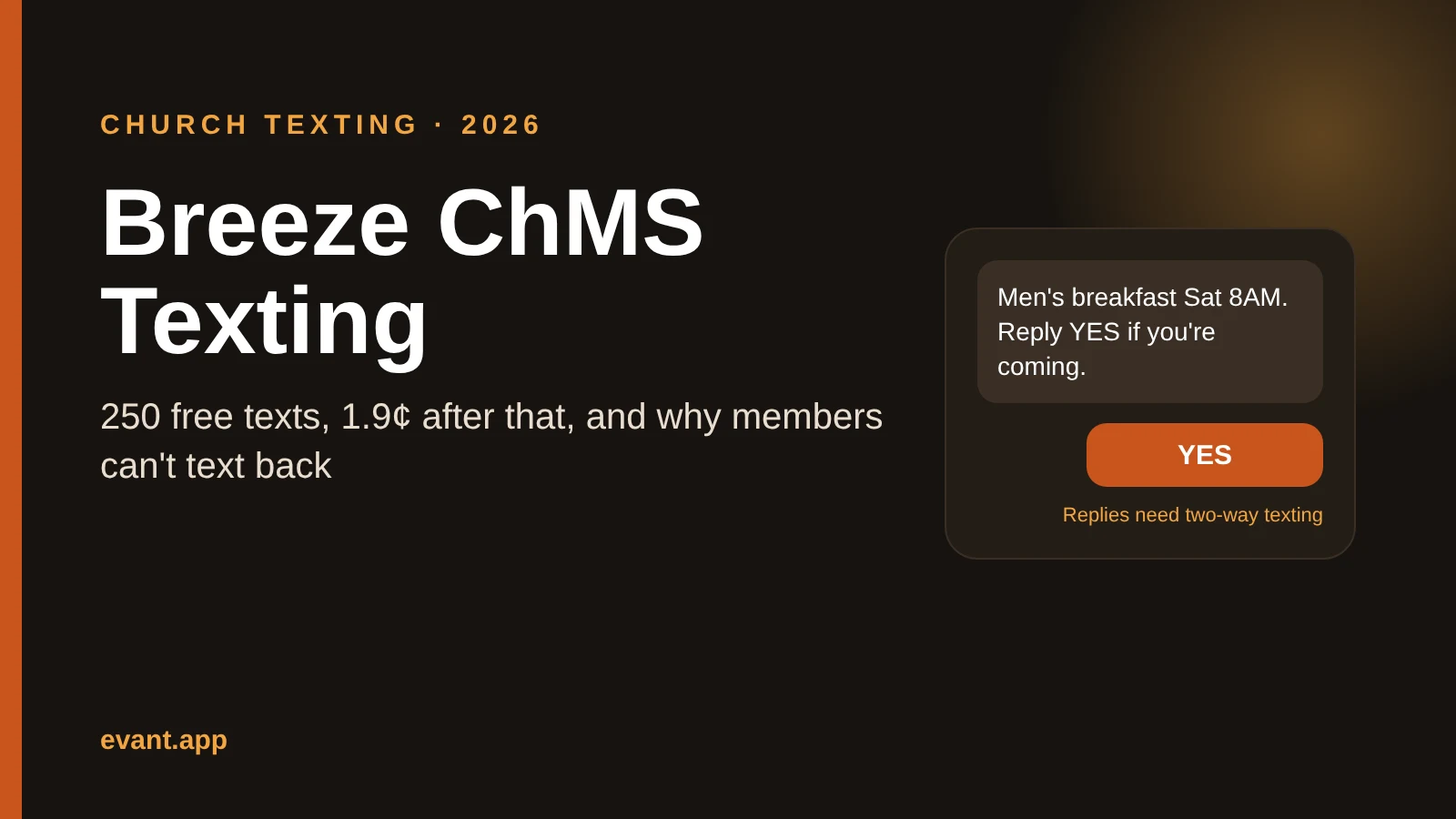
Breeze ChMS Texting in 2026: 250 Free Texts, One-Way Messages and When to Add a Texting Tool
Michael PedoeemBreeze ChMS texting gives you 250 free texts, then 1.9¢ each. Here's the fine print, why members can't reply, and when to add a texting tool.

Text-Em-All vs Clearstream for Churches: Pay per Person or per Text? (2026)
Michael PedoeemText-Em-All charges by group size and includes calls. Clearstream charges by credits and fits Planning Center churches. What a 150-person church pays.





Get the Evant app



