
Why Timely Messages Matter
Someone registers for a fundraiser, school activity, or community gathering with every intention of going. Then the date slips from mind. An email may be buried under newer messages, and a calendar entry may go unnoticed.
A short text can put the event back in view when the next step matters: confirm an RSVP, check directions, or open a class link. But SMS is a nudge, not a guarantee against no-shows. Sending more messages without adding useful information can make people tune out.
For nonprofits and schools, attendance depends on practical details as much as enthusiasm. People need to know where to go, when to arrive, and what to do if plans change. Evant supports these workflows with SMS RSVPs, event check-ins, targeted messaging, CRM integration, and participation analytics.
Treat texting as one part of a wider plan: use email for fuller information, calendars to help people protect the time, and SMS for timely prompts. The MPI guide to event text messaging also describes using texts before, during, and after events to support attendee engagement.
Turn Invitations Into Clear RSVP Actions

An invitation should make the next step obvious. Text people who have opted in, name the event, give its date and time, include the location or access link, and ask for one response: “Reply YES to RSVP.” For more guidance on shaping an invitation around a direct response, see clear RSVP actions by text.
Keep the response easy on a phone. Recipients can reply YES or NO, or tap a mobile-friendly RSVP link. Once someone responds, send an immediate confirmation with the essential details and, when useful, an Add to Calendar link. Evant supports SMS RSVPs and event check-ins, so community organizations can connect a response with the next step in attendance.
Replies also give people a way to ask a question or change plans. If an attendee cancels, update their status and stop sending attendance reminders; if they need directions or check-in information, answer with the detail they need. This turns texting into a two-way attendance workflow rather than a series of one-way prompts. The MPI guide to event text messaging also describes using SMS for attendee questions and event participation.
A single invitation rarely fits every contact. Segment opted-in audiences, such as members, parents, volunteers, and donors, so each group receives relevant details and a suitable RSVP request. Evant's targeted messaging and CRM integration support communication based on audience and event context, while analytics can help teams review responses and link activity.
After registration, keep follow-up focused: send a concise reminder with useful arrival information, such as parking or check-in instructions. Reviewing replies and link activity helps organizers estimate attendance and adjust future invitations, without treating every contact as though they received or needed the same message.
Write One Useful Reminder

A reminder should make the next step obvious, not force people to search through old emails. Name the event, include the relevant date and time, give the location or access link, and ask for one action.
For example: “Reminder: [Event Name] is tomorrow at [time] at [location]. View details or update your RSVP: [link].” A virtual-event text can put the join link first when attendees need to act immediately. A useful reminder gives recipients the event, timing, location or access, and a clear next step.
Keep the wording plain and brief, identify the nonprofit, school, or church sending it, and test links on a phone before sending. Use the text for the immediate prompt, then point to an event page or email for the full agenda and preparation information. Evant’s SMS RSVPs and targeted messaging can help organizations send a relevant prompt to the right group instead of sending every detail to everyone.
Match details to what recipients need at that moment. A day-before note might include what to bring; a day-of message might give directions, parking, or check-in instructions. For changed plans, link to the latest information. Skip details attendees already have, and avoid stacking several requests or links into one message.
What should an event reminder text say? It should name the event, state the relevant time and location or access link, and give one clear action. Send a timely, useful prompt, and reserve longer explanations for email or an event page.
Choose Timing Without Overloading People
When should event organizers send text message reminders? For many events, a practical starting point is one text about 24 hours beforehand and another about an hour before the start. For virtual events, an optional message 10-15 minutes before can put the join link within easy reach. Treat this as a schedule to test, not a rule for every audience.
Timing should reflect what attendees need to do. Send the first reminder earlier when people may need to arrange travel, childcare, or other preparation. For in-person gatherings, a day-of text can focus on arrival details, such as the address or check-in location. Multi-day events may call for extra messages, but only when they share a useful session reminder or logistics update.
A registration confirmation and a reminder serve different purposes. Send the confirmation as soon as someone registers, then use later messages to prompt attendance or a specific next step. A layered approach can help: calendar notifications protect the attendee’s time, email carries fuller details, and SMS handles a timely prompt. Organizers using Evant can connect SMS RSVPs and event check-ins with targeted messaging, keeping reminders relevant to the event workflow.
Evidence supports careful expectations. Research on appointment reminders in outpatient healthcare has found improved attendance compared with no reminders, but results vary by setting and do not guarantee the same outcome for an event. A 2024 MPI article on event text messaging discusses practical ways to support attendee engagement.
More messages do not automatically mean more people will attend. Repeated or irrelevant texts can create fatigue and prompt opt-outs. Start with a small number of useful messages, then adjust based on attendee responses and event needs. For a practical schedule that avoids crowding people, see strategic timing from deadlines to reminders.
Automate Around Registration Changes
How can organizations automate event text reminders? Connect registration or CRM records to an SMS service, then set rules for when each message should go out and who should receive it. A confirmation can follow an RSVP, while later reminders can be tied to the event date.
For a nonprofit or school, the workflow might start when someone registers. Their RSVP details flow into the event system or CRM, which prompts an approved confirmation and schedules useful reminders. Evant supports SMS RSVPs, CRM integration, targeted messaging, and event check-ins, giving teams a way to connect attendee communications with event activity.
Status matters as much as timing. If someone cancels, update their record and stop attendance reminders. If a guest has already checked in, there is no reason to send another arrival prompt. Keeping event and contact details current helps prevent confusing messages when a person’s plans or the event itself changes.
Automation can also route updates by audience. Attendees may need directions, volunteers may need arrival instructions, and speakers may need schedule details. A room move, revised start time, or weather advisory can trigger a timely update for the groups affected, rather than a broad message to everyone.
A practical setup links RSVP or CRM data with an SMS platform, defines triggers and send times, and matches message content to each recipient group. Before sending, check that the intended audience has consented and suppress anyone who has opted out. Review delivery and engagement data afterward, then adjust the workflow when replies, attendance, or event details show that a message was unnecessary or unclear. For more ideas on connecting registration data with scheduled texts, see automating event logistics around attendee needs.
Evaluate Tools and Measure Participation

What should organizations look for in an event texting service? Start with the work the team needs to do, not a vendor’s feature list. For nonprofits and schools, that may mean answering attendee questions, collecting RSVPs by text, sending scheduled reminders, and helping people check in on arrival.
Two-way messaging gives attendees a way to ask about parking, accessibility, or event details, while text-based RSVPs help organizers update attendance plans. Targeted lists can keep messages relevant to groups such as volunteers, families, or registered guests. With Evant, SMS RSVPs, event check-ins, targeted messaging, CRM integration, and analytics support these connected event workflows.
Integrations matter because staff should not have to reconcile separate contact and attendance records by hand. A connected workflow can link registration data to reminders and check-in, while analytics offer a clearer view of delivery, replies, link clicks, and attendance. Evant’s CRM integration and participation analytics can help teams review how their outreach performed.
Compare pricing, ease of use, integration fit, and consent and opt-out management against your team’s actual needs and capacity. A platform with many features may still be a poor fit if staff cannot manage it or the cost does not suit the organization. For a practical checklist of event-texting capabilities, see this guide to SMS platform features for nonprofits and schools.
Before sending a campaign to the full community, test message timing, wording, links, and calls to action with a small group. Review replies, clicks, registrations, attendance, and opt-outs, then adjust. Results can differ by audience and event, so use them to guide the next send rather than assuming one message will work for everyone. MPI’s event text messaging strategies also emphasize planning messages around attendee needs and the event experience.
Make Permission Part of the Workflow
Before sending event texts, get clear permission and make it easy for recipients to opt out. For U.S. programs, CTIA guidance calls for opt-in mechanisms, sending only to people who have opted in, and documenting consent where applicable. These are practical safeguards, not a substitute for checking the rules that apply to your organization.
Requirements can vary by location, message type, and use case. An event logistics update may be treated differently from a fundraising appeal, especially if both are combined in one text. Review applicable requirements and keep each message focused on information recipients agreed to receive. This guide to SMS consent and compliance covers permission and opt-out practices for event outreach.
Build permission checks and opt-out handling into the communication process, and honor requests promptly. Evant’s SMS RSVPs and targeted messaging support event-specific communication, while organizers remain responsible for obtaining permission and respecting recipient preferences.
Make Every Text Earn Its Place
A useful text earns attention by helping someone do something: confirm an RSVP, find the venue, or join online. More messages are not automatically more helpful. Event teams should send fewer, well-timed texts with details that match what attendees need next.
Start with a clear RSVP path, test a reminder schedule with a small group, and include practical logistics when they matter. Evant supports this workflow with SMS RSVPs, targeted messaging, event check-ins, and analytics for nonprofits and schools.
Then review replies and participation, and adjust the wording or timing for your community. The MPI guide to engaging event guests with text messages also highlights ways to use SMS to support attendee engagement. Let attendee needs, not message volume, shape the next send.
Related Blogs


I Built a Texting Platform for Small Churches. Here's Where It Falls Short.
Michael PedoeemA founder's honest review of Evant for small churches: free donation link and RSVPs built in, replies, SMS that reaches everyone, and where it falls short.
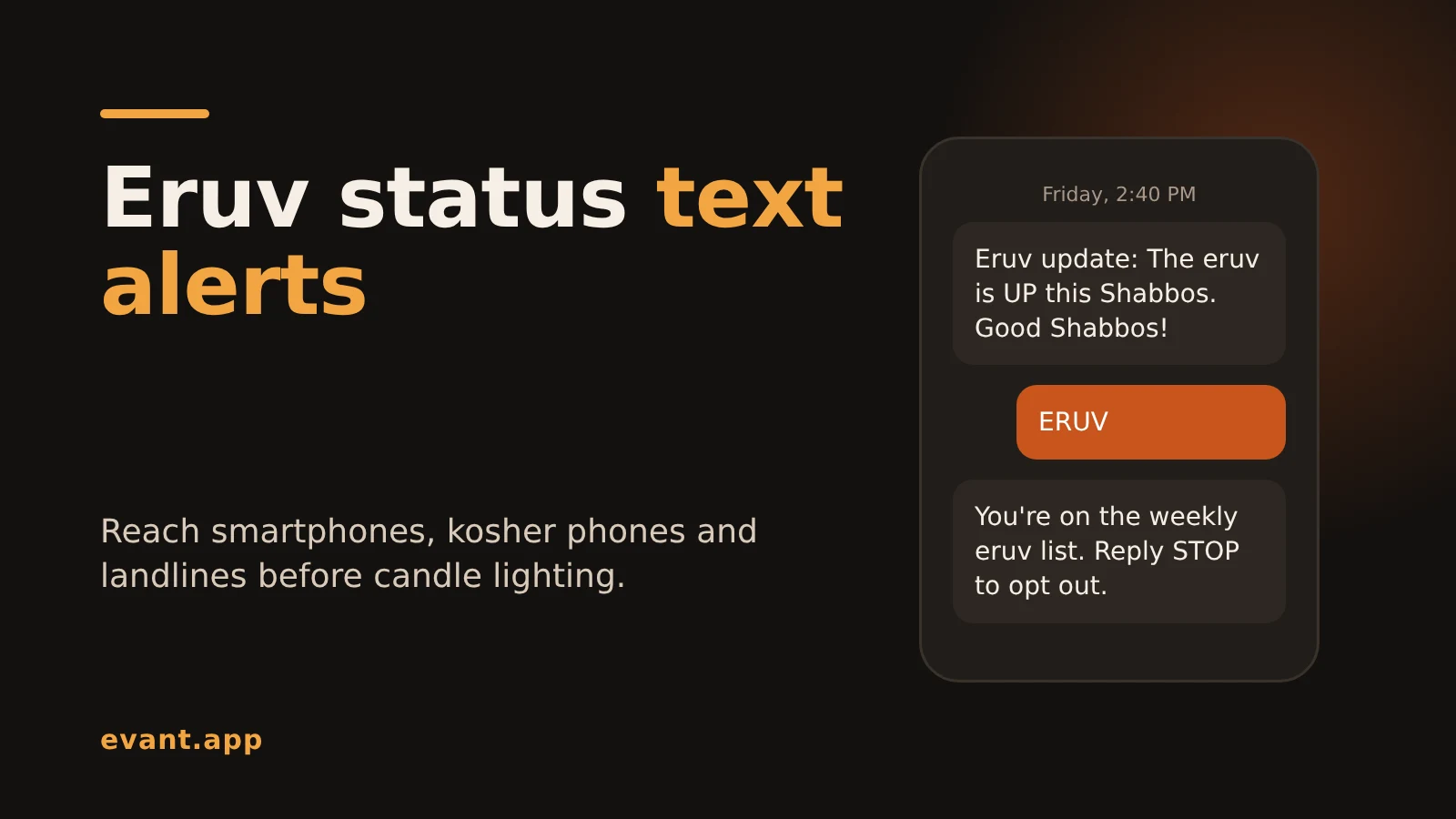
Eruv Status Text Alerts: How to Tell Every Member Before Shabbos (2026)
Michael PedoeemHow to send eruv status text alerts every Friday that reach smartphones, kosher phones and landlines, with free and paid options compared and copy-ready texts.
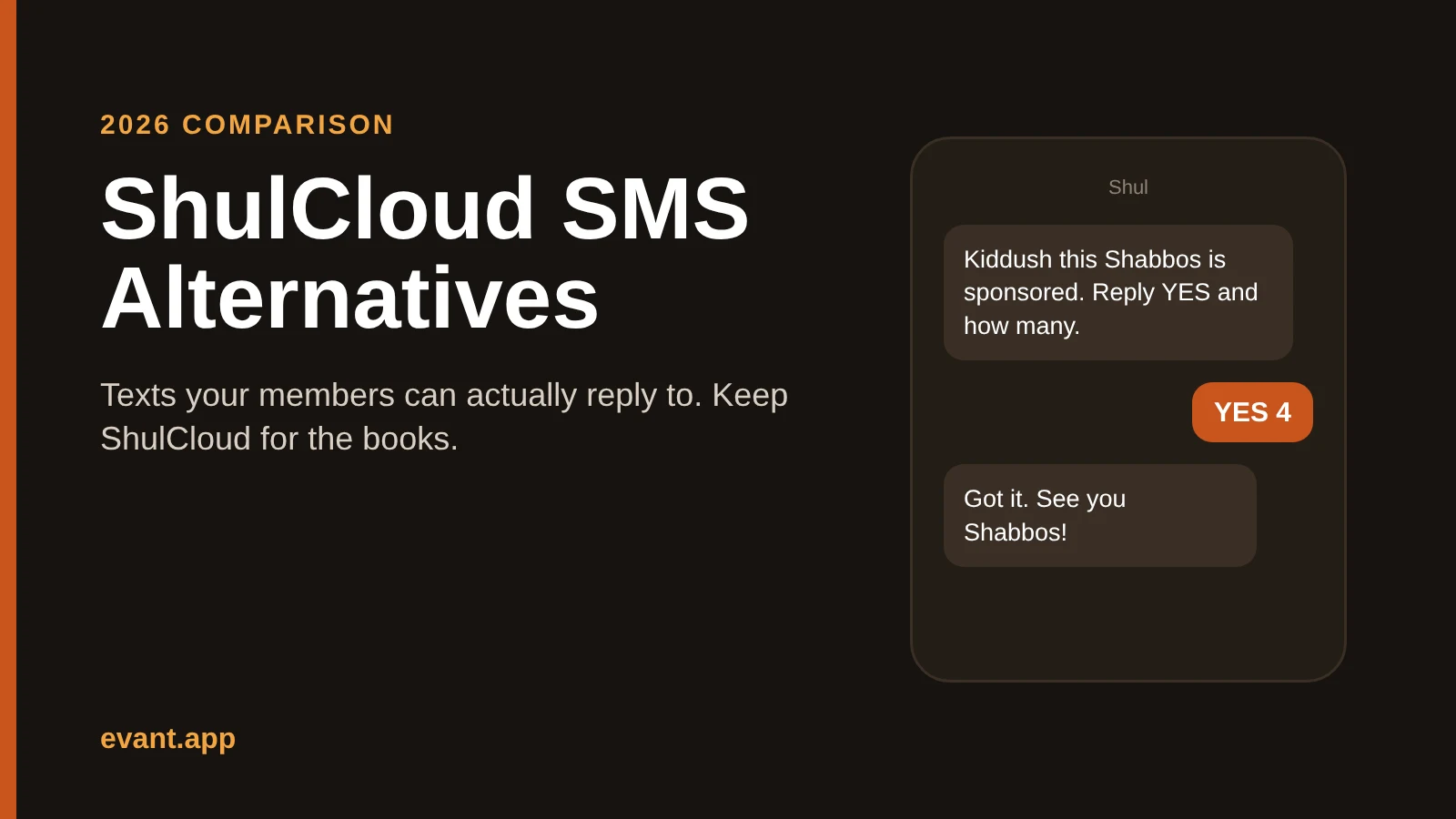
ShulCloud SMS Alternatives: 4 Ways to Text Your Shul That Members Can Answer (2026)
Michael PedoeemShulCloud's texting sends from a no-reply number. Evant, Text-Em-All, Clearstream and WhatsApp compared for shuls that want members to text back.





Get the Evant app



