Make Arrival Part of the Experience
The first in-person moment of an event can be a welcome, or a line of confused guests searching for a confirmation text. For nonprofits and community organizations, arrival is part of how people experience the event. Staff need to know who has arrived, while guests need clear directions and a simple way to check in.
An SMS check-in tool should fit into the whole event journey, not sit apart as a texting feature. Invitations and RSVPs connect to registration records; arrival updates attendance; follow-up gives organizers a way to continue the conversation. Evant supports this kind of workflow with SMS RSVPs and QR-code check-ins, linking pre-event responses with what happens at the door. See how SMS can support event check-in.
When choosing a system, look for a low-friction check-in, reliable attendance records, useful messaging and integrations, and clear consent controls. Those details help a small event team manage arrivals without losing sight of the people they invited.
Connect SMS to the Full Event Journey
How can nonprofits use SMS messaging to increase community engagement and event participation? Make it easier for people to act at each step, from the first invitation to the next opportunity to connect. A short text can invite supporters to an event with one clear action, such as replying YES to RSVP or opening a registration link.
After someone signs up, send a confirmation with the date, time, location, and a link to update their details. Follow with reminders that repeat the practical information, then use day-of texts for changes to parking, rooms, or schedules. Evant supports SMS RSVPs and event check-ins, connecting communication with participation rather than leaving arrival as a separate process.
Not every contact needs every message. Send volunteers shift instructions, families arrival details, and donors information relevant to their involvement. Evant’s targeted messaging can help organizations tailor outreach to different groups, while keeping texts concise and useful.
SMS works best alongside email and social media, not in place of them. Use texts for timely details and quick actions; reserve email for longer explanations and social channels for visual updates. After the event, thank attendees, share a highlight or next step, and invite brief feedback. That response can guide future outreach. Get consent before sending messages and make opting out straightforward. For ideas on using texts across invitations, reminders, event-day updates, and follow-up, see this guide to SMS invitations for nonprofits.
Evaluate the RSVP and Reminder Workflow
A text invitation should make the next step obvious. Name the event, give its date and time, include the location or virtual link, and tell people how to respond. For example: “Join us for the community dinner on Friday at 6 p.m. at the parish hall. Reply YES to RSVP or use this link to register.”
Before sending invitations, get explicit consent and explain what kinds of event messages people can expect and how often. A phone number collected for another purpose is not permission to add someone to event texts. Keep the invitation focused, confirm each response, and provide a simple way to ask a question or change an RSVP.
What are best practices for promoting an event and collecting RSVPs by text? Plan a short sequence that fits the event and audience, then stop reminders for people who decline. Suggested timing varies: one example uses a week, a day, and an hour before doors open; another uses 72 hours, 24 hours, and three to six hours before. Treat these as options, not a universal schedule, and avoid sending more than people need.
Automations can send a confirmation after registration, reminders to people who RSVP yes, and a text to waitlisted guests when a place becomes available. Give waitlisted recipients a clear, limited time to claim the spot. Connecting SMS RSVPs to attendee records, as in Evant’s RSVP and reminder workflow, helps keep replies and registration details together rather than scattered across messages.
After the event, send a brief thank-you or feedback request. Keep replies and attendance information in the event or CRM system so the team can follow up with useful context and plan its next invitation.
Check Consent, Segmentation, and Message Controls

How can nonprofits send bulk text messages effectively and responsibly?
Start with permission, not the send button. Collect clear opt-in during registration or through another sign-up method, explain what kinds of messages people will receive, and make opting out simple. Honor opt-outs promptly, and set quiet hours that respect recipients’ time zones. For a practical consent checklist, see SMS consent and compliance practices.
Before choosing a provider, ask how it handles opt-in and opt-out records, whether it supports double opt-in, and what carrier requirements, such as 10DLC registration, may apply. These are points to confirm with your provider, not legal advice. Evant’s SMS-based event tools connect targeted messaging with event and contact-management workflows, so teams can consider consent alongside how messages are sent.
Segmentation helps staff send event reminders to attendees, shift details to volunteers, or urgent changes only to the people affected. With Evant’s targeted messaging and CRM integration, organizers can keep outreach connected to relevant contacts instead of texting the full list by default. Scheduling helps teams prepare messages in advance, while delivery, reply, RSVP, check-in, and opt-out reporting can show what reached people and how they responded.
Keep each text concise, with one clear next step when needed. Avoid sending too often, and use replies and event activity to adjust future messages. Reviewing who received a message, who engaged, and who opted out helps keep bulk texting useful for supporters and manageable for staff.
Choose Check-In Methods for Your Event

Registration handles advance sign-ups and payments. Check-in verifies who actually arrives. Access control is different again: it determines who may enter restricted areas. Keep those jobs clear when comparing tools, and make sure each arrival scan connects to an attendee’s registration record. A scan that is not matched to a guest is not verified attendance. For a practical overview of how registration and arrival can work together, see check-in methods for events.
Look for QR scanning, name or email search, badge scanning, and self-service kiosks. Evant combines SMS RSVPs with QR-code check-ins, so organizers can manage responses before the event and record arrivals at the door. A QR lane can help pre-registered guests move through quickly, while name lookup gives staff another option when someone cannot find their code.
Plan for the busiest arrival period, not the average one. Place stations so lines do not block entrances, and consider group check-in for families or teams. Rehearse the process with staff on the devices they will use. Check that they can find attendees quickly and know what to do when a name is missing.
Prepare for walk-ins, staff overrides, weak internet, and printer trouble. Offline operation with later syncing can help preserve arrival records when connectivity drops. Test the full workflow on site before event day, and confirm how to reach support if equipment fails. Avoid asking guests for information that can be collected later, and do not make them check in again through an event app after their arrival is already recorded.
What features should nonprofits look for in event management software?
Start with easy registration and RSVPs, configurable forms, suitable payment processing, fast attendance tracking, and volunteer coordination. Built-in email and SMS can handle invitations and event logistics; CRM connections can keep attendee and supporter records linked. Reporting should help teams review registrations, attendance, donations, and engagement. Evant’s SMS RSVP and check-in workflow may suit organizations that want those arrival steps connected. Compare features, integrations, support, and pricing with the event’s needs and the team’s available resources.
Prepare Registration Data and the Event-Day Team
How can event teams streamline registration and attendee check-in? Start with a mobile-friendly registration page that asks only for details the team needs. Clear event information, timely SMS reminders, and an easy way to update an RSVP help guests arrive with fewer questions.
Before event day, sync attendee records with the check-in system and confirm that staff can find guests by the identifiers collected, such as name, email, or confirmation code. Plan for late edits and walk-ins so a missing registration does not leave someone stranded at the door. Evant supports SMS RSVPs alongside QR-code check-ins, linking advance responses with arrival workflows.
Set up stations, staff permissions, signs, and badges if the event needs them. Test the full process on the devices and network planned for the venue: scan a QR code, look up a guest, check what happens if connectivity drops, and confirm attendance records update. Rehearse with staff and agree on who will handle exceptions. Preparing registration data and the event-day team can help organizers plan those steps.
On the day, send practical texts when they are useful, such as arrival instructions, parking details, check-in opening time, or a room change. Evant’s SMS event workflows can support timely attendee communication, but texts should not be the only backup. Keep printed or offline attendee information available, assign someone to resolve problems, and review check-in records after the event.
Connect Check-In Records to CRM and Analytics
A check-in list is more useful when it connects to the records your team already uses. Linking registration, SMS responses, attendance, and CRM data can reduce duplicate or conflicting records and give staff useful context, such as a person’s volunteer role or past participation, when planning follow-up.
How can CRM integrations and analytics improve nonprofit event communications?
Connected records help nonprofits build more relevant audience segments and make invitations, reminders, and follow-up messages actionable. For example, a synced RSVP or attendance status can help staff distinguish people who registered from those who actually arrived. Evant combines SMS RSVPs and check-ins with CRM integration and analytics, bringing event activity into communication and contact-management workflows.
Before choosing a tool, confirm which systems it supports and what information moves between them. Salesforce, HubSpot, event platforms, and workflow tools such as Zapier may be available, but integrations vary. Ask whether data syncs one way or both ways, and verify which fields transfer, including RSVP status, attendance, and consent preferences. This guide to connecting event activity to relationships outlines why those links matter.
Useful reporting can show live arrival counts, attendance status, busy arrival periods, no-shows, and session participation when relevant. Message delivery, replies, or link clicks can help staff assess communication activity, while clean exports make records easier to review. These measures describe engagement and operations; they do not by themselves prove fundraising impact or revenue attribution.
During an event, live counts can help teams adjust staffing or respond to a queue. Afterward, comparing RSVPs with attendance and message responses can reveal where people dropped off. Evant’s event and communication data can support that review, helping teams refine future segments, reminders, and event logistics.
Extend Participation Through Giving and Follow-Up
Fundraising can extend an event’s impact, but it should remain a separate step from checking guests in. A text-to-give prompt can invite attendees to text a keyword or scan a QR code that opens a mobile-friendly giving page. Place the prompt on signs, programs, or slides, and have the host explain how it works during a live appeal.
How can nonprofits use text-to-give tools to support fundraising at events?
Keep the giving flow simple: offer suggested amounts, allow a custom gift, and test the link and venue connectivity before event day. Provide another way to donate for guests who cannot or prefer not to use a phone. Evant’s SMS event tools focus on RSVPs, check-in, and targeted event communication, so treat giving as a connected but distinct workflow.
After the event, send a timely thank-you to donors who have opted in. Add a short impact story, one clear next step, and a brief feedback request where appropriate. Tailor follow-up to people’s roles and interests, and coordinate texts with email or other channels. For more on connecting event participation with giving, consider text-to-give and post-event follow-up strategies.
Where supported, connect gift records to CRM reporting so the team can track contributions alongside event participation and plan relevant future outreach. Evant’s SMS workflows can support the communication around an event, while donation processing and gift records should be managed in the organization’s giving system.
Turn Attendance Into Continued Participation
How can nonprofits use event follow-up messages to encourage continued participation? Start with a personal thank-you within 48 hours. Recognize the time people gave and explain what their presence helped make possible.
Then give them something worth opening: a few event photos, a short video, fundraising results, or a story from someone the organization serves. Ask one brief question about their experience while the details are still fresh. Tell attendees how their suggestions will inform future events.
Make the next step clear and relevant. A volunteer may be ready to sign up for a shift, while a first-time guest may prefer an invitation to another community event. Evant’s SMS RSVP and targeted messaging tools can connect event participation with practical follow-up, while attendance records help teams distinguish who showed up from who could not.
SMS works well for a concise thank-you or survey link; email can carry a longer recap, photos, or video. Avoid sending every attendee the same series of asks. Tailor the invitation to each person’s interests and role, and keep it to one clear action.
Choose tools that connect consent-aware messaging with dependable check-in records and useful reporting. Evant combines SMS-based event management with check-ins and analytics, helping teams learn from participation rather than treating message volume as the goal. To sustain engagement after an event, use post-event SMS follow-up strategies.
Choose for the People at the Door
Before choosing, test whether the tool can send relevant, consent-based messages, connect each check-in to the correct attendee record, handle likely disruptions, and show staff useful attendance information. Evant links SMS RSVPs with QR-code check-ins, so teams can manage responses before the event and record arrivals at the door.
Match the setup to your event’s size, available devices, internet reliability, CRM connections, support needs, and budget. Then rehearse the full process on the equipment staff will use, including a manual lookup and what to do if connectivity fails.
Good SMS check-in helps people feel welcomed and gives teams reliable context for follow-up. Texts alone cannot do that; dependable records and respectful communication make the difference.
Related Blogs


Church Weather Cancellation Text Messages: 8 Templates and a 30-Second Call Script (2026)
Michael PedoeemChurch weather cancellation text messages: 8 copy-and-paste texts, a 30-second call script for landline members, and when to decide.
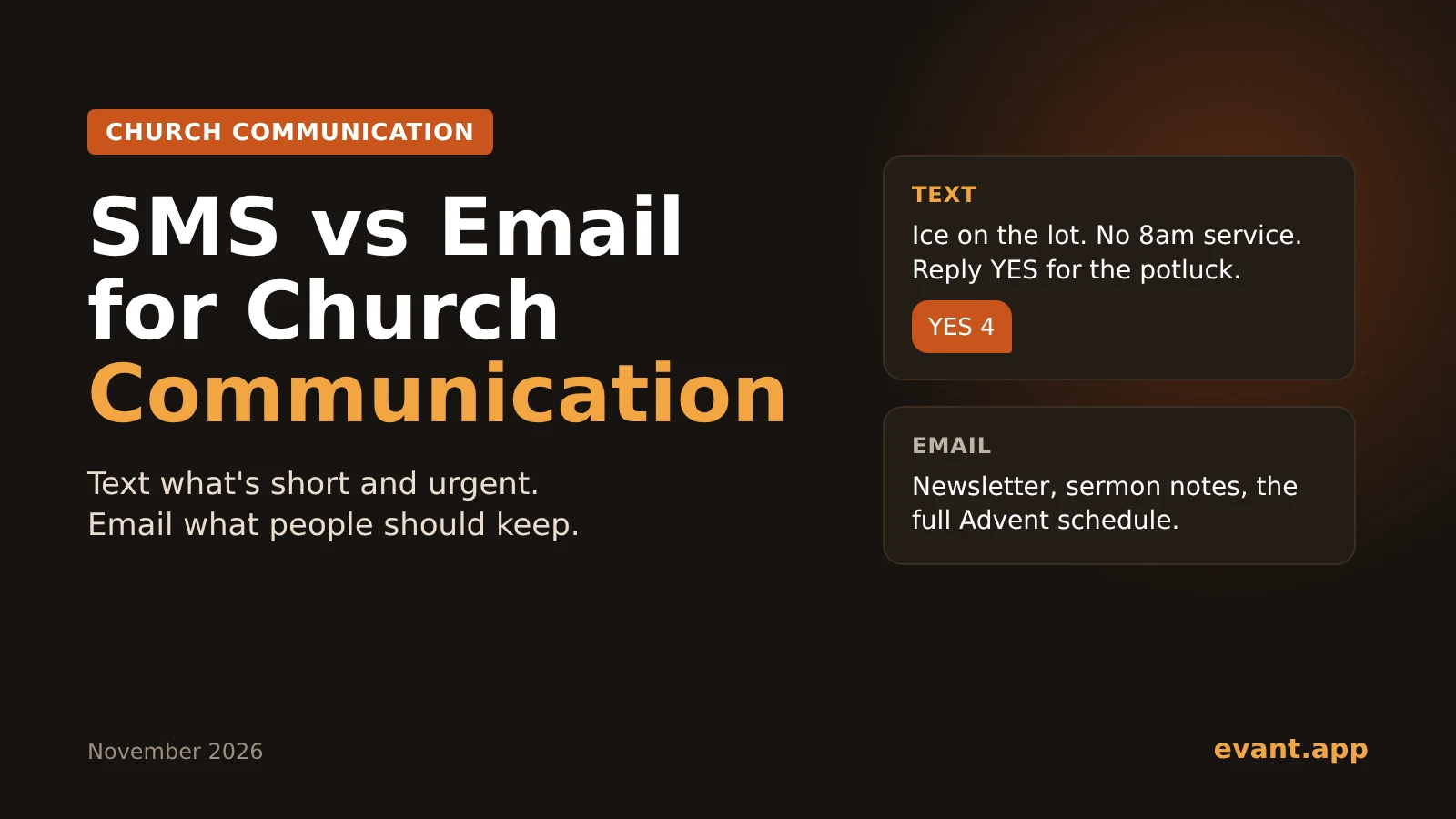
SMS vs Email for Church Communication: What to Text, What to Email (2026)
Michael PedoeemSMS vs email for churches: text what's short, urgent or needs a reply, email what people should keep. Reach, cost, consent and a simple weekly plan.
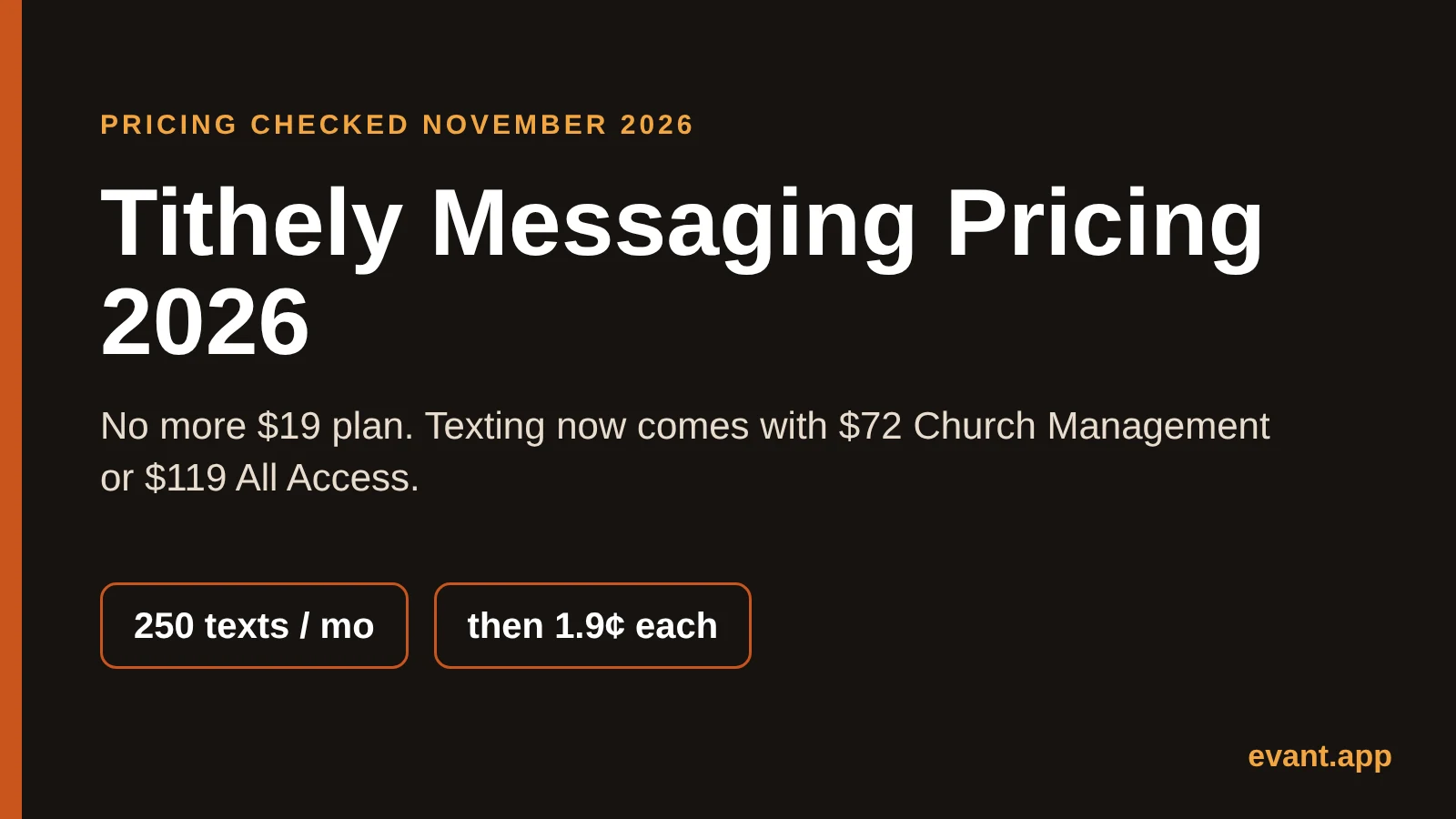
Tithely Messaging Pricing 2026: No More $19 Plan, What Texting Really Costs Now
Michael PedoeemTithely Messaging no longer has a $19 plan. Texting now comes with $72 Church Management or $119 All Access: 250 texts, then 1.9¢ each.





Get the Evant app



